









Luna

Shepherd of Souls

UX Designer, Game Director

7 weeks

20

Luna

Shepherd of Souls

UX Designer, Game Director

7 weeks

20

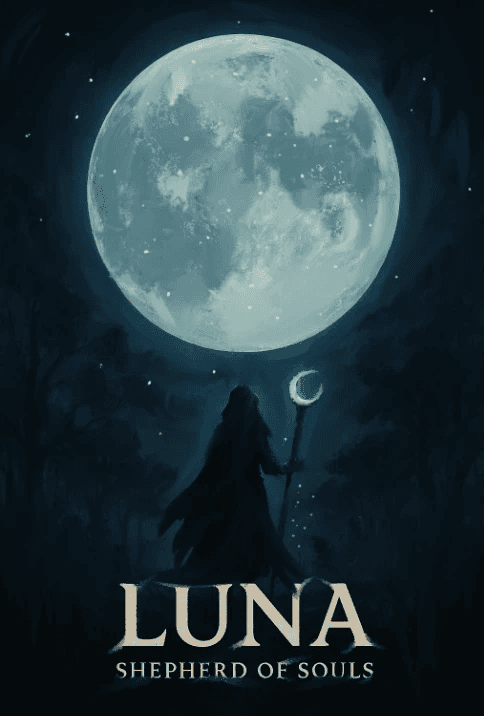
Luna Shepherd of Souls is a narrative-driven puzzle platformer set in a hauntingly beautiful post-calamity world. Players step into the role of Luna, a quiet and compassionate spirit shepherd, journeying through the remnants of a once-thriving land now inhabited by restless spirits. As Luna, you are tasked with helping these lost souls find peace and move on, uncovering their stories through emotional encounters, environmental clues, and dreamlike visions.


This was during the Game Project 3 course at Futuregames.

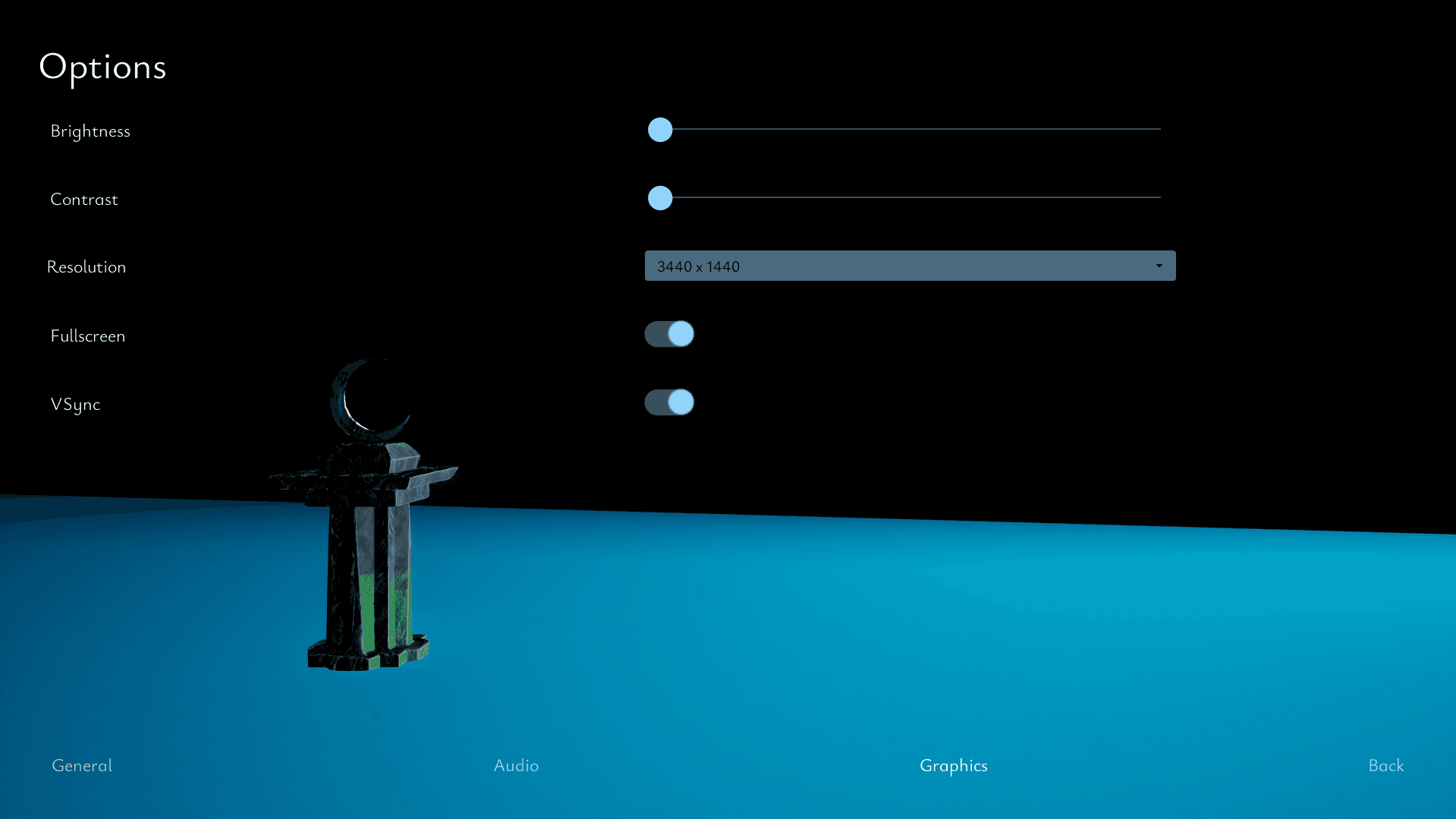
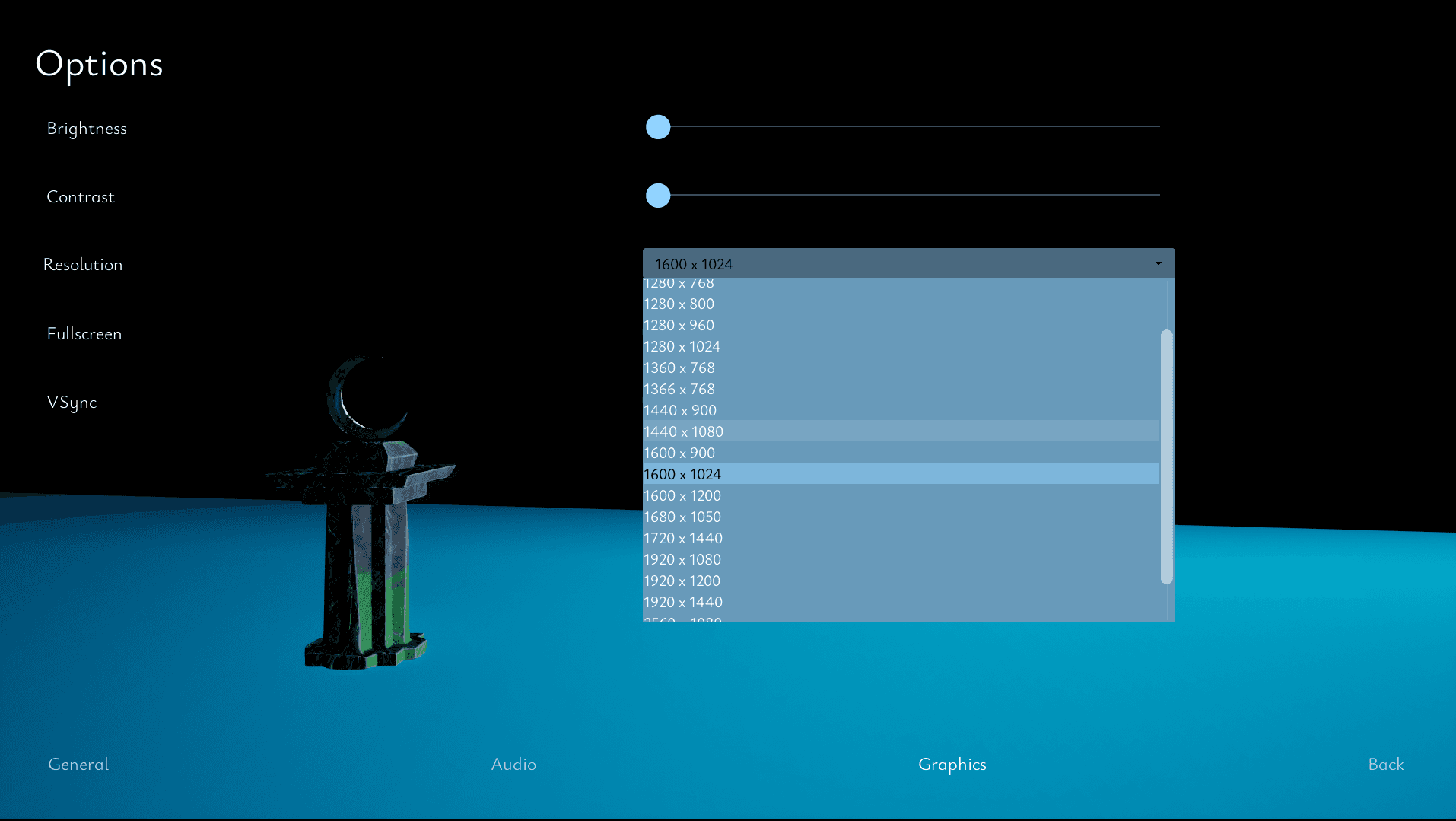
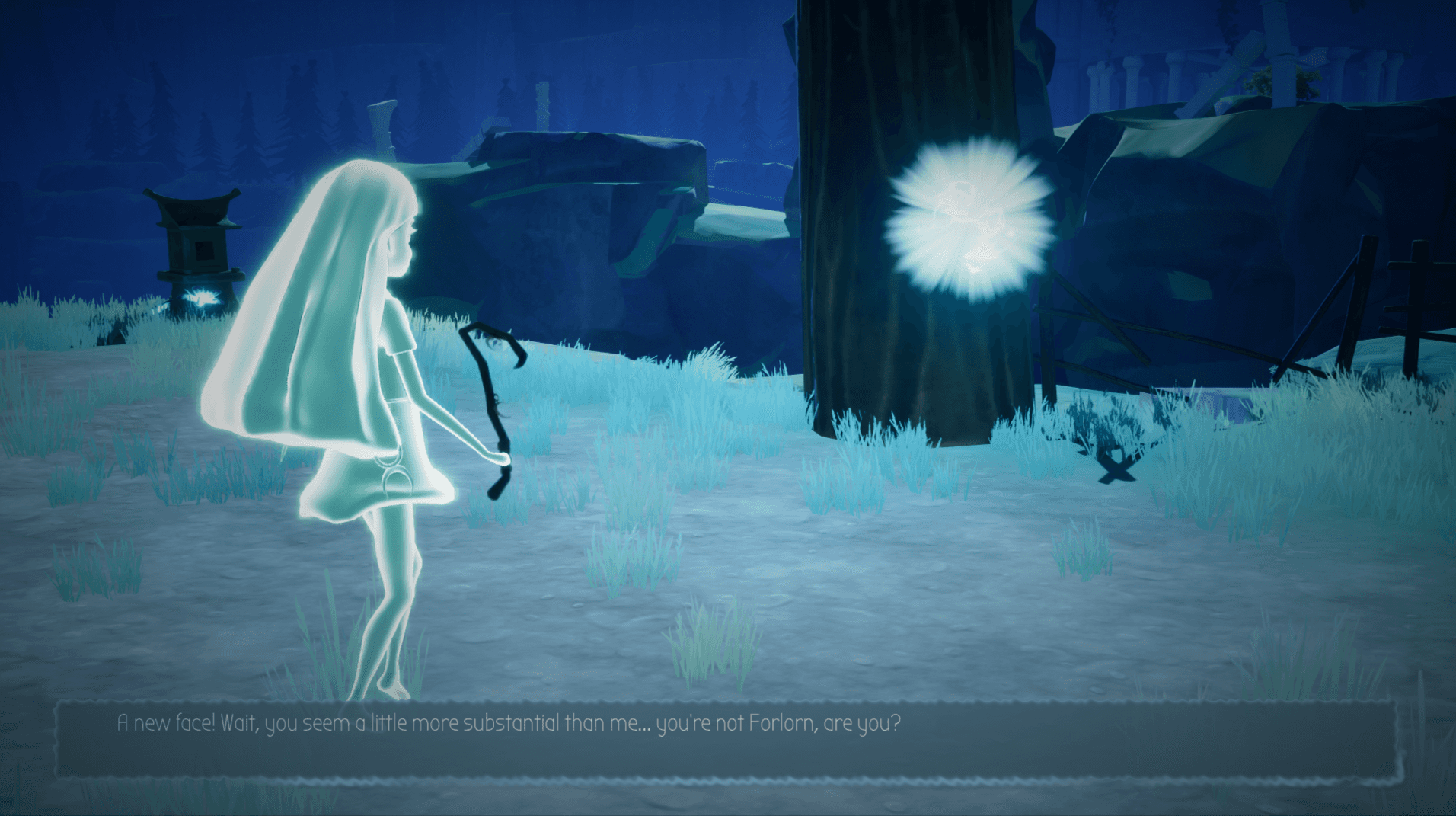
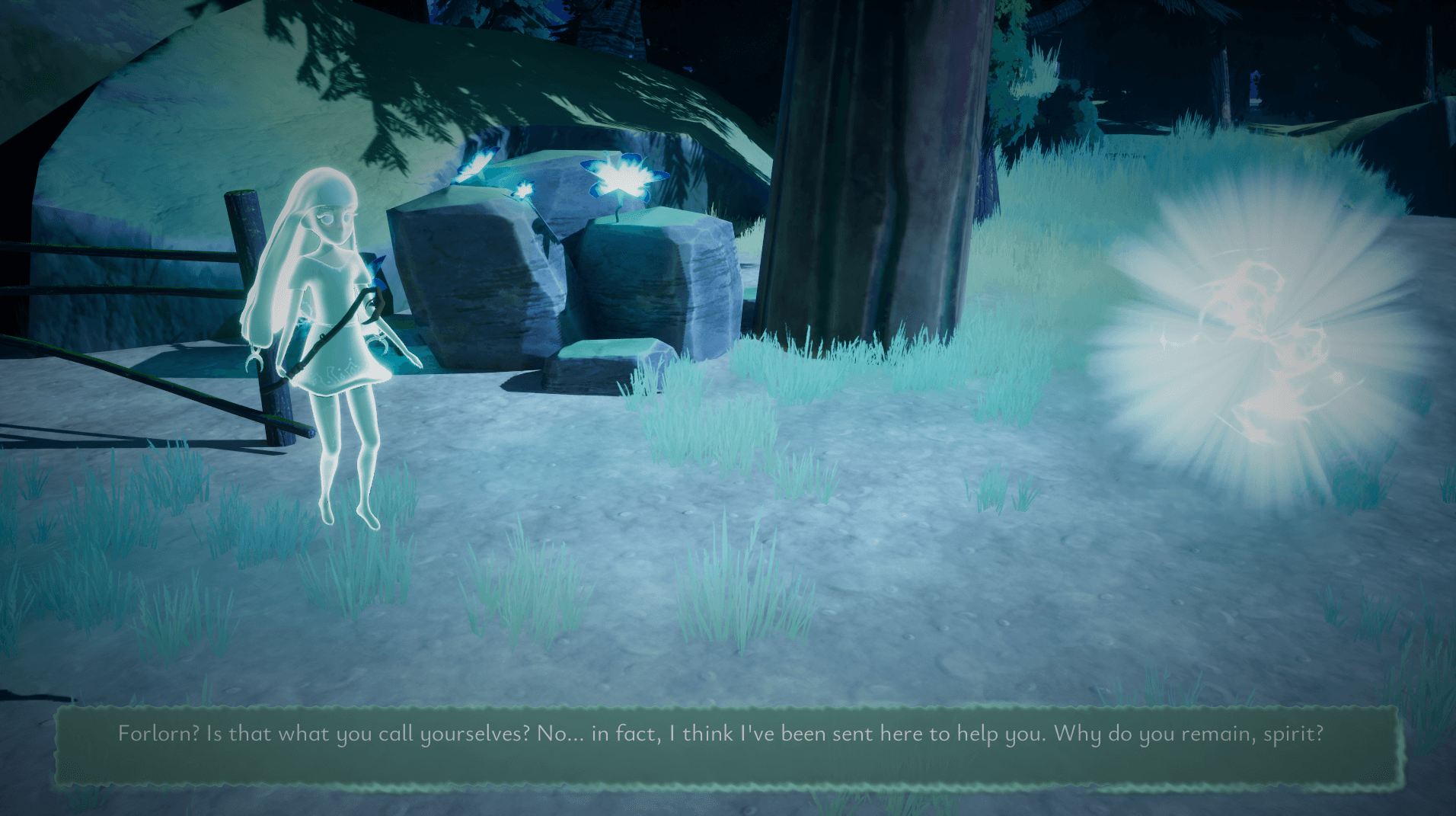
As a UX designer I designed the menues, interaction- and tutorialization pop-ups, and subtitle backgrounds.

As the Game Director I helped with the creative direction, conducted meetings with the team leaders to get update on how the its going in the teams and made creative decisions when there where differences between the teams, and kept tabs on the Game Design Document.

Luna Shepherd of Souls is a narrative-driven puzzle platformer set in a hauntingly beautiful post-calamity world. Players step into the role of Luna, a quiet and compassionate spirit shepherd, journeying through the remnants of a once-thriving land now inhabited by restless spirits. As Luna, you are tasked with helping these lost souls find peace and move on, uncovering their stories through emotional encounters, environmental clues, and dreamlike visions.

This was during the Game Project 3 course at Futuregames. As one of the UX designers I designed the menues, interaction- and tutorialization pop-ups, and subtitle backgrounds.

Luna - Shepperd of Souls

on Itch.io ->

Menu Research

Menu Research

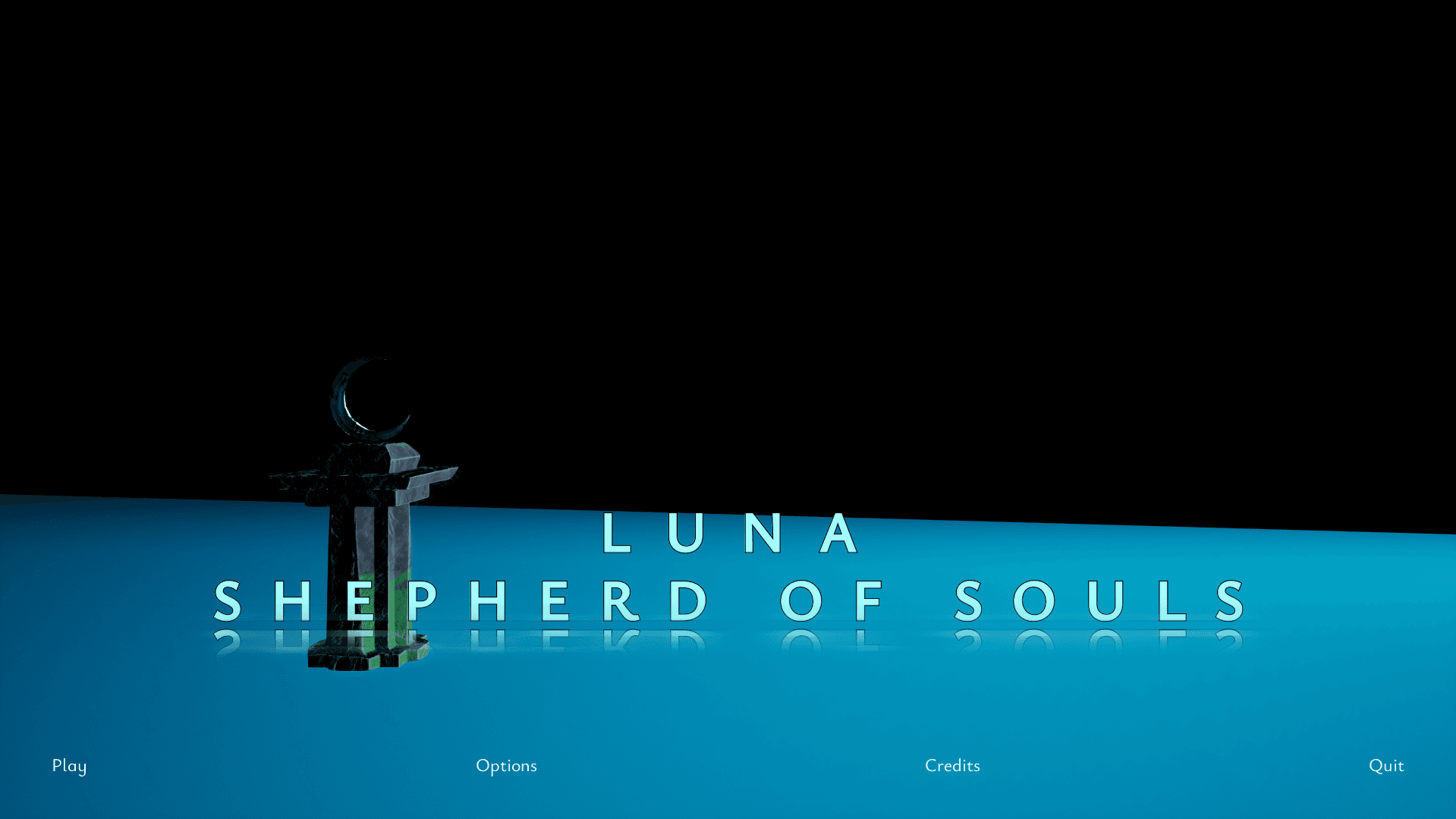
When designing the menus, I started with researching and looking for inspiration for what kind of menus would match the game. As it would be narrative-driven, I wanted the menus to be scaled down with clean fonts. As it where our first Game Project after learning Unreal Engine 5, I was enticed by the idea of a main menu with the game in the background that would seamlessly start the game without transition.

Choosing Fonts

Choosing Fonts

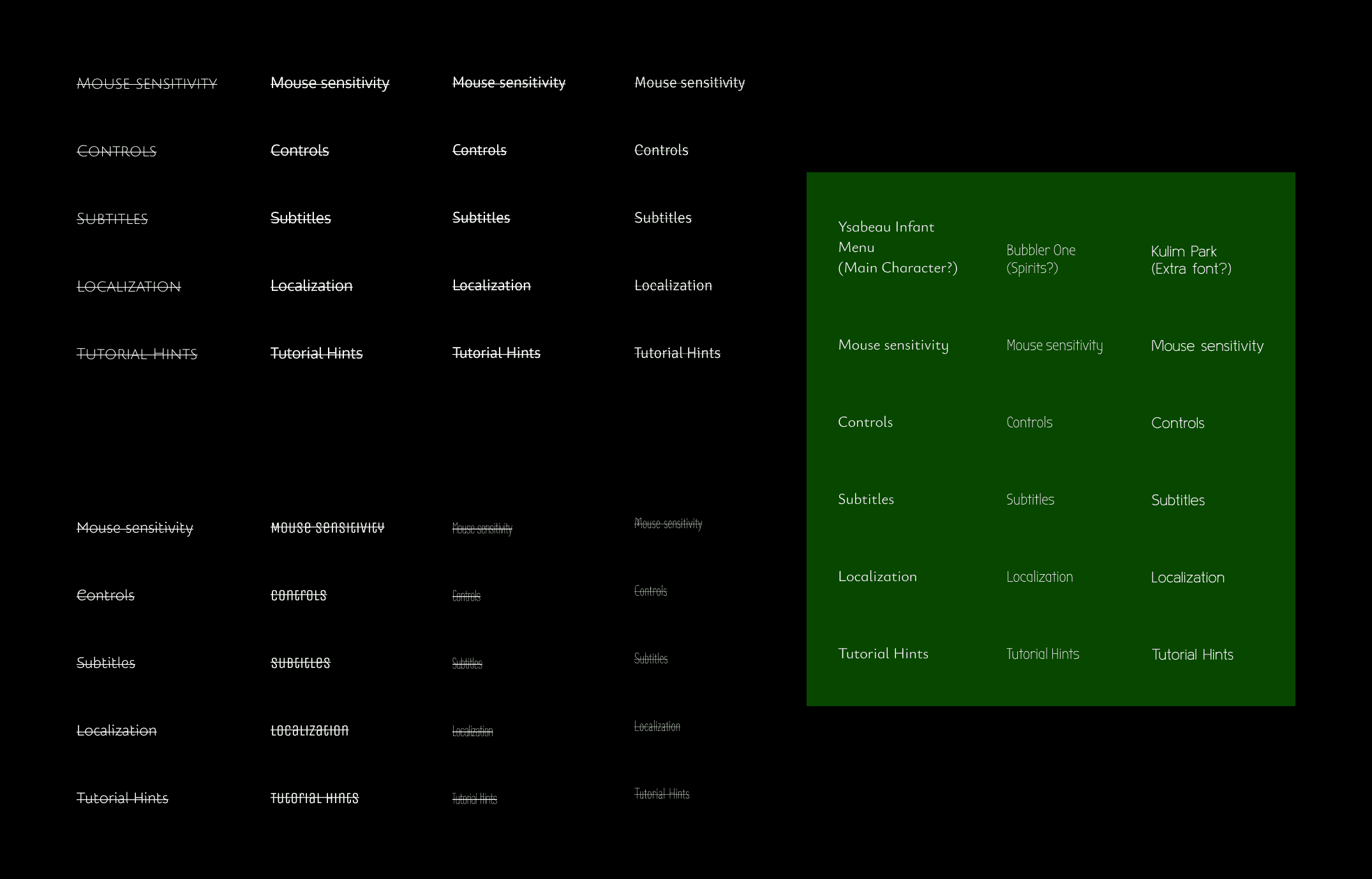
I wanted the fonts to be easy to read, and having an ethereal feel to it. Due to the narrative driven part of the game the fonts would not only be for menus, but also for dialogue as we wanted different fonts to distinguish who is talking. So I wanted two fonts that would fit with each other, but still be distinguishable from each other. After looking into some fonts I ended up with 3 fonts, one main font for the menus and the main character, one for the spirits she'll encounter, and one extra if needed.
Figma Whiteboxing

Figma Whiteboxing

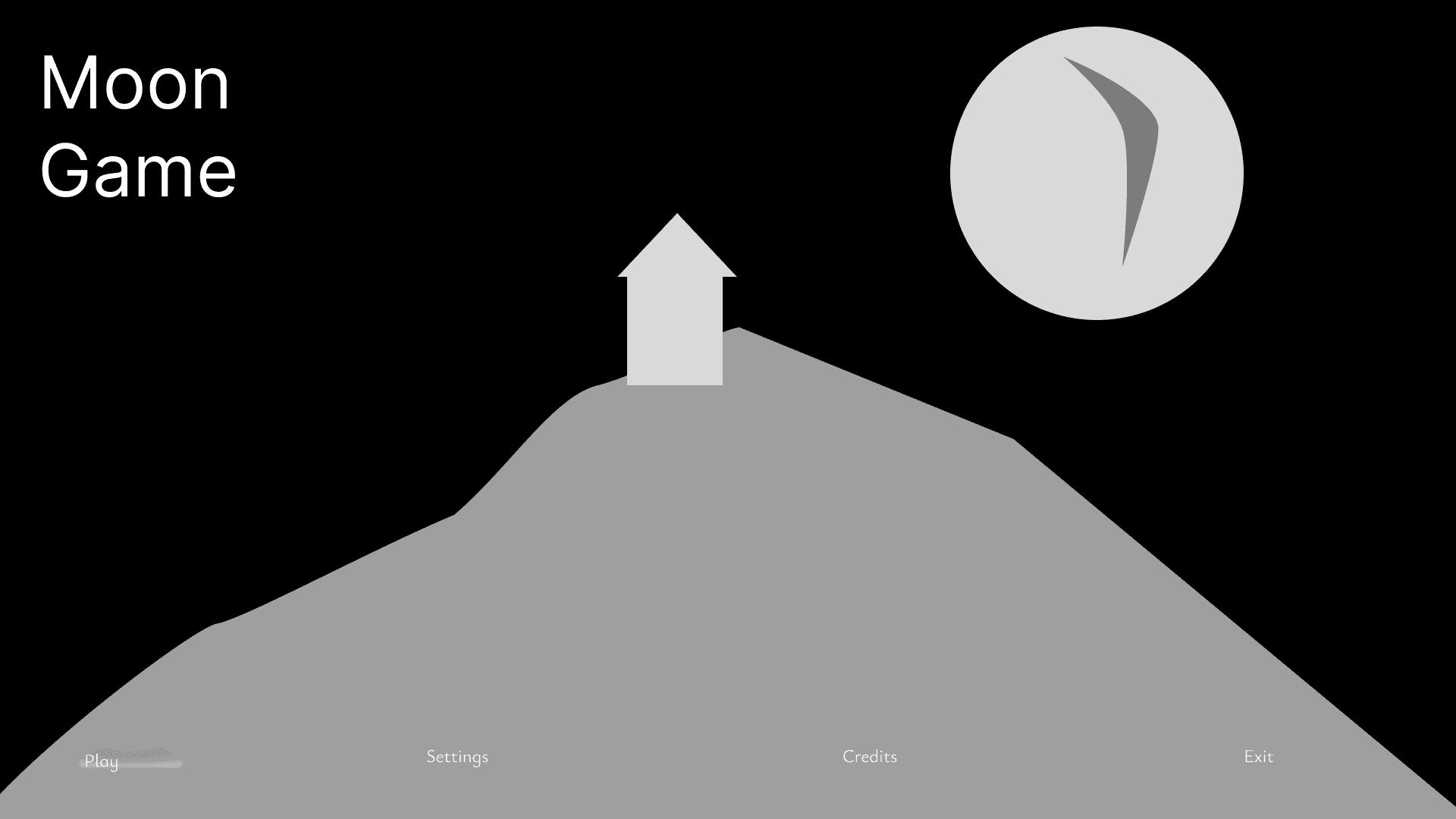
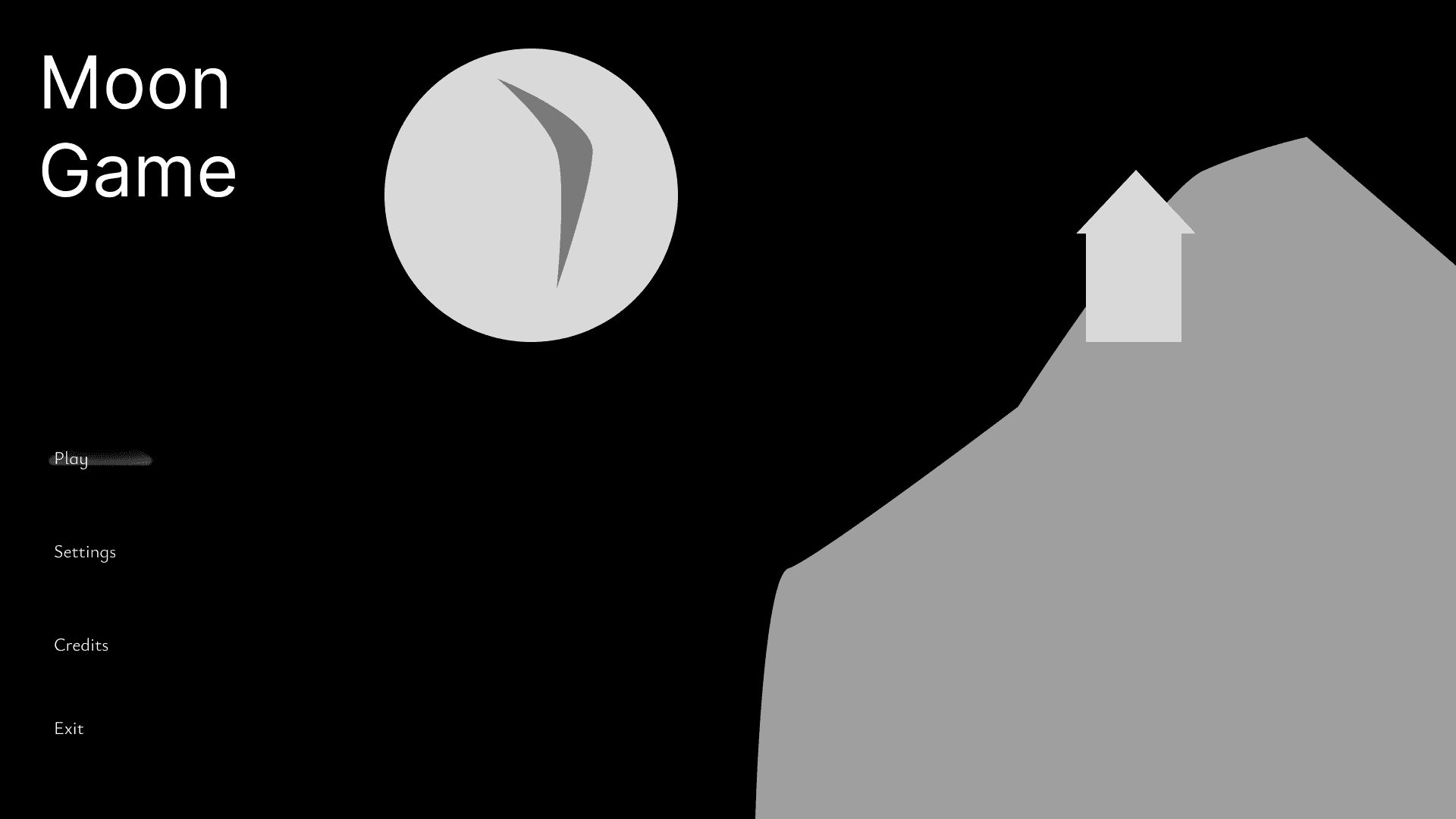
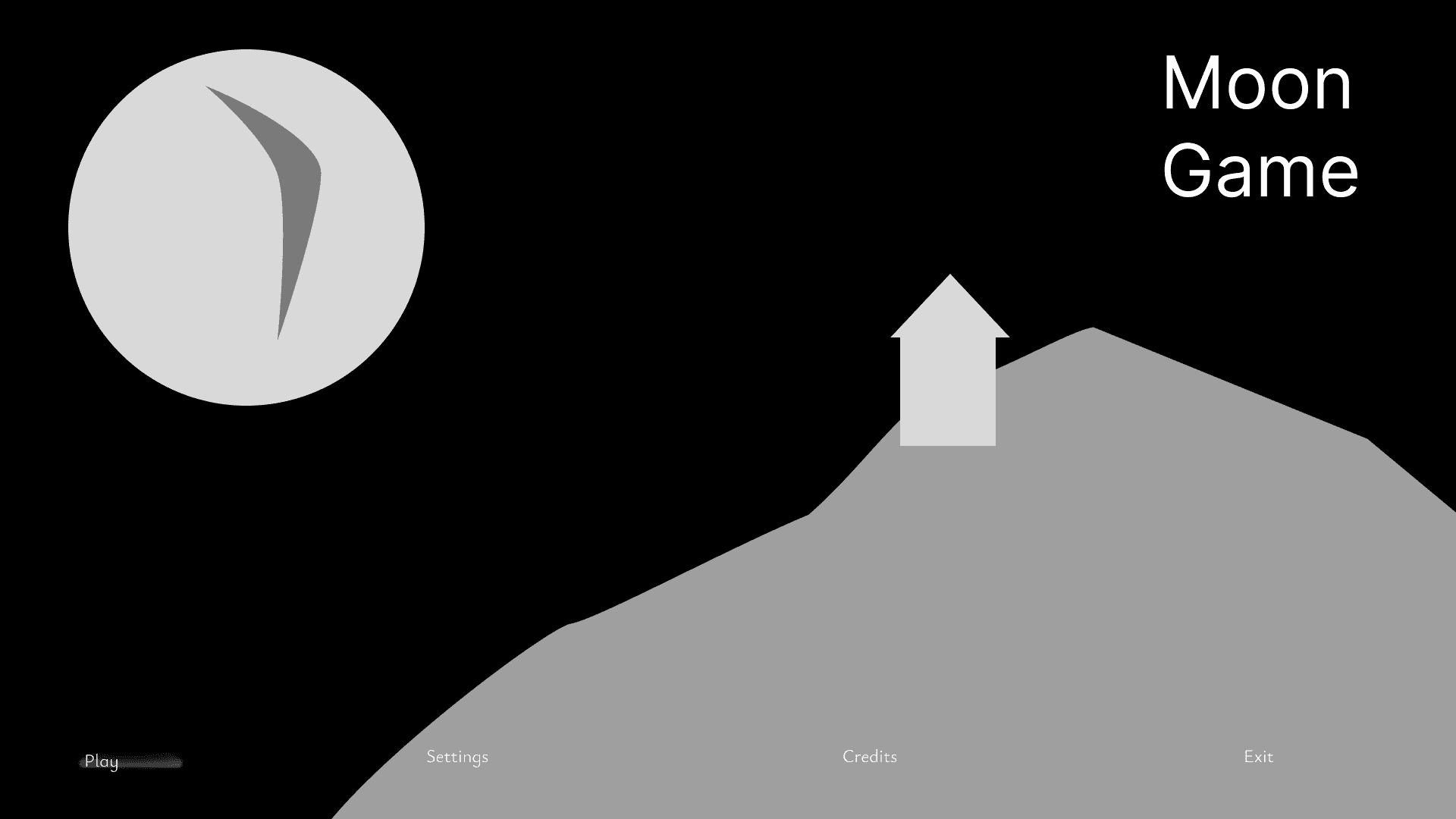
I made some whitebox sketches of the layout of the main menu.

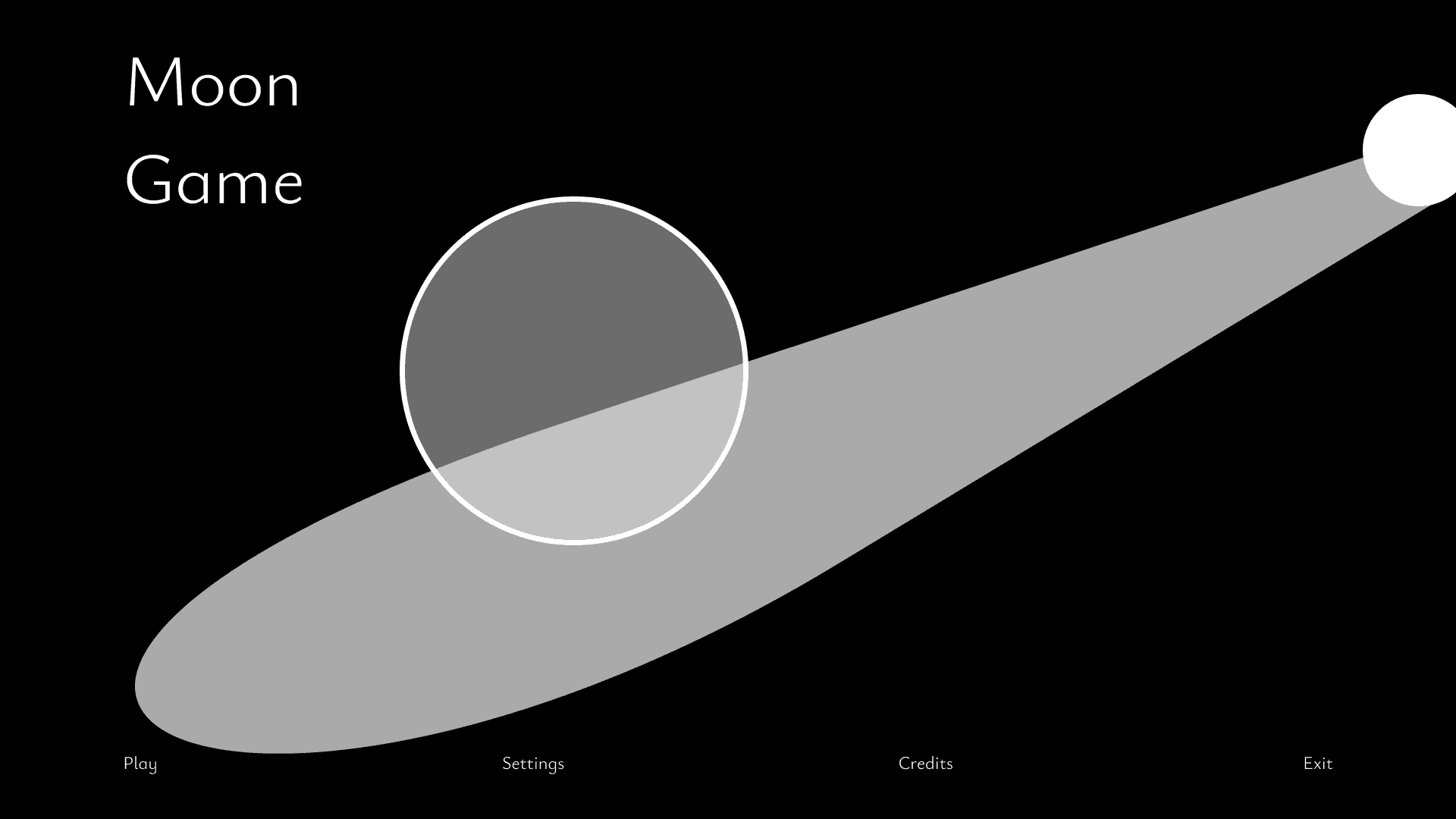
During the discussions about where the player would begin, we agreed that the player would start in a dark cave with the moon light streaming in from its opening, metaphorically making the player "go into the light at the end of the tunnel at the start of the games.

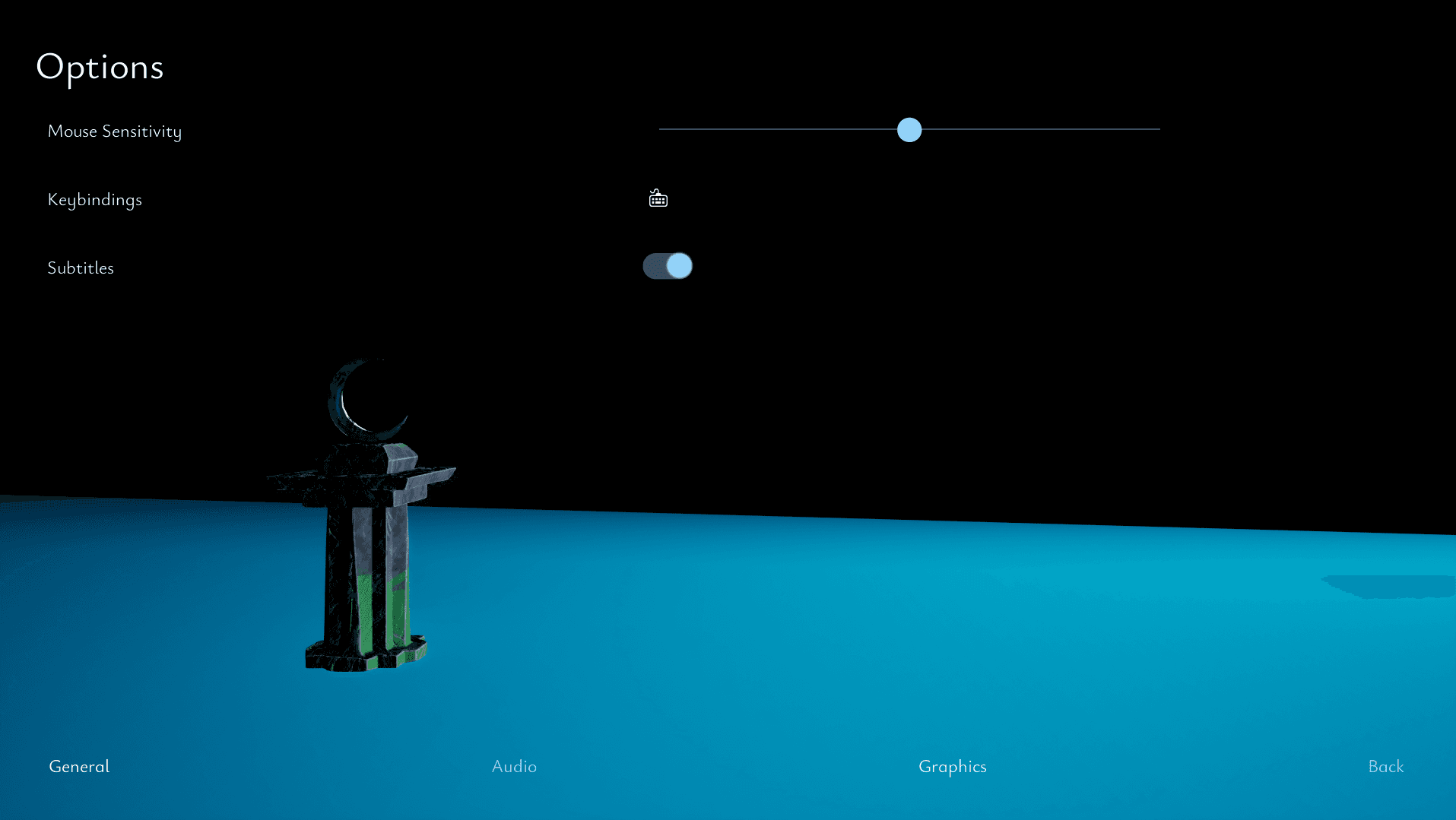
I decided to have the menu buttons aligned across the bottom of the screen to match with the subtitles of this narrative driven game. For the pause menu, I decided to allow the different options buttons to always be on screen to minimize the steps needed to change any options, and to not overcrowd the bottom bar I moved them to the left of the menu instead. I also wanted the "Play" and "Continue" buttons and the "Quit" and "Main Menu" buttons to be placed approximately on the same spot as to not create any accidental missclicks.

One idea for instilling chronophobia was to have the player urgently needing to reach a goal, but while running towards the goal, the goal never gets closer. I felt like it would be an unique way to create the feeling of time running out without relying on a visible countdown timer. For this idea to work, I had to figure out if it were even possible for me to create that effect, as this where my second project I worked on in this engine. One idea for this where with the game set in a school, and the player needed to reach the door at the end of the corridor, but the door didn't get closer despite the character running through the corridor. This is why I internally started to call this idea "The Corridor".


Figma Whiteboxing

Figma Whiteboxing

Here is a functioning prototype for the whiteboxing of the menus. I wanted the buttons to be clean text, with a highlight on hover resembling a light shining on it.

I decided to have the menu buttons aligned across the bottom of the screen to match with the subtitles of this narrative driven game. For the pause menu, I decided to allow the different options buttons to always be on screen to minimize the steps needed to change any options, and to not overcrowd the bottom bar I moved them to the left of the menu instead. I also wanted the "Play" and "Continue" buttons and the "Quit" and "Main Menu" buttons to be placed approximately on the same spot as to not create any accidental missclicks.

Here is a functioning prototype for the whiteboxing of the menus. I wanted the buttons to be clean text, with a highlight on hover resembling a light shining on it.

In Game Menus

In Game Menus

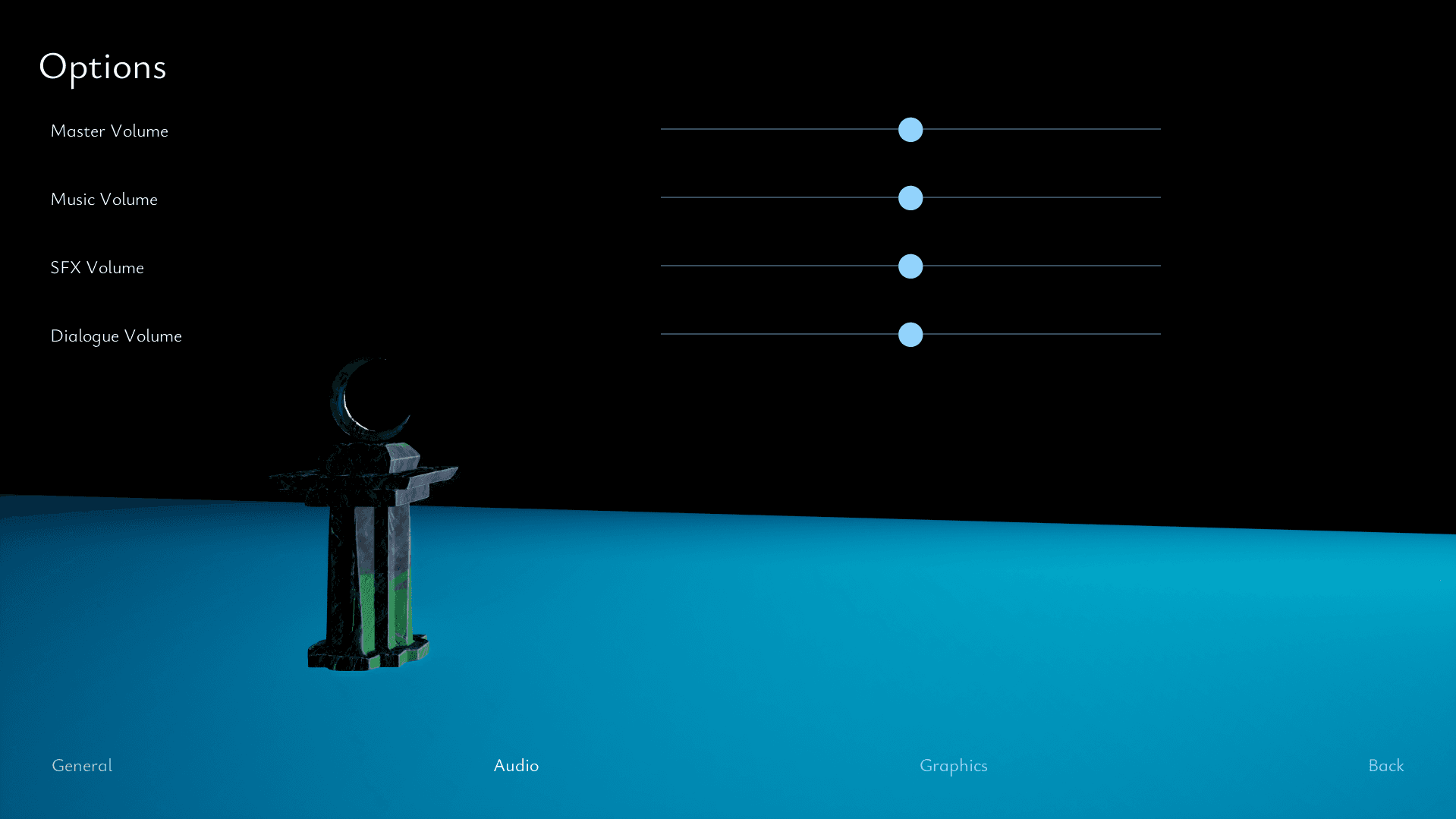
When designing the menus, I started with researching and looking for inspiration for what kind of menus would match the game. As it would be narrative-driven, I wanted the menus to be scaled down with clean fonts. As it where our first Game Project after learning Unreal Engine 5, I was enticed by the idea of a main menu with the game in the background that would seamlessly start the game without transition.
Subtitle Background

Subtitle Background

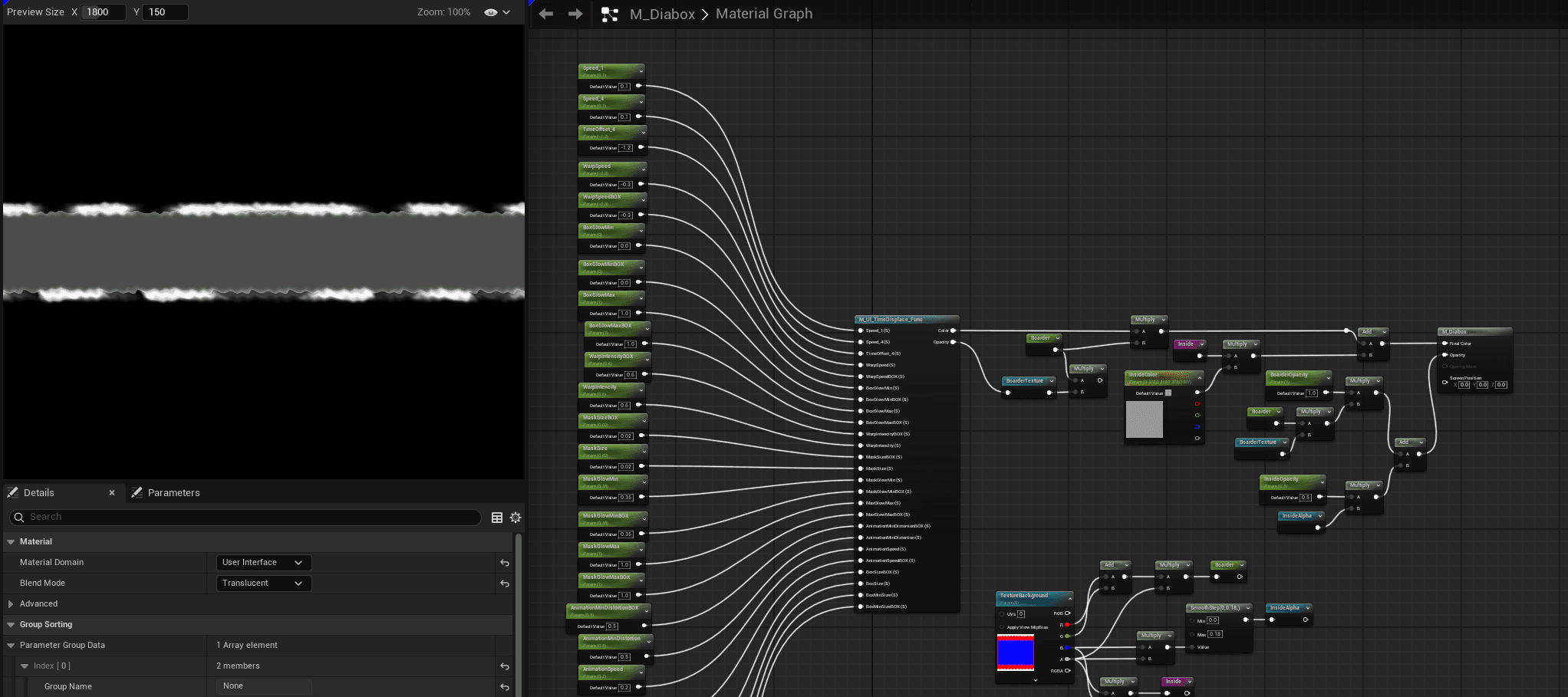
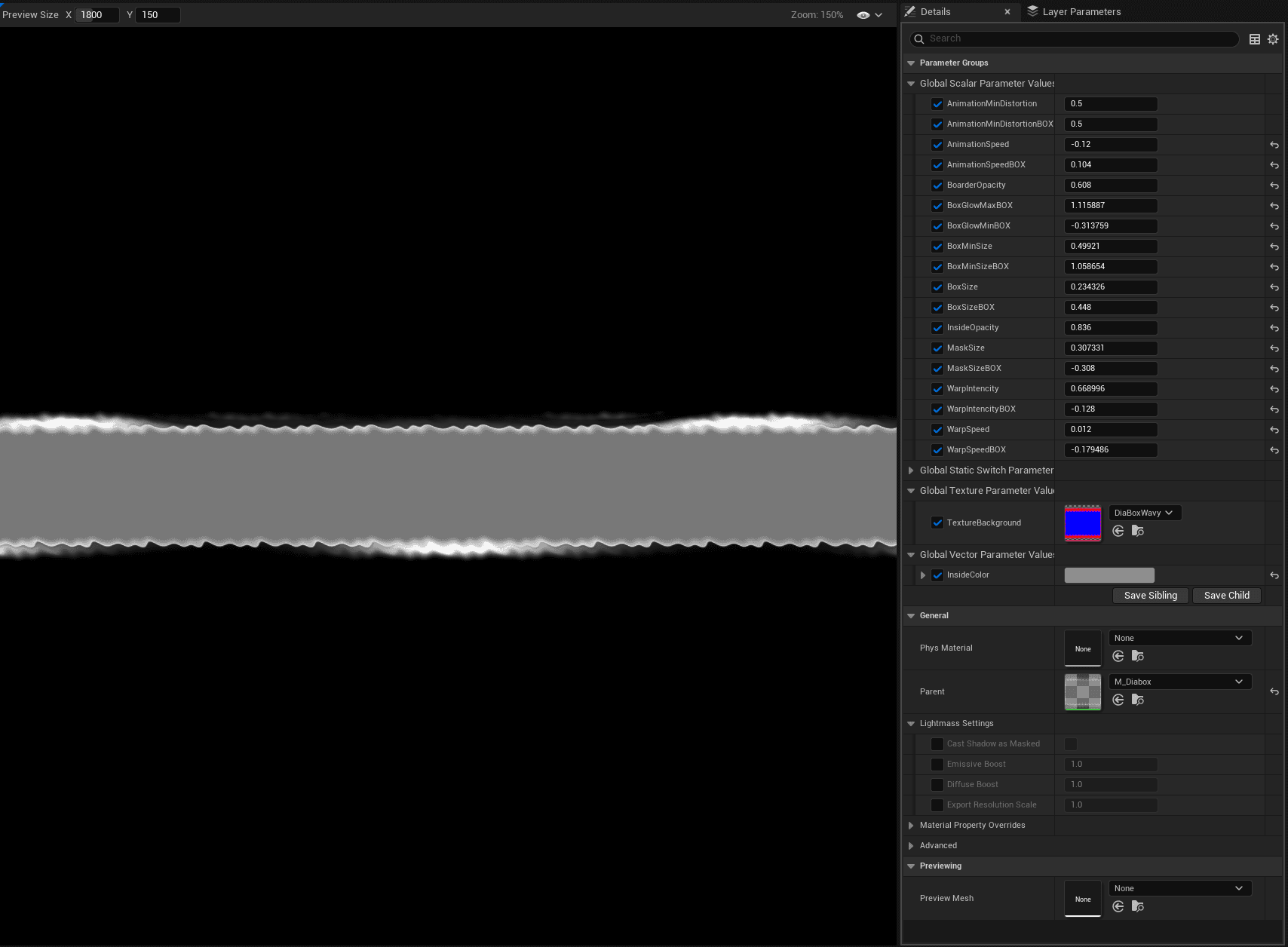
I wanted the background for the subtitles to be animated and able to change colours depending on who is talking. To be able to create that effect I made a blue and red "Alpha backplate" in which I could separate the colours from. I imported a material function from Epic's UI Material Lab and created an animated UI material.

Tutorialization Pop-Up

Tutorialization Pop-Up

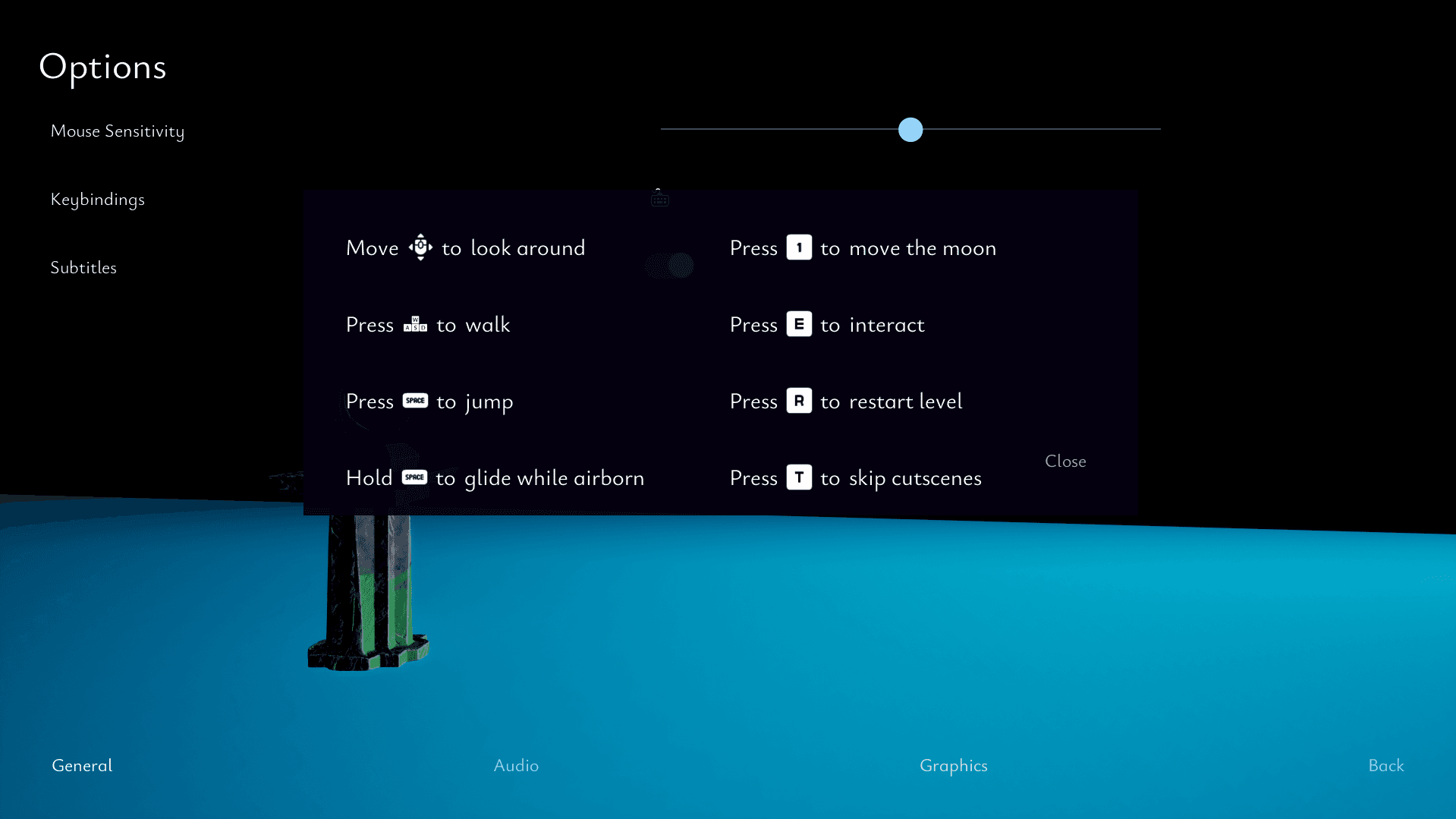
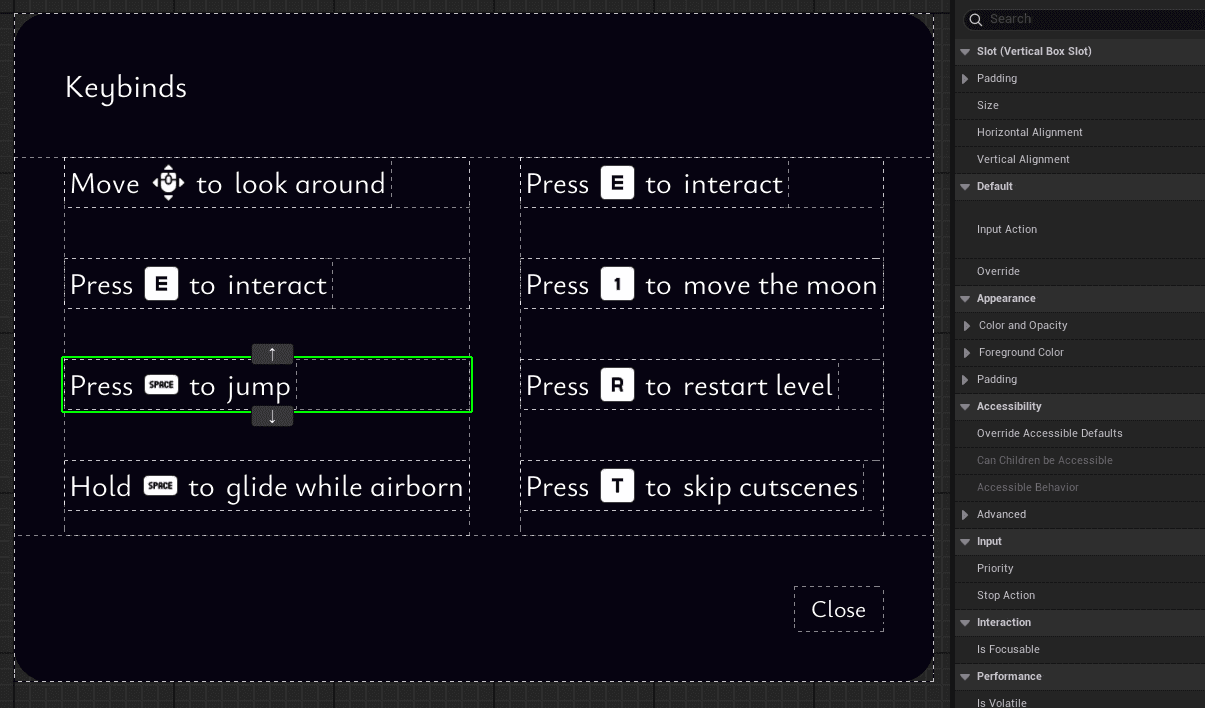
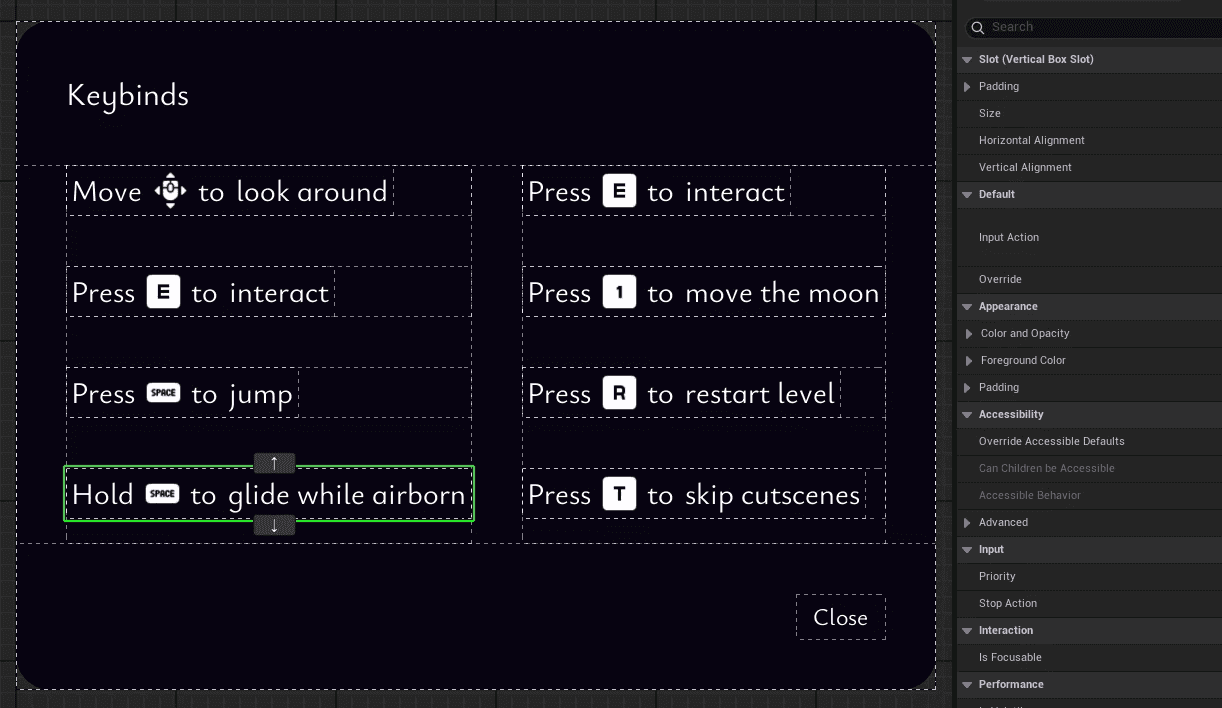
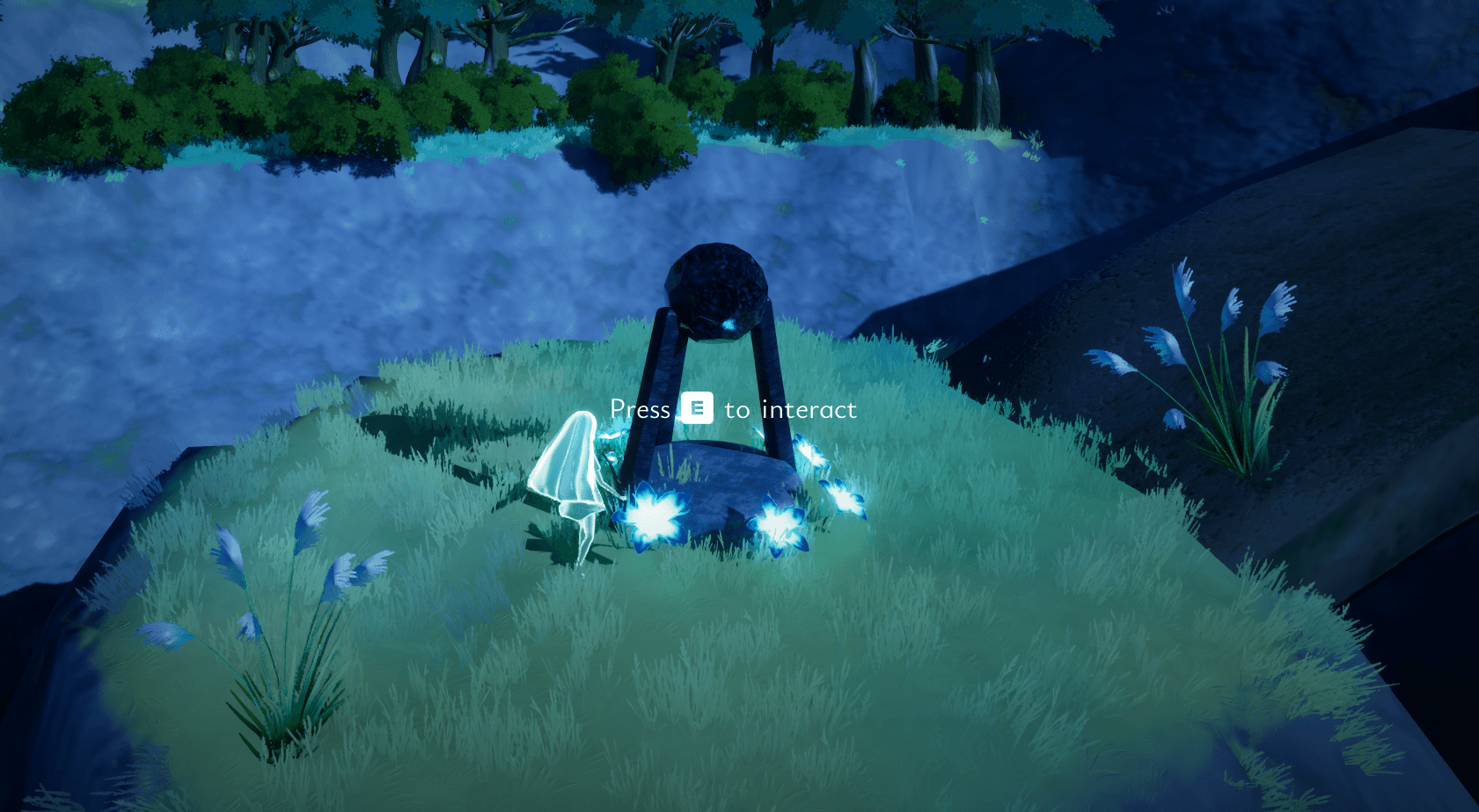
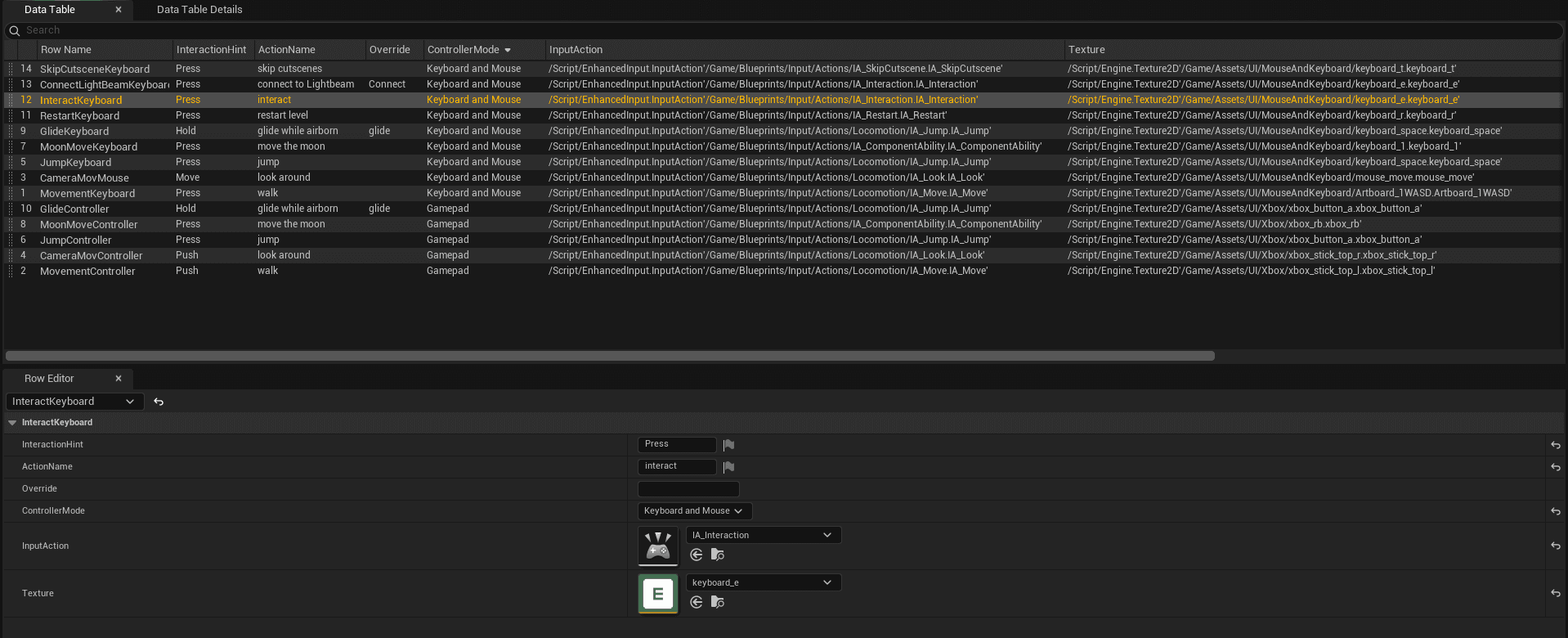
I created an Interaction Popup Widget that reads information from a Data Table for what text and images it's going to show. It works both for in game tutorialization and to show the keybinds in the options menu.
Take Aways

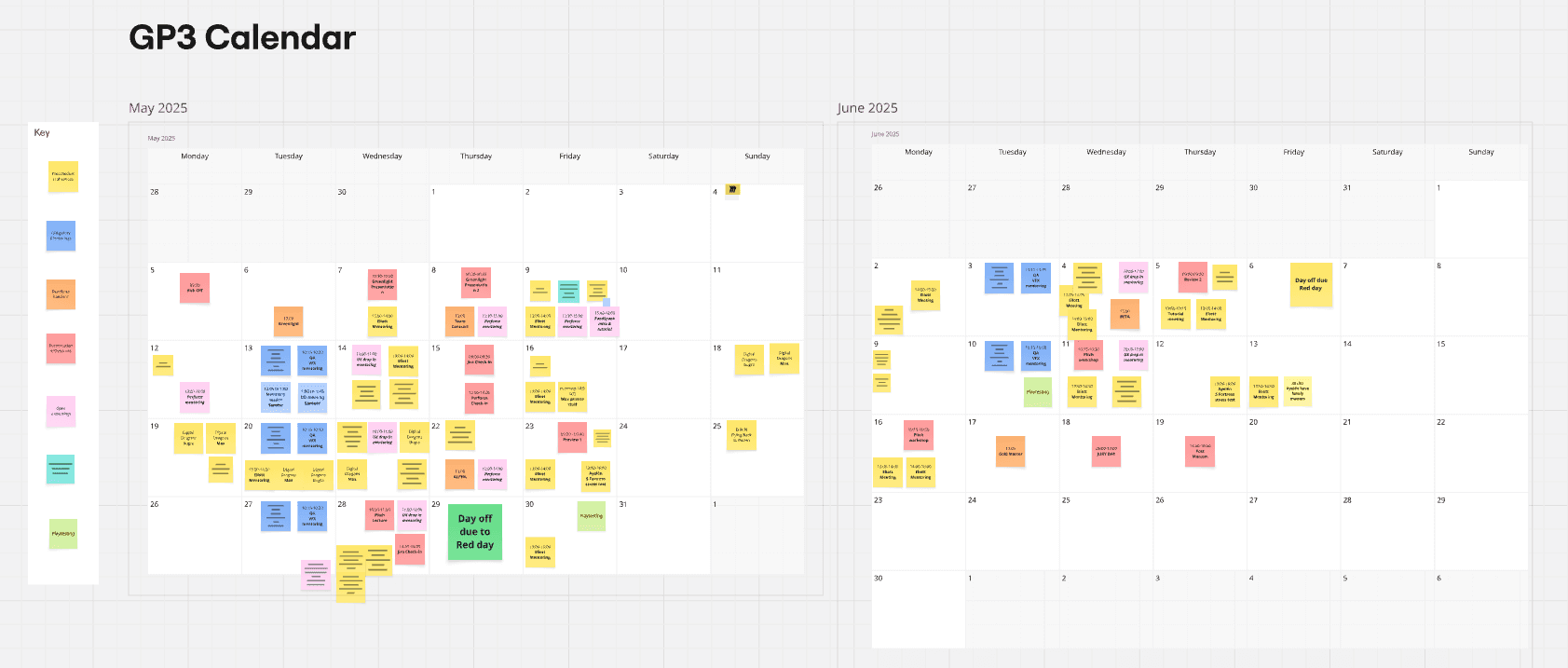
Working in a big team of 20+ people can be a challenge, and with our short timeline of 7 weeks to complete a game from scratch, efficient communication became a crucial part. We worked together by utilizing a discord server as our team where spread across three locations in Sweden as well as Warsaw. But as people have different availabilities and our timeframe demanded quick decision making, it became important to know when people where unavailable. I created a calendar in our shared Miroboard where we could update when we were unavailable, which both helped the people working to know when someone where available again, and for anyone being unavailable at the moment not getting messages they can't answer then and there.

Back to home page ->

Create a free website with Framer, the website builder loved by startups, designers and agencies.