
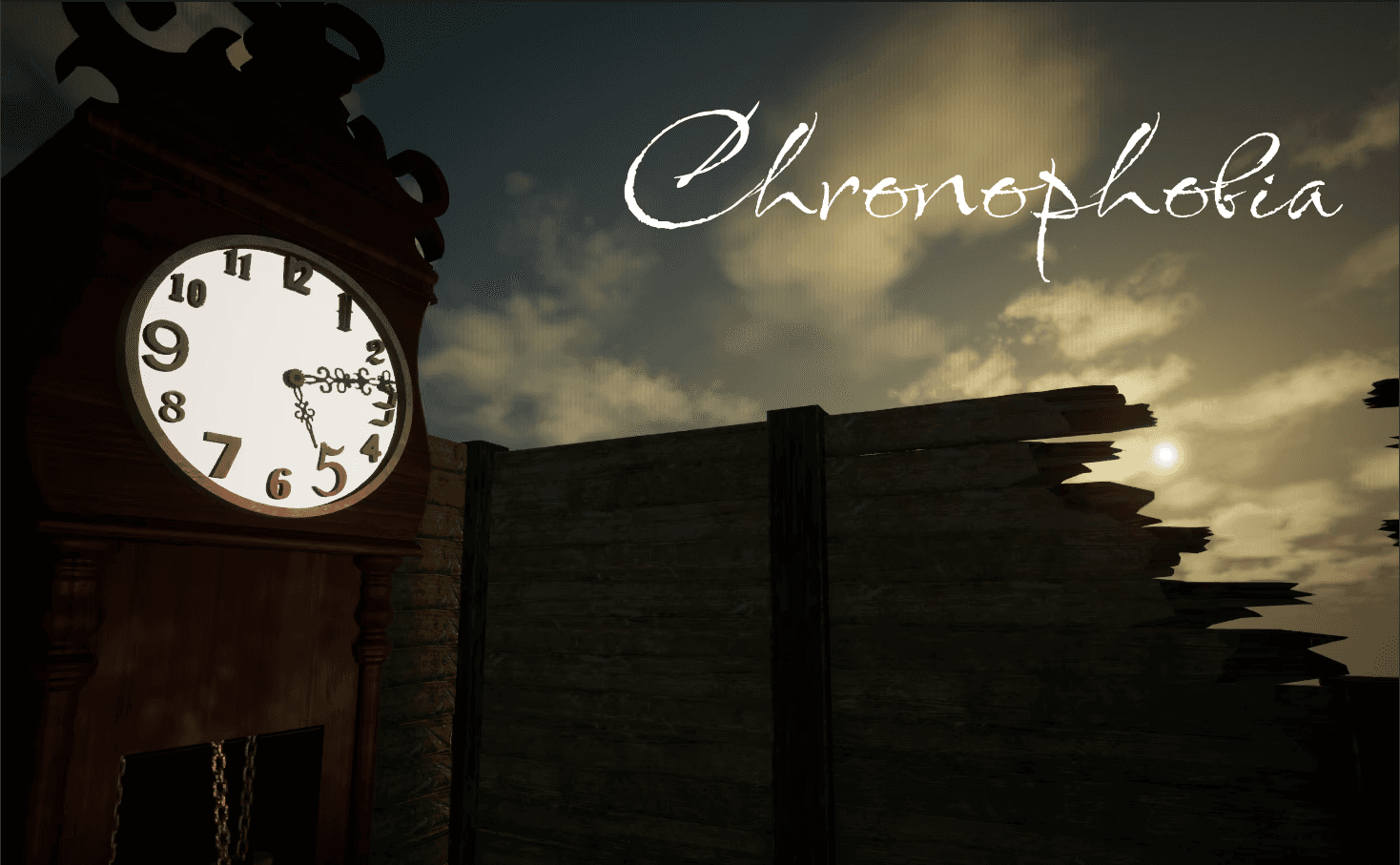
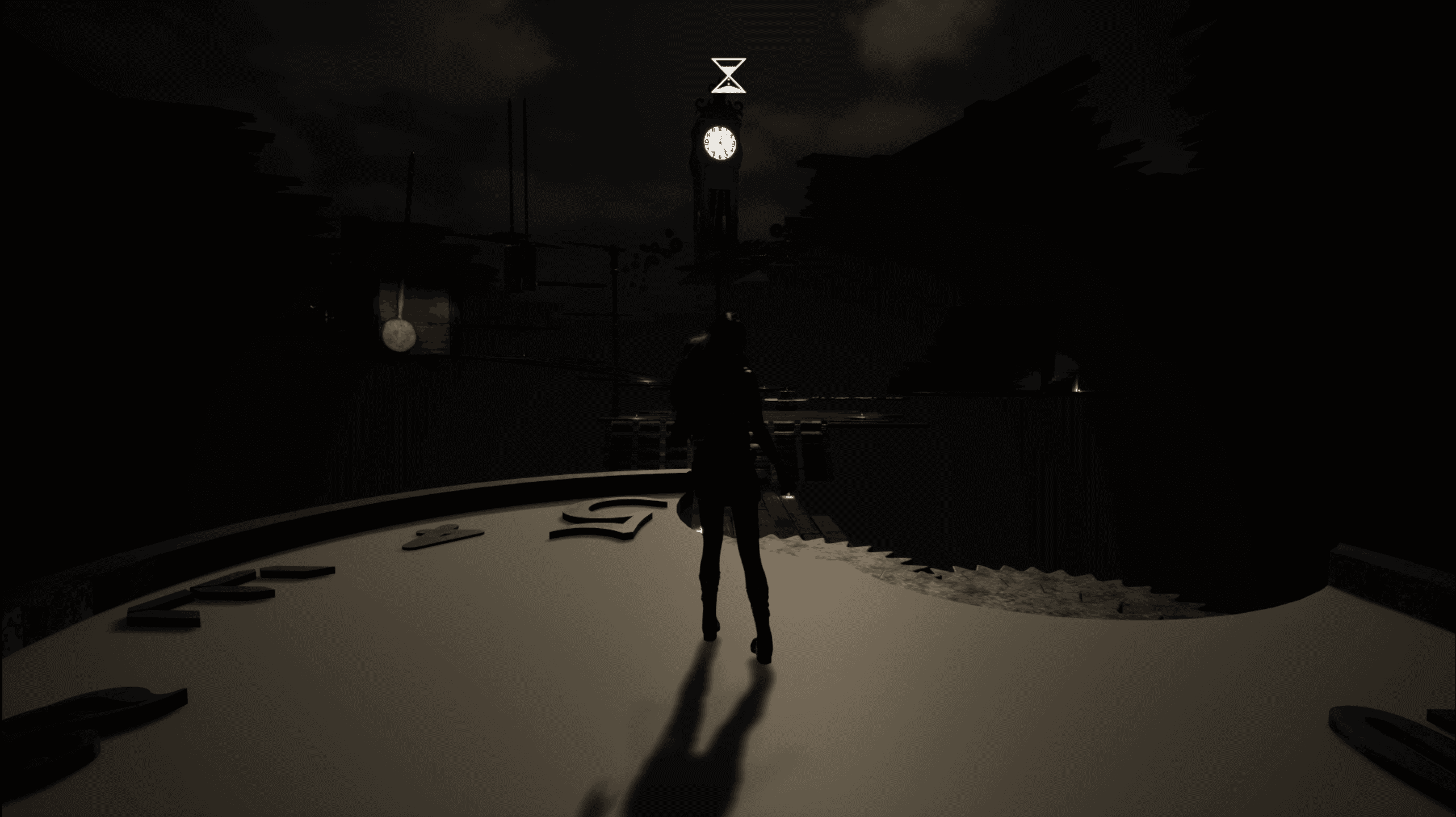
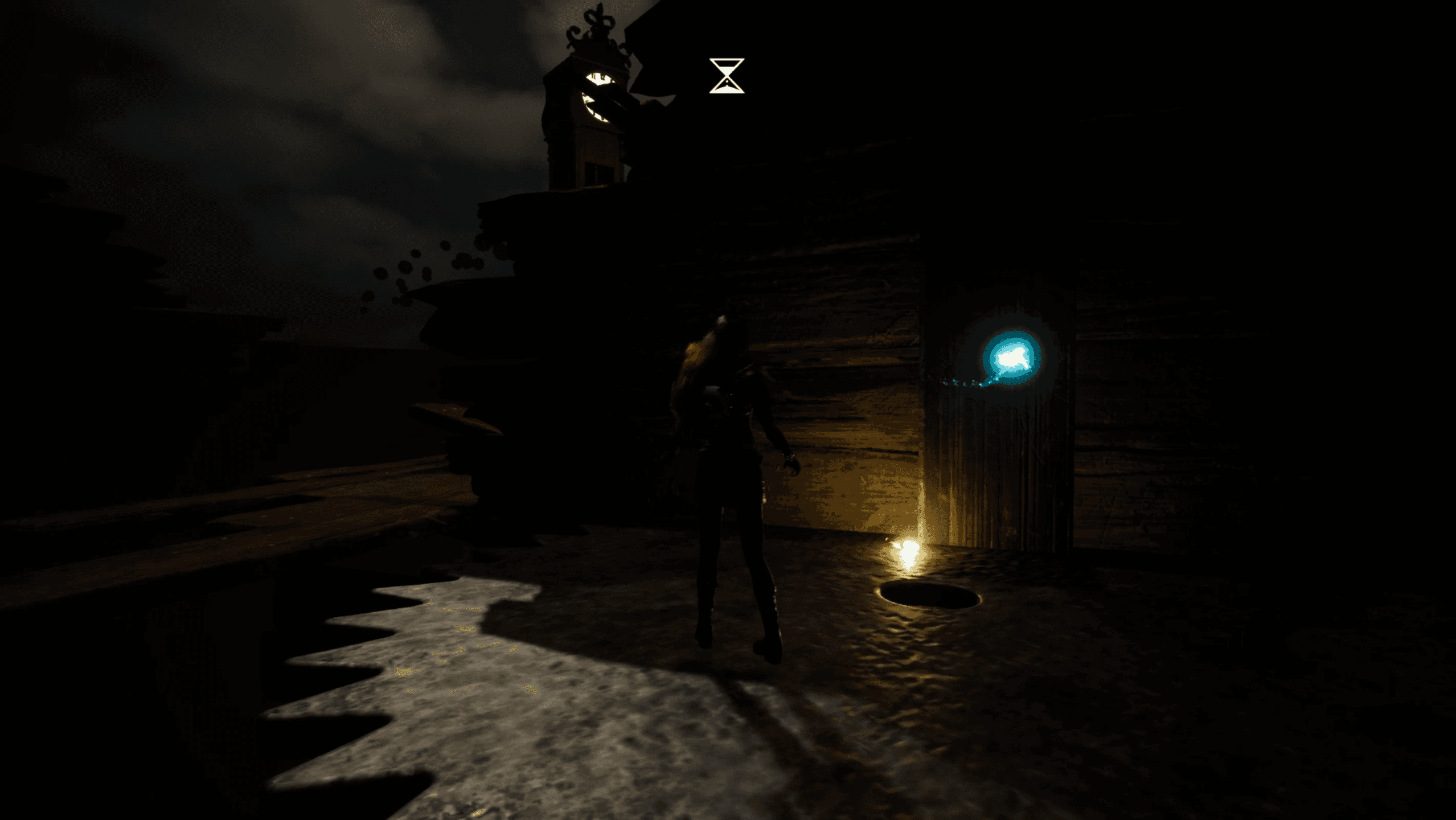
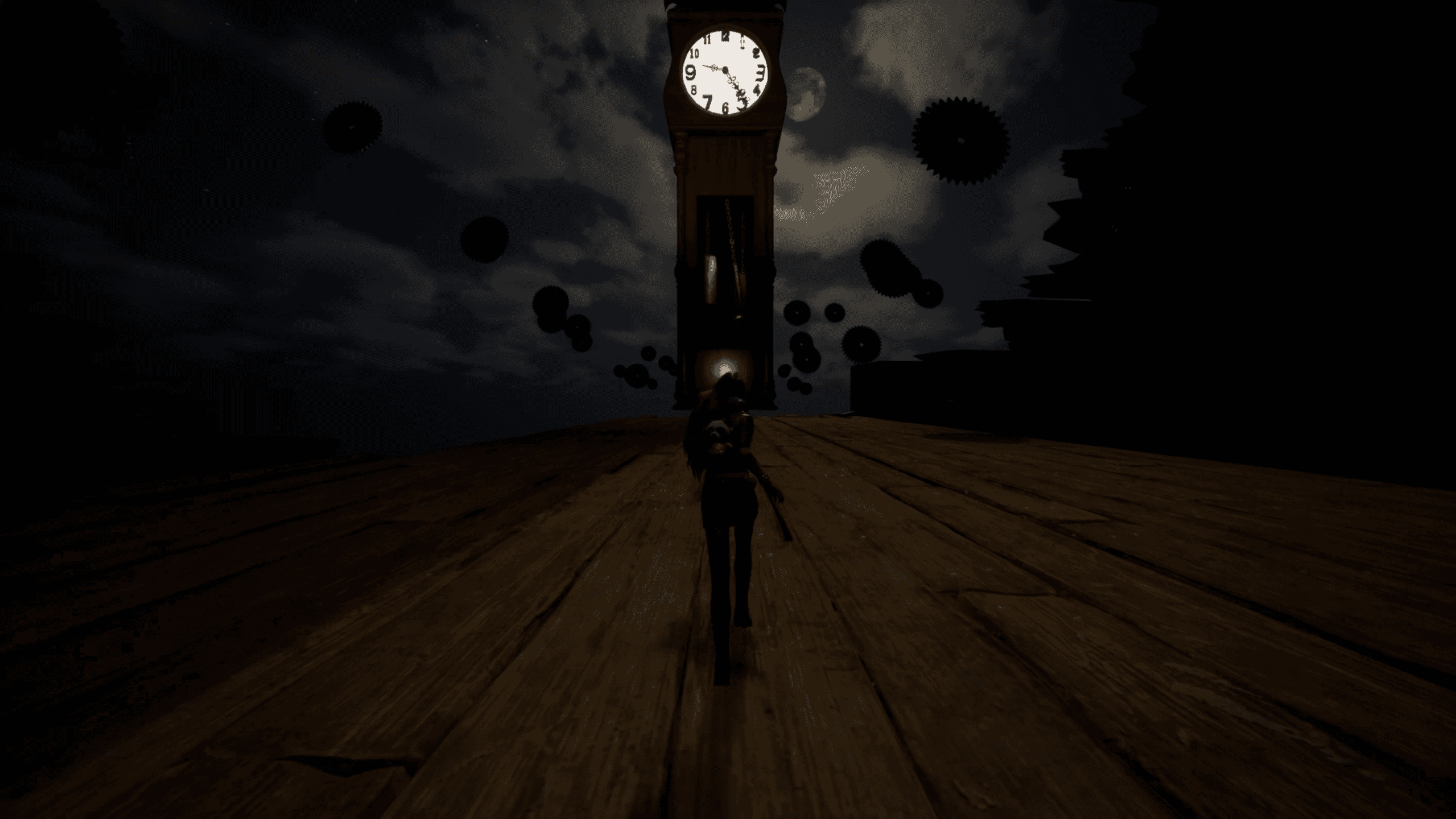
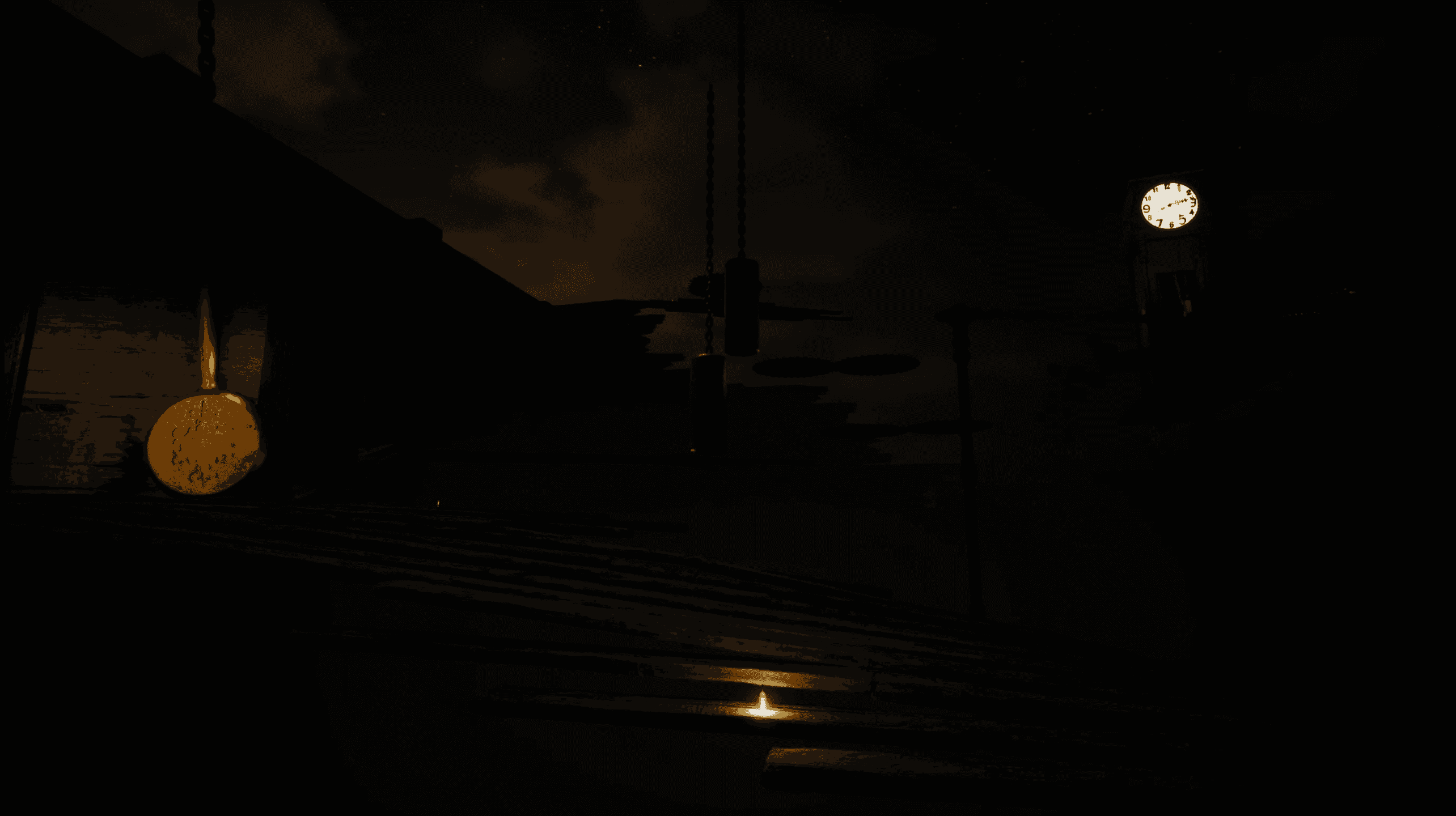
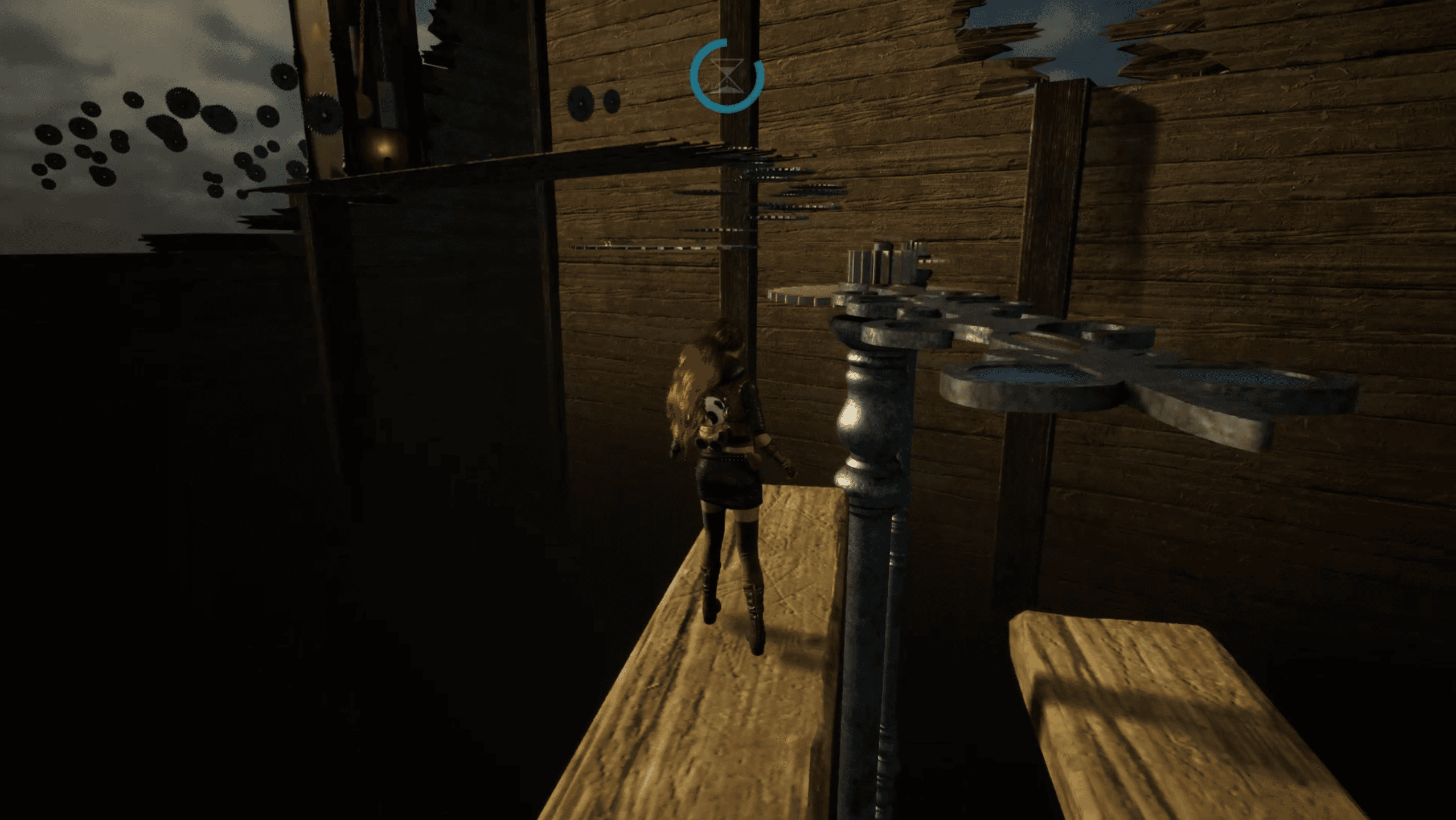
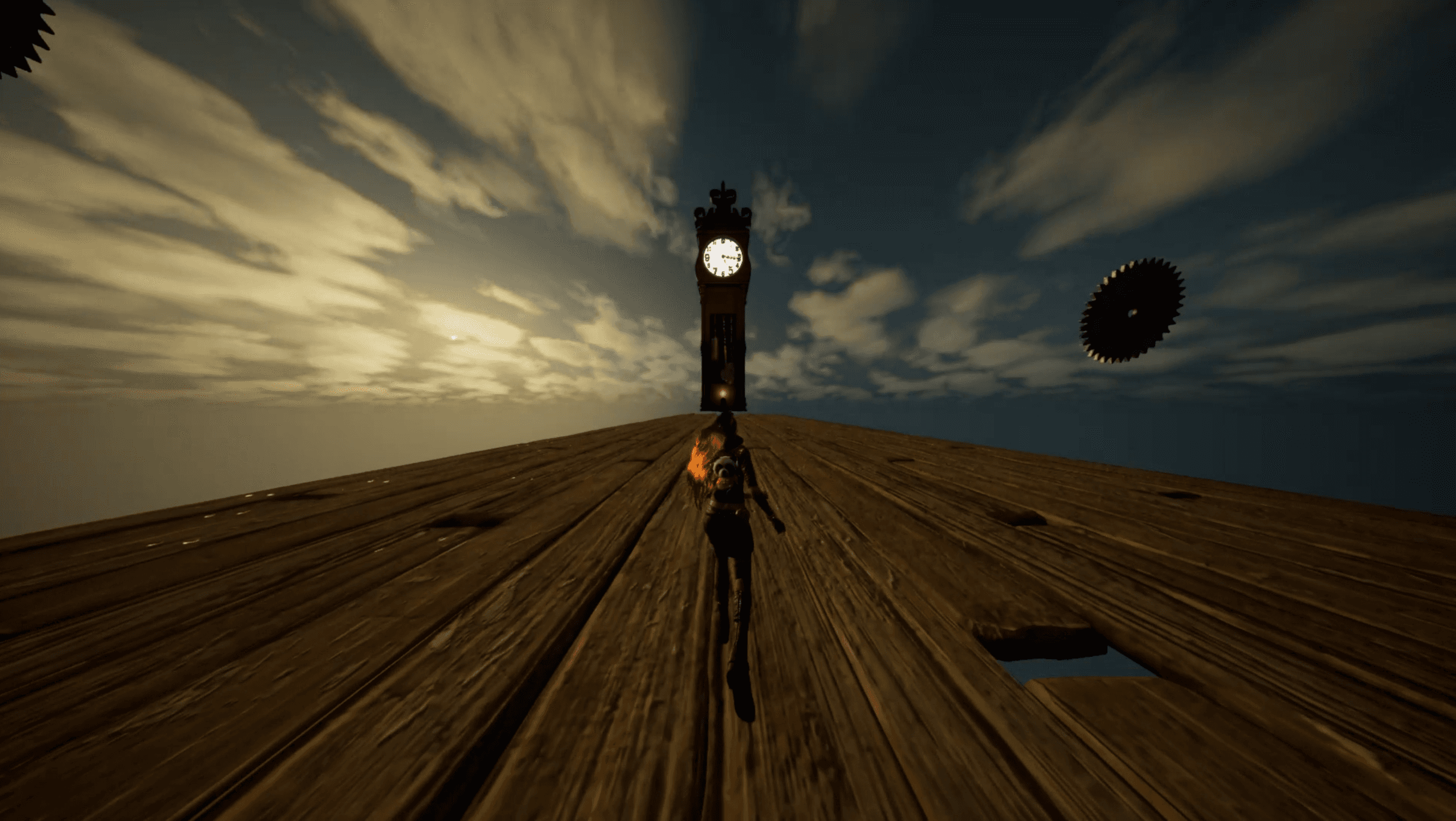









Can you reach the clocktower in time? In this short third-person platformer taking place in a surreal, time themed world, the player is challenged by clock themed obstacles. To overcome these challenges, the player can momentarily slow down the time.
During a Level Design Course, the assignment was to design a short game level based on a fear or emotion. My goal was to explore how to instill the fear of time passing in a game level.
In addition to the level design, I both created and modified 3D assets in Rhino3D, programmed the time manipulation mechanic in blueprint, edited and created sound effects, as well as made the UI elements.
Chronophobia
on Itch.io ->

The progress was split up into two phases:
The first phase focused on researching phobias, emotions, and possible mechanics, deciding on the game direction, and finally making a Whitebox level.
The second phase was to enhance the experience to a visually and functionally immersive experience for the player. This was reached by adding and fixing details such as lighting, textures, props, sound, VFX, animations, and more.
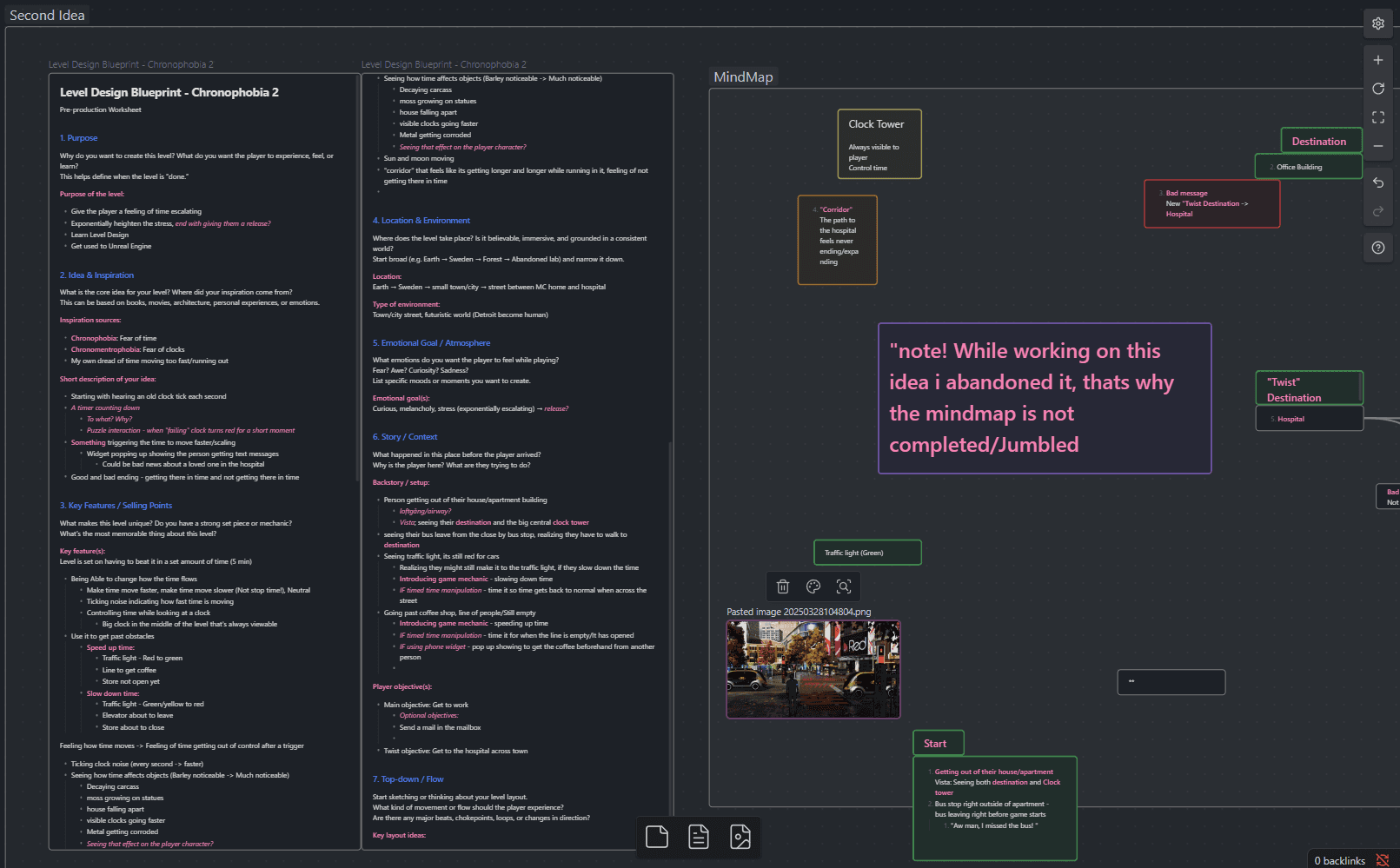
During the research I looked into different phobias like Megalophobia (fear of large things) and Hippopotomonstrosesquipedaliophobia (fear of long words) as well as emotions like awe and wonder, to see what they mean and get an idea of how they could be expressed in a game. I decided to go with the fears Chronophobia (fear of time) and Chronomentrophobia (fear of clocks), they felt the most enticing to work with for me and they gave me a lot of ideas to work with from the get go.
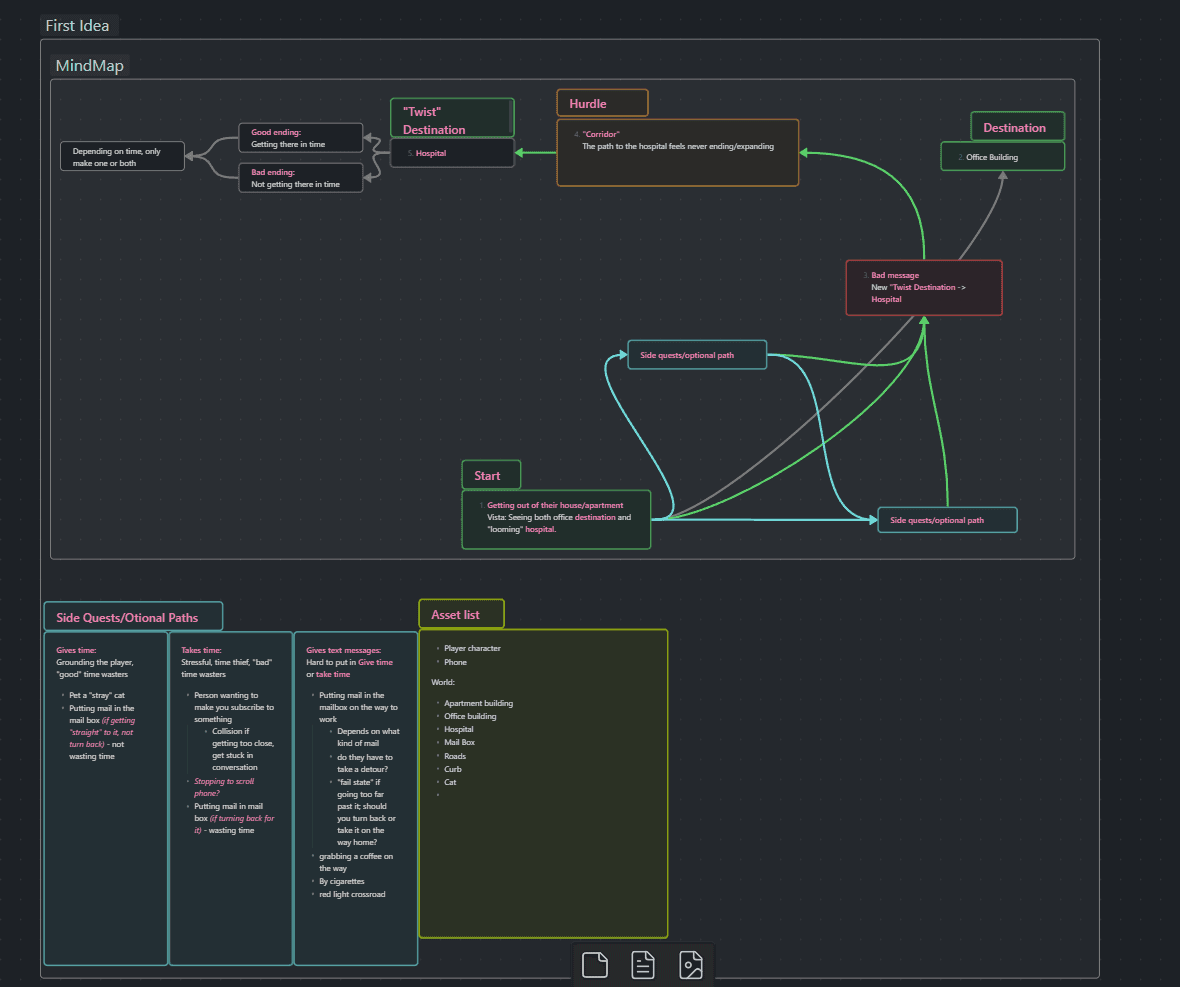
I explored different ideas for how the game could take shape narratively. Like mentioned earlier, I had an idea of it taking place at a school, as well as two different ideas taking place in a realistic world where the player started at the characters front door, with the goal of getting to work. I wanted the player to feel an urgency to get to the goal in time, and I had an idea of a plot twist making the goal something else than originally anticipated, for example getting a text to urgently get to the hospital before a loved one dies. After the plot twist "The Corridor" section would be, adding to the chronophobic feeling of not having enough time.
In the end I decidied for a fantastical, dreamlike setting and really hone in on the clock aspects of Chronomentrophobia. This felt more exciting, not restricting myself to real life logic, and allowed myself to make it a platformer game rather than a walking simulator, and I would still work with the time manipulation mechanic.
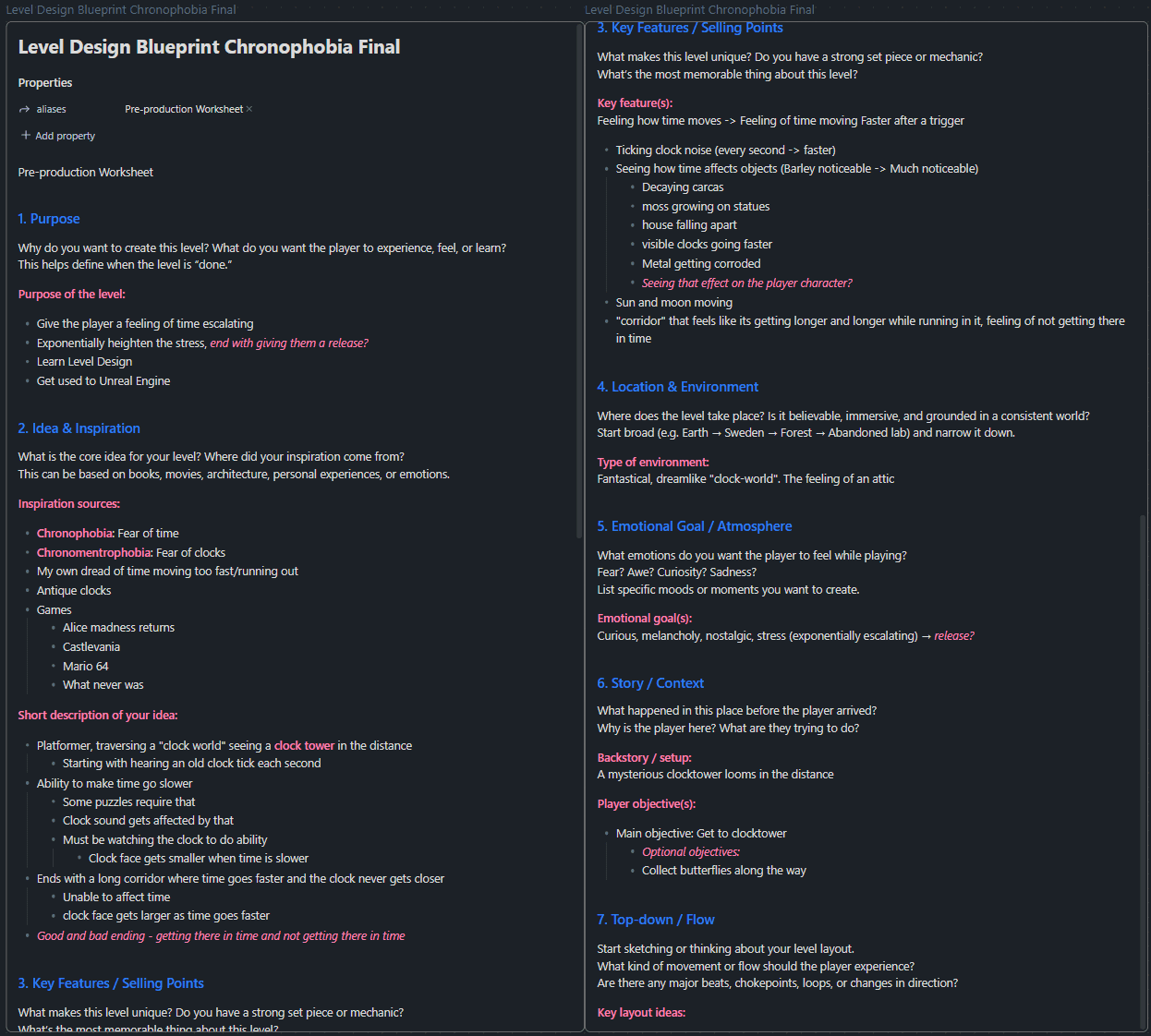

Now that I've figured out the setting and what kind of game I want to make, I created a Moodboard to capture what kind of feeling I want the game to have. I really wanted it to have the nostalgic feeling of an attic. Because the theme is based on time and the mechanic being time manipulation, it felt right to honor one of my favorite movies; The Butterfly Effect, both with the blue butterfly being a symbol for the movie, as well as it being a movie that has multiple endings. I also collected some images from games that have clock themed levels, as well as old clock, clock towers, and clock parts.
I really liked the idea of having oversized clock parts as parts of the level, using it as part of the platforming and as obstacles to use the time manipulation mechanic. The idea of the goal had also evolved to being a big clock tower where the clock face still would be important for the time manipulation mechanic. To heighten the fantastical feeling of the setting, I wanted the clock tower to resemble an oversized grandfathers clock more than a regular clock tower.
The moodboard have a colour palette that I really enjoyed. The colours felt very warm, with a lot of red and copper coloured objects, making blue details pop out more clearly.
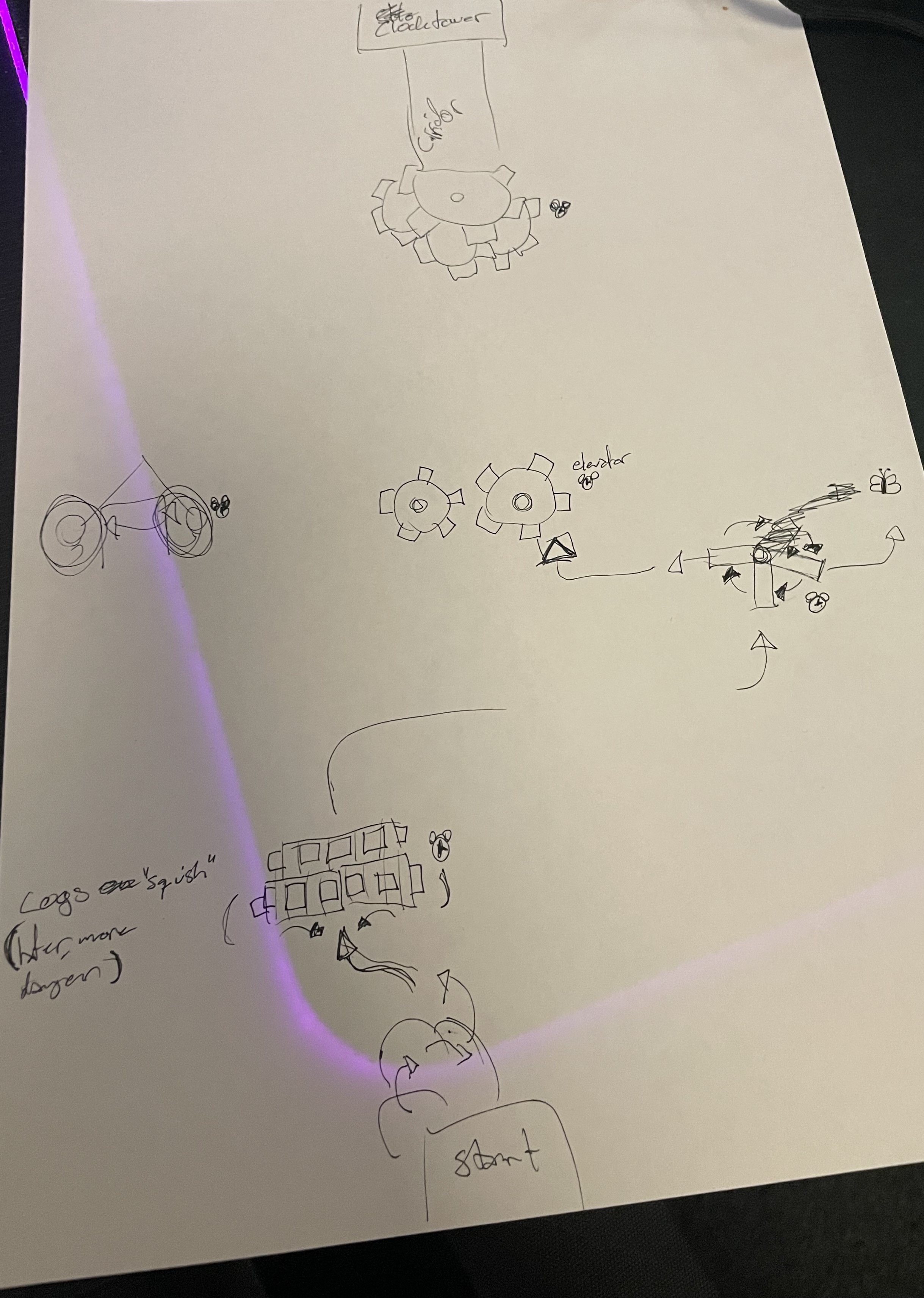
I wanted the first view when starting the game to be a vista of the entire level with the clock tower in focus. This was both to let the player know where the goal is, and also because the mechanic would be centered on looking at the clock face. Due to "The Corridor" being a long straight stretch, the rest of the level shouldn't be a straight path, but I also had do keep in mind that the player had to have the Clock tower in view for any obstacles requiring the time manipulation mechanic.
I started with sketching out some ideas of what kind of obstacles could be solved with the time mechanic, and how the clock parts could be a part of the platforming. I realized that I had a much harder time coming up with ideas for obstacles that required the time to go faster, than I had with obstacles needed for the time to slow down. Therefore I decided to focus the mechanic on time slowing down an making it as good as possible in the time frame, instead of trying to force the time going faster mechanic and risking both parts becoming mediocre. (I want to continue exploring different time mechanics in the future, as this project is something I strive to continue working on)
The idea of plot twists and different endings entices me, and I wanted to add pickups in small detour areas. At first the idea where for the different endings depending on an invisible 5 minute timer, subtly hinted by starting platform having a 5 pointing towards the goal. The pickups would add time to the timer. In the end I opted for the different endings depending on if the player collected all the pickups or not.
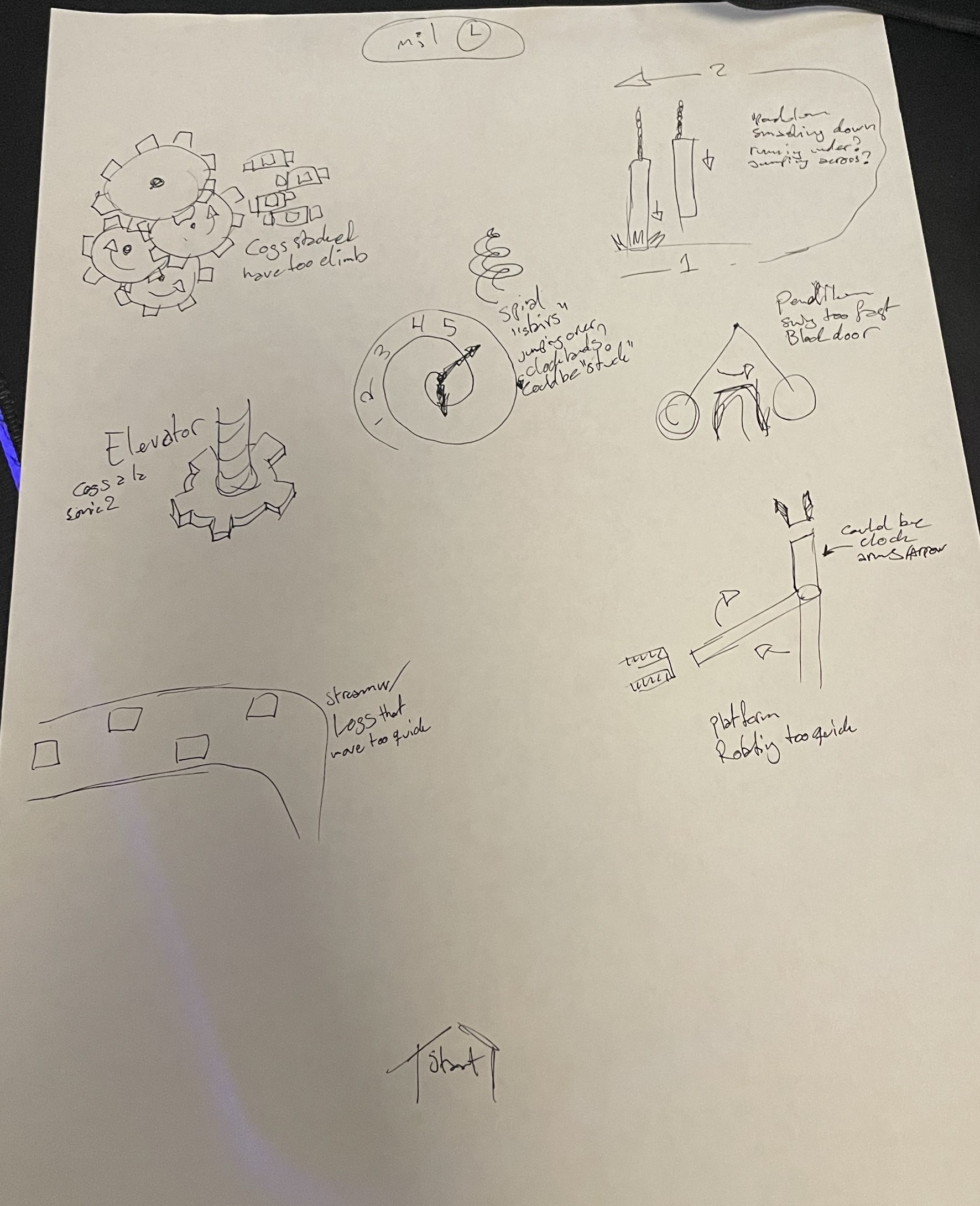
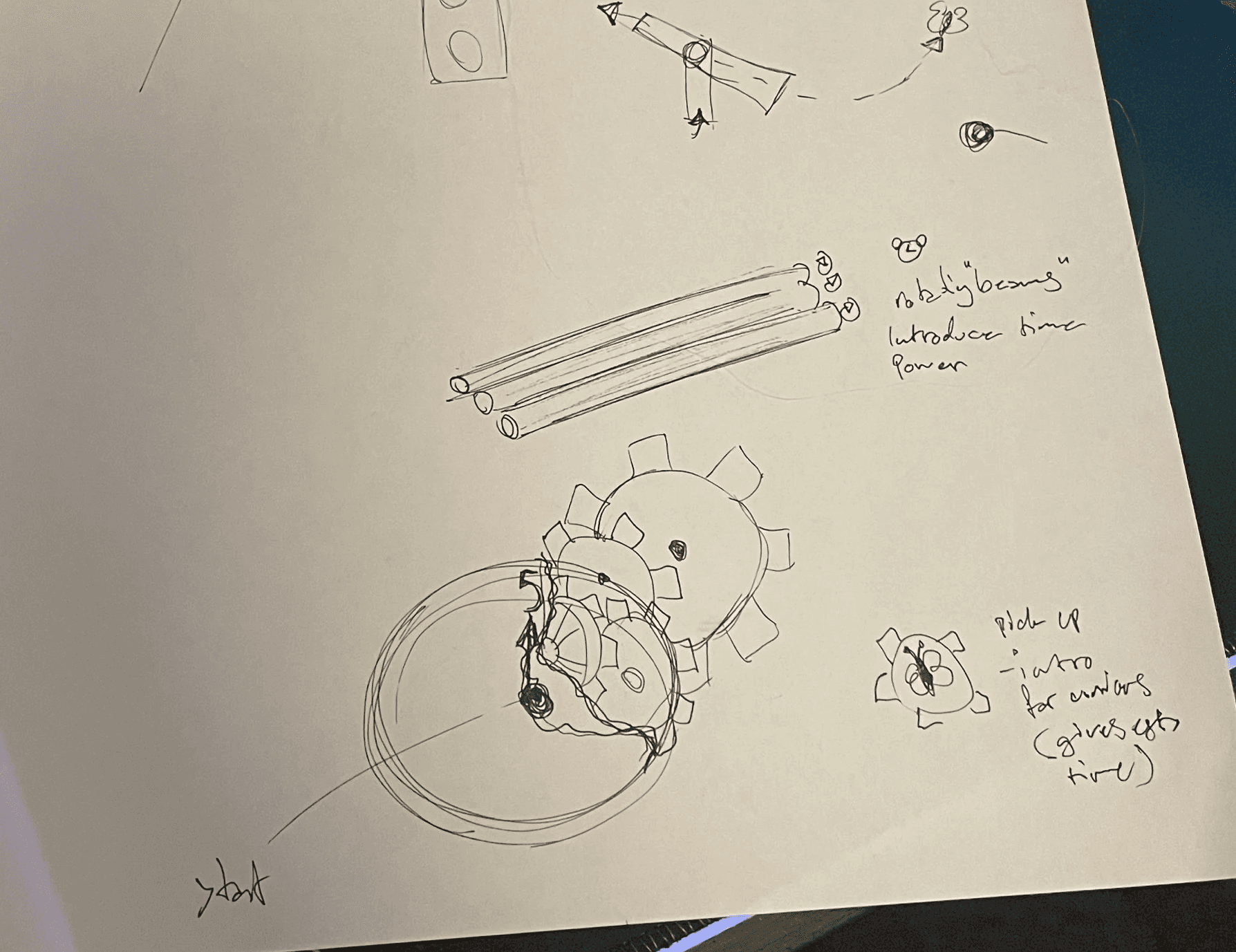
I then made a whiteboxing of the level with BSP brushes and made the time manipulation mechanic. I decided to make the first obstacle something "safe", that the player could attempt to "brute force" without risking them falling off the edge or feeling like there is no way forward, and almost forcing them to look at the clock if they start button mashing for a solution.
But there was a problem that I stumbled upon that I couldn't quite solve, the project was created with the "Game Animation Sample", and for some reason the character "floated" along with the players position even though the player capsule never moved. The reason the project was created with the "Game Animation Sample" where to use the traversal capabilities, in the end I didn't use them and I ended up migrating a BP_ThirdPersonCharacter from a base project into this project.
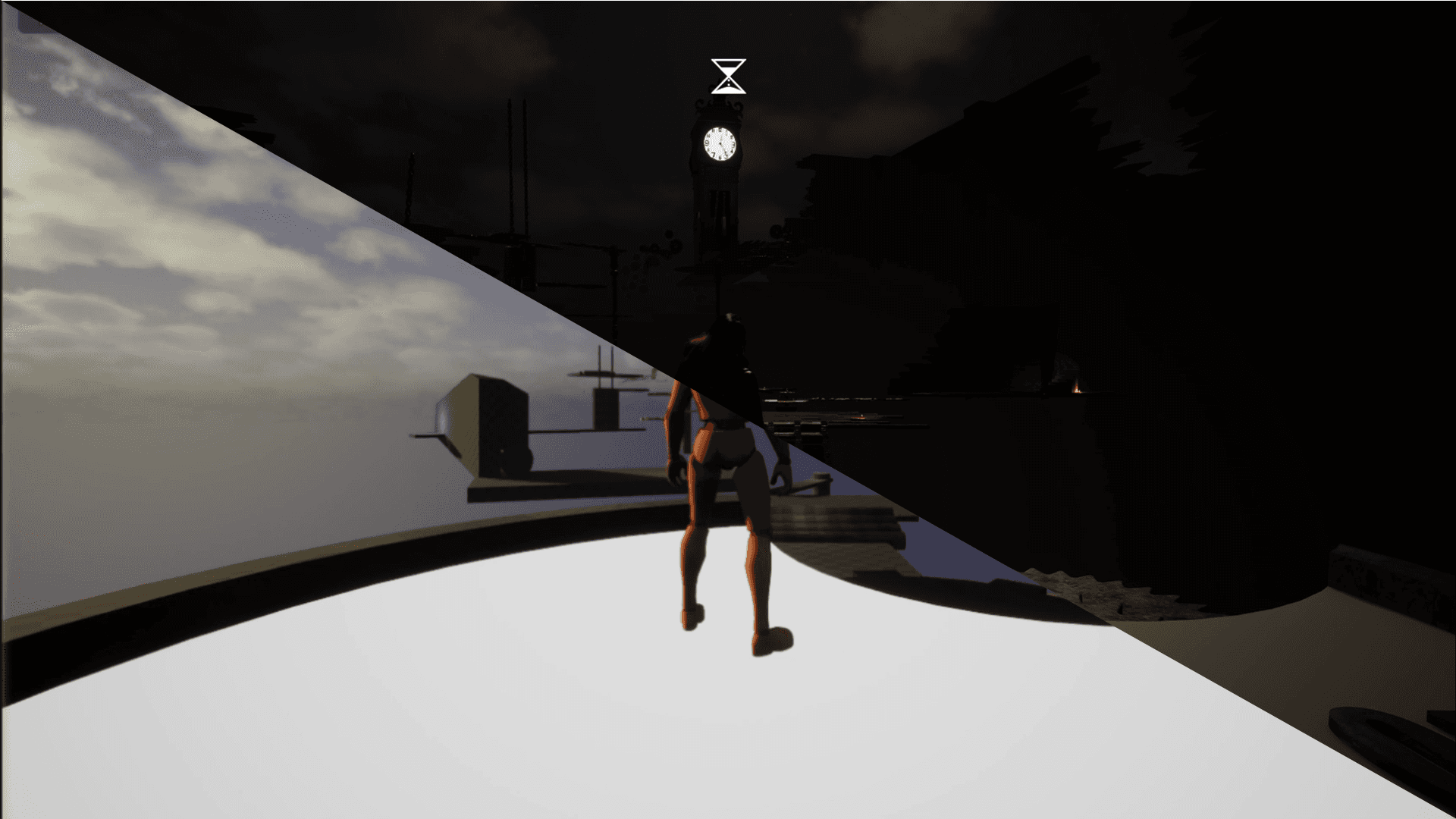
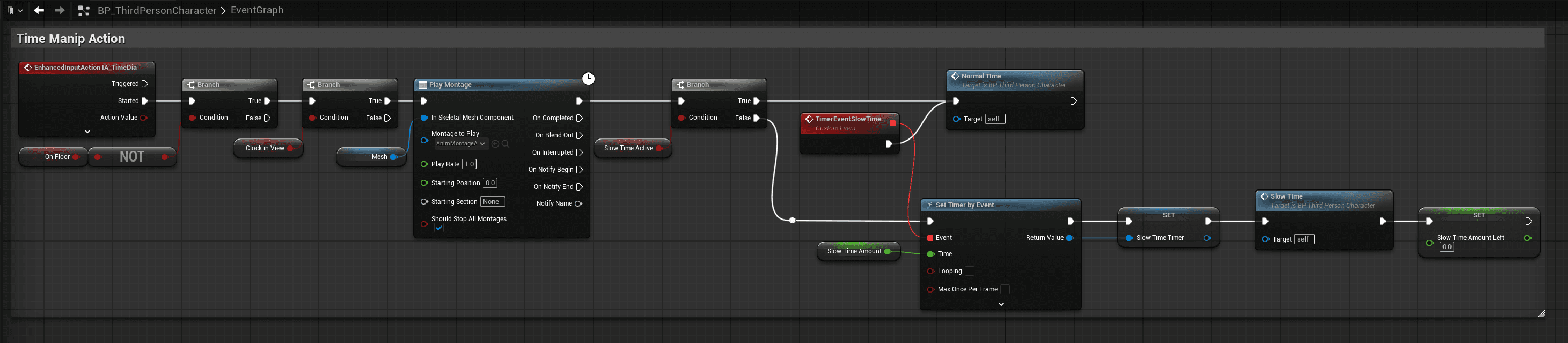
The Time Mechanic mainly works by setting the Global Time Dilation and the player characters Custom Time Dilation. Some of the other assets also has a Custom Time Dilation to heighten the feel of time slowing down and speeding up.


Now it was time to polish "The Corridor". to elevate the stressful feeling while walking towards the goal that doesn't come any closer, I created a Dolly Zoom effect that makes it look like the clocktower is moving further away from the player while running towards it. I also disabled the players time manipulation mechanic, while gradually speeding up the levels time as the player tries to get to the tower.
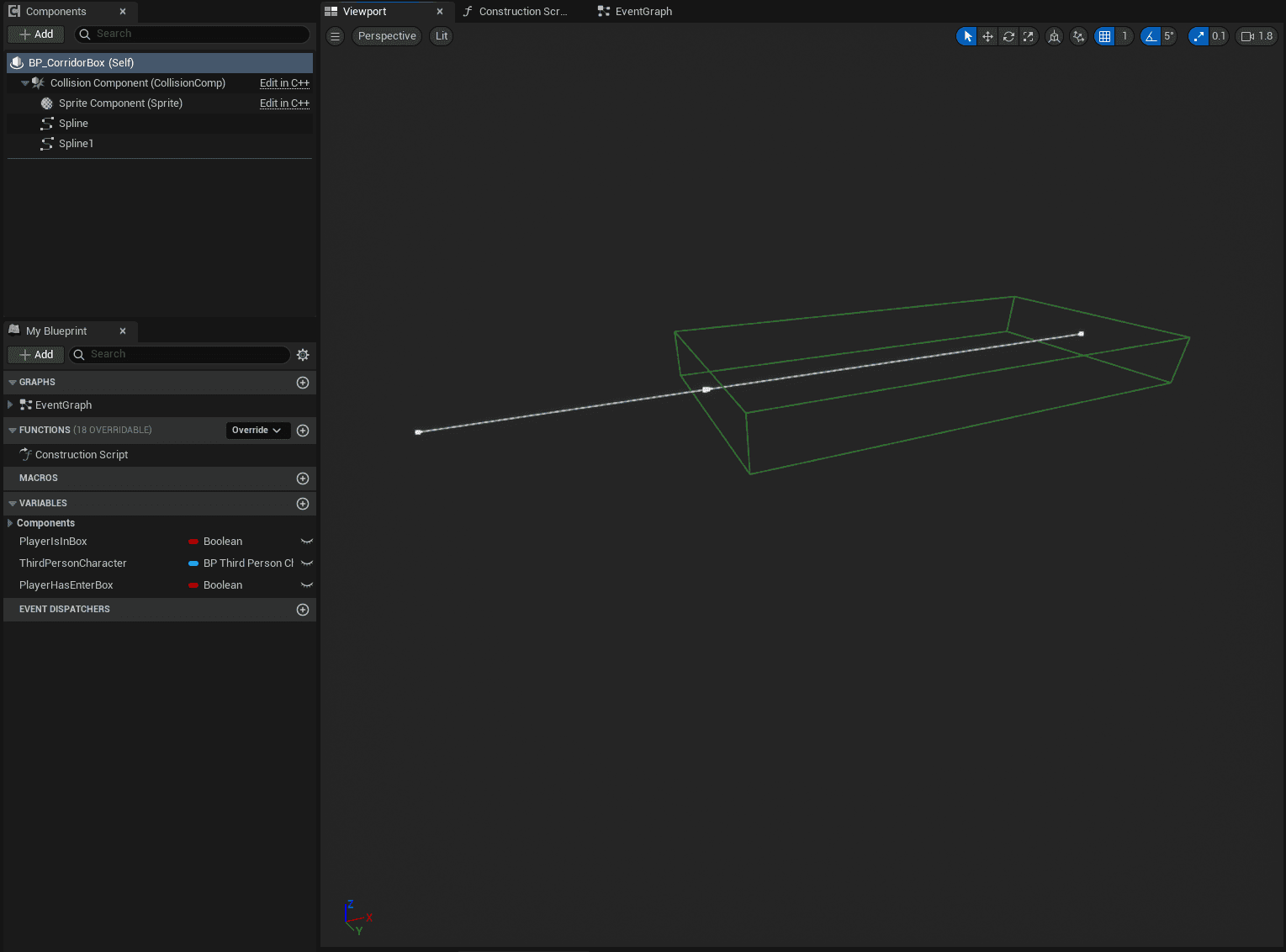
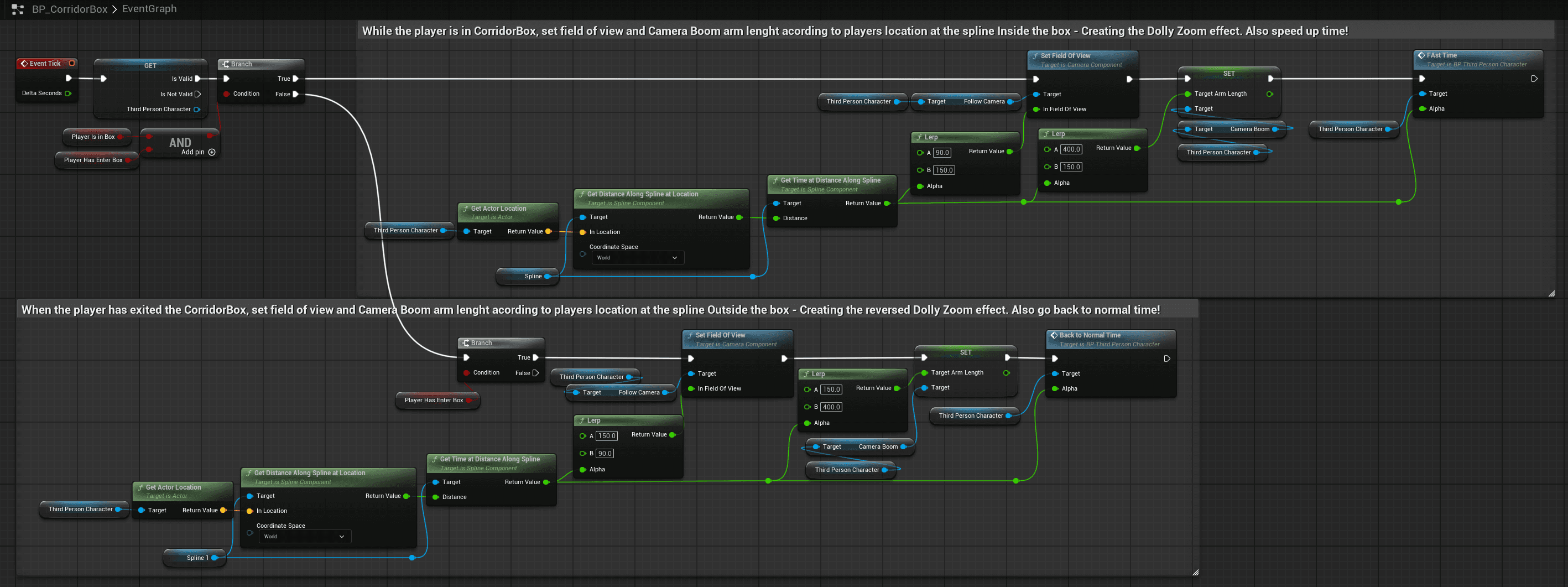
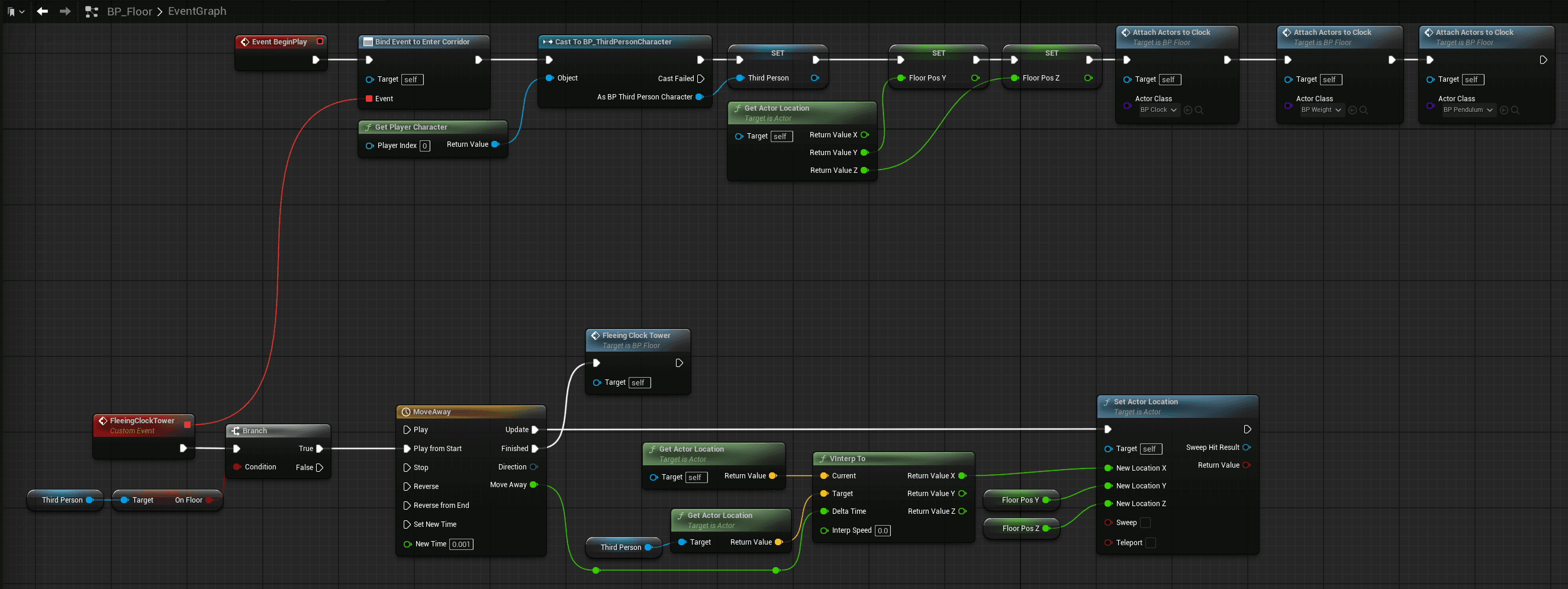
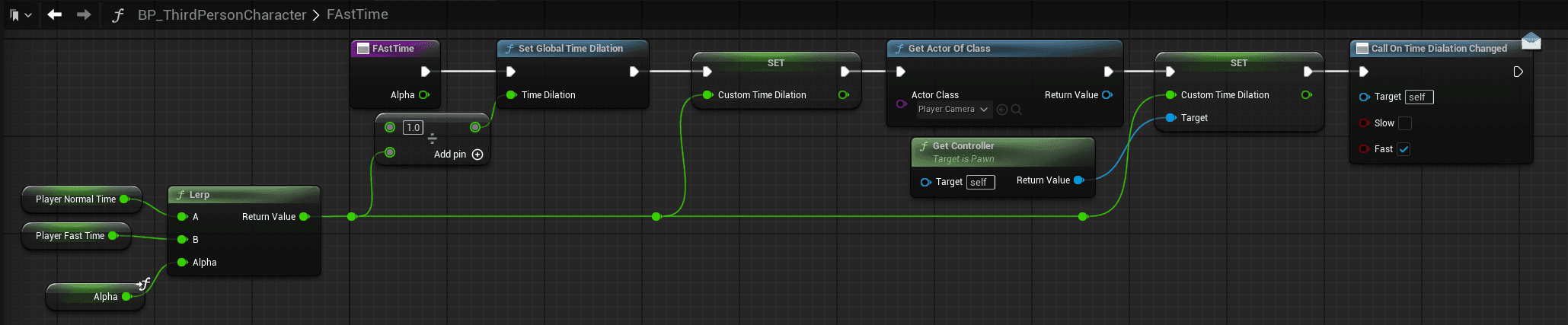
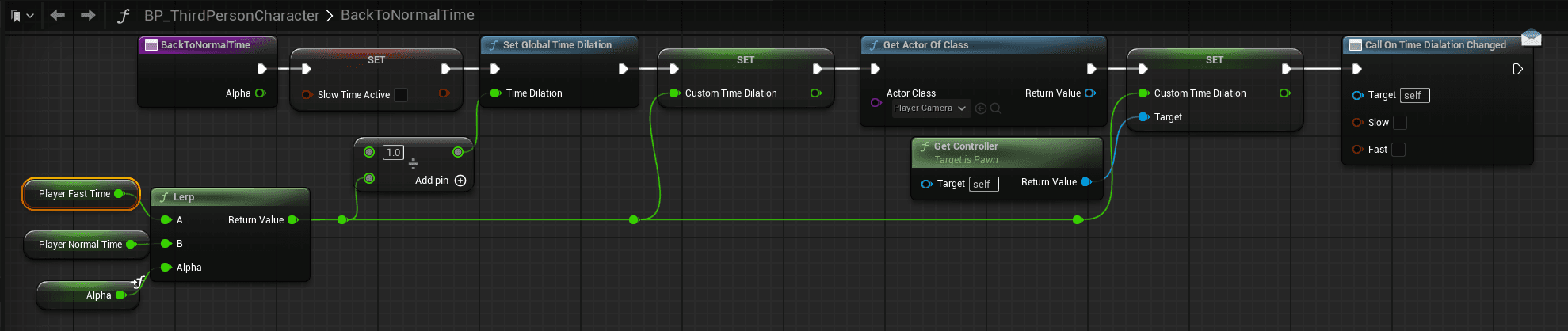
I updated the "goal" actor with the new clock tower and removed the floor meshes, and created a new "collision box" actor containing two splines, one spline inside the collision box and one outside towards the goal. I connected the Dolly Zoom Effect and the Time Speedup to where the player is along the splines, so that the effect ramps up while in the collision box and then fades out when leaving the collision box.
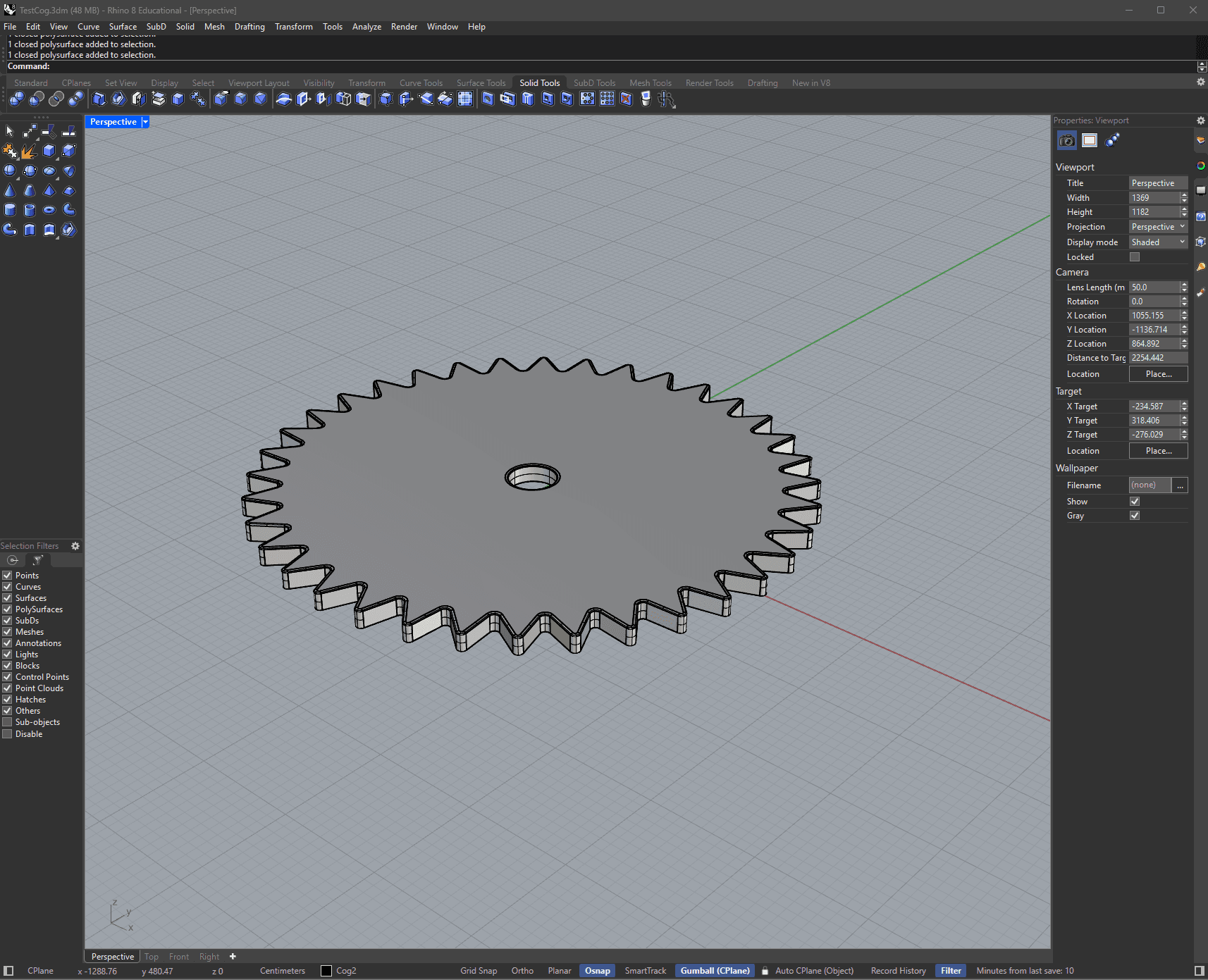
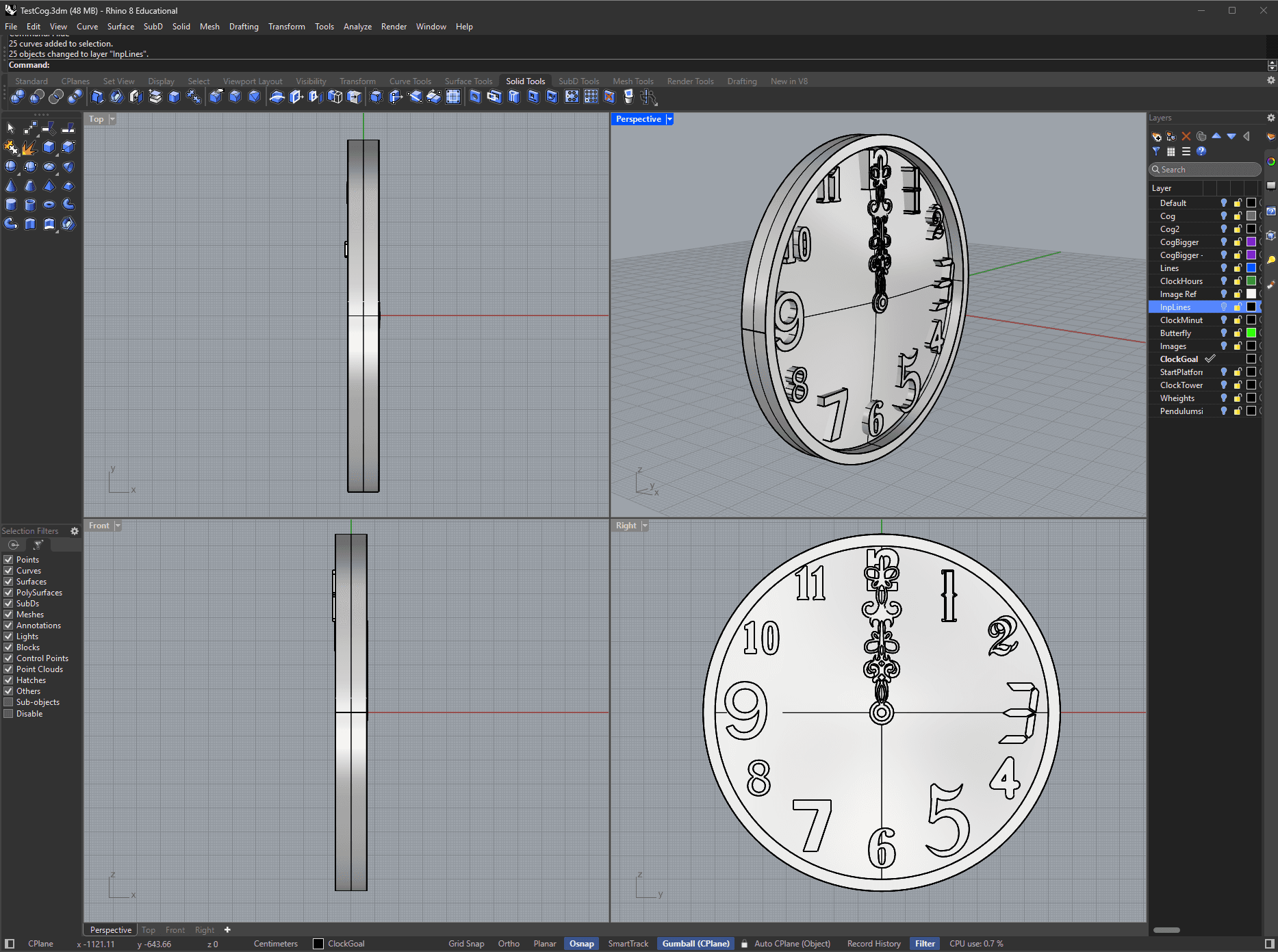
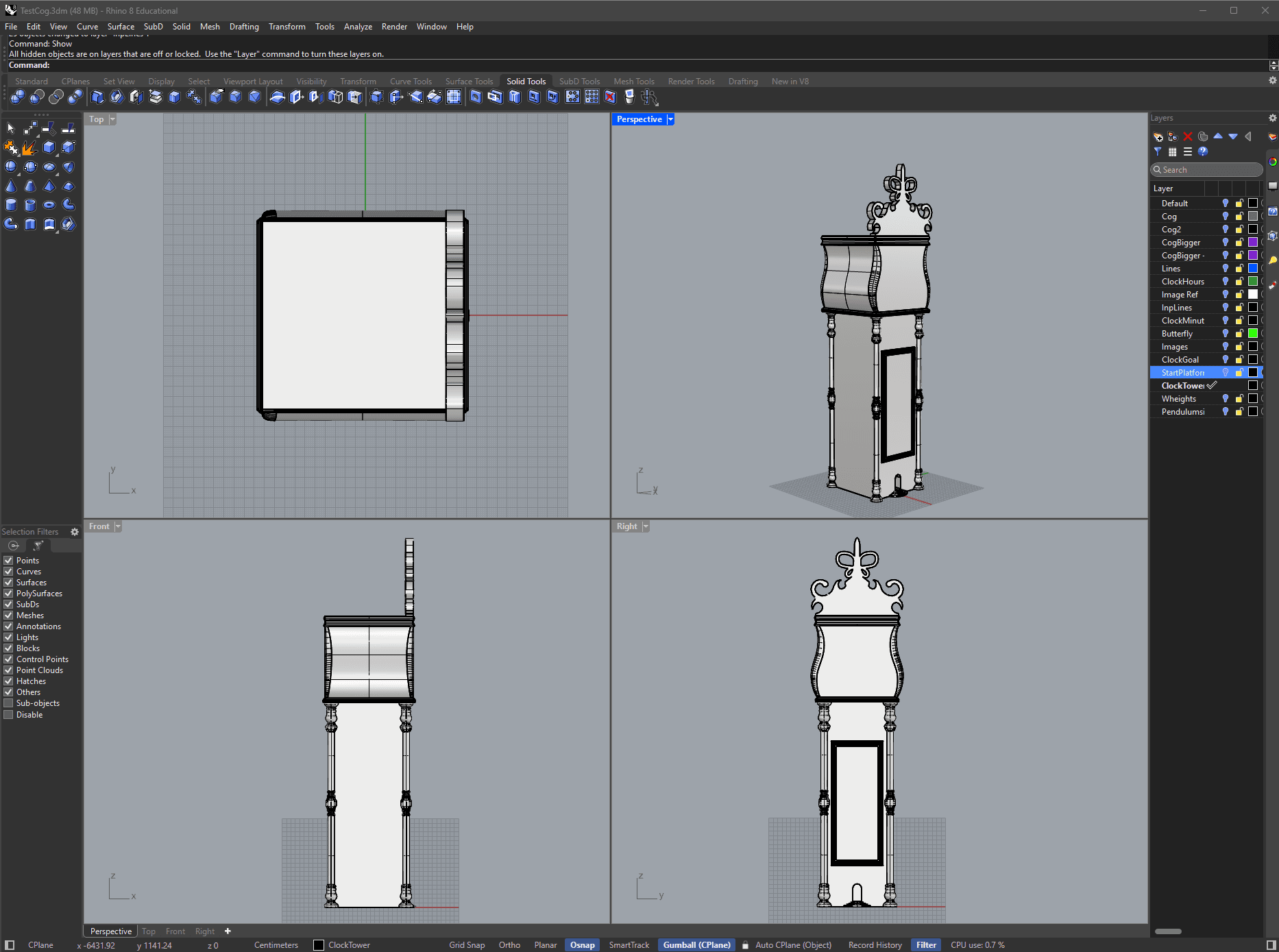
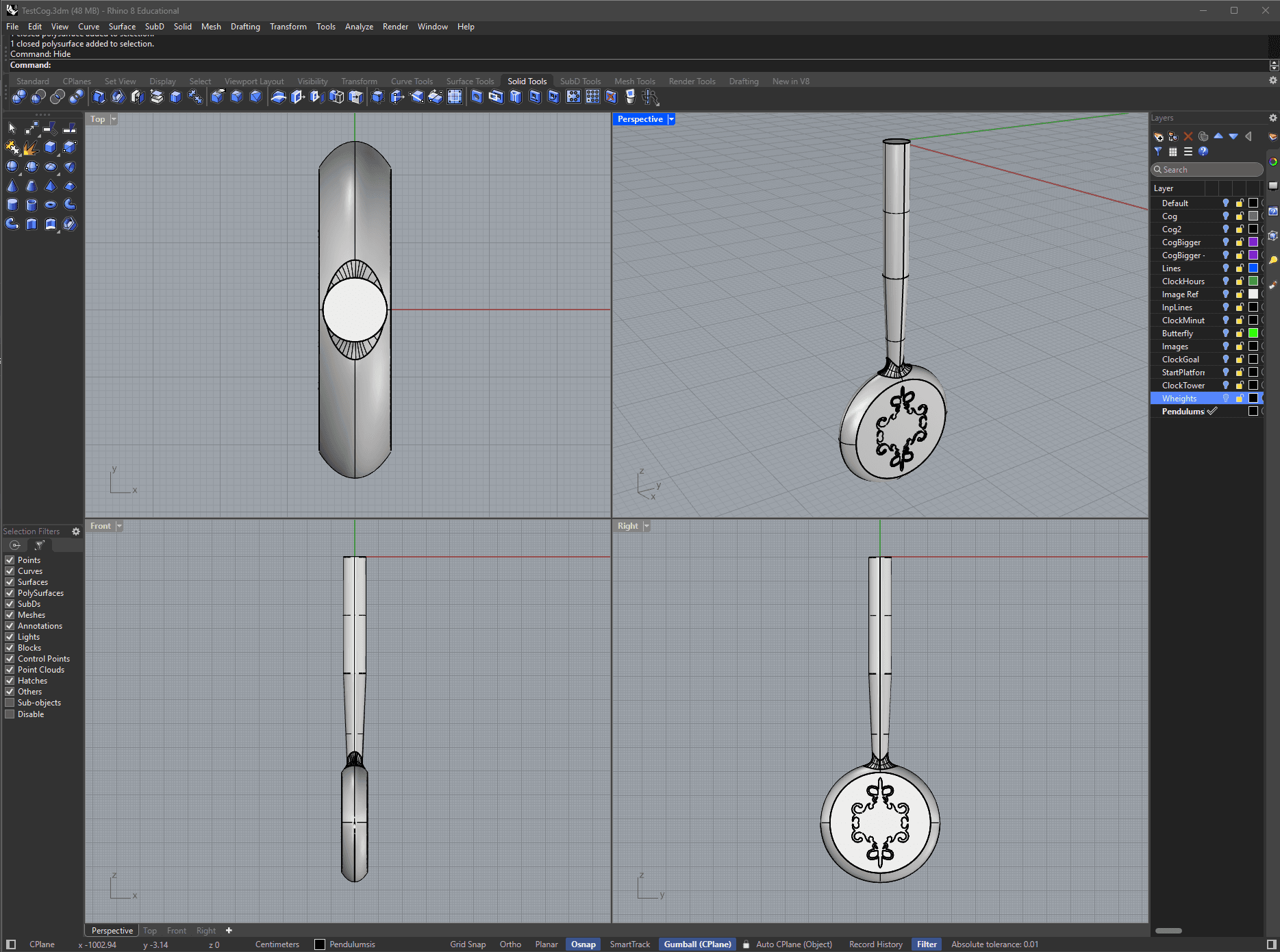
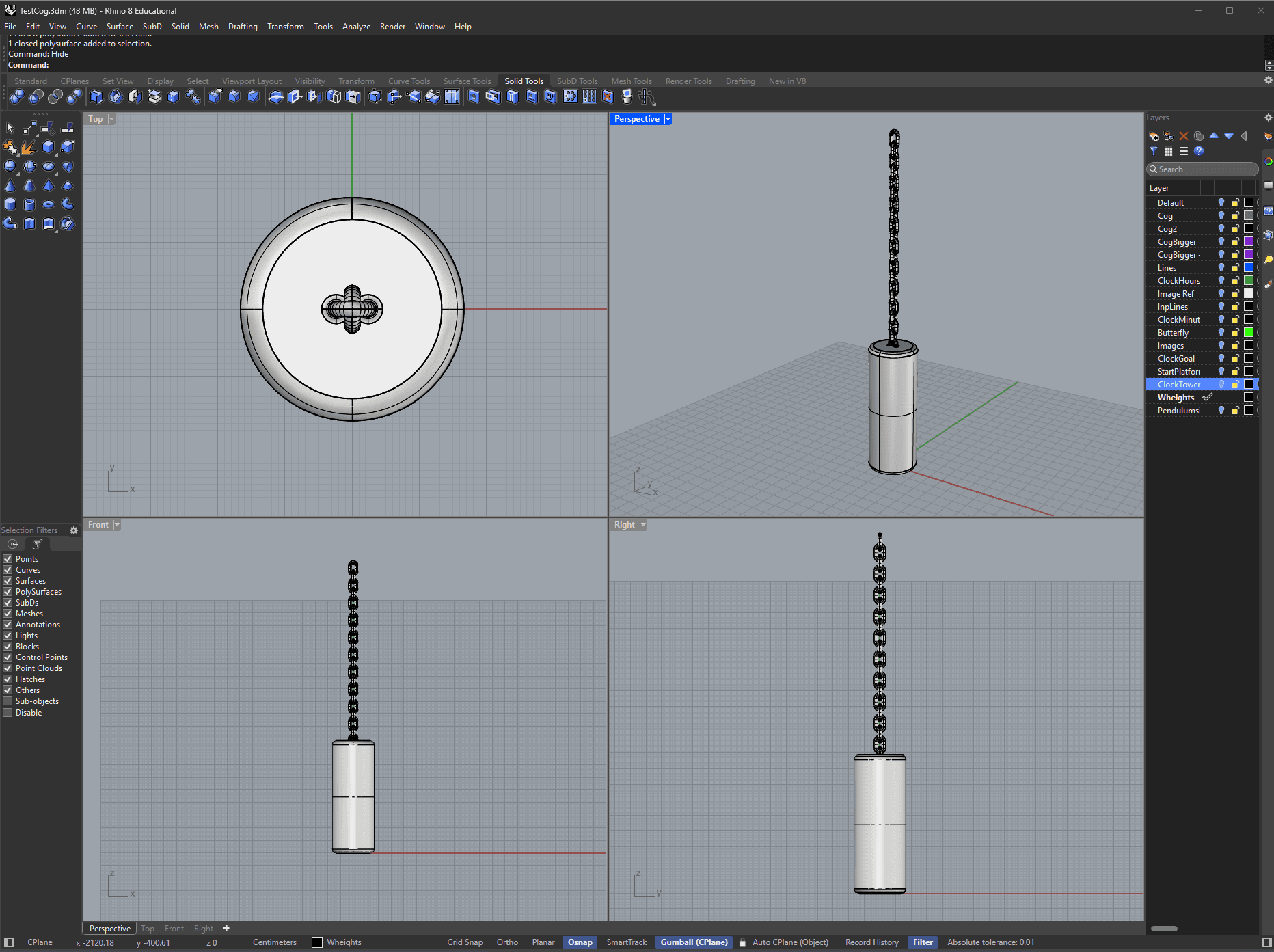
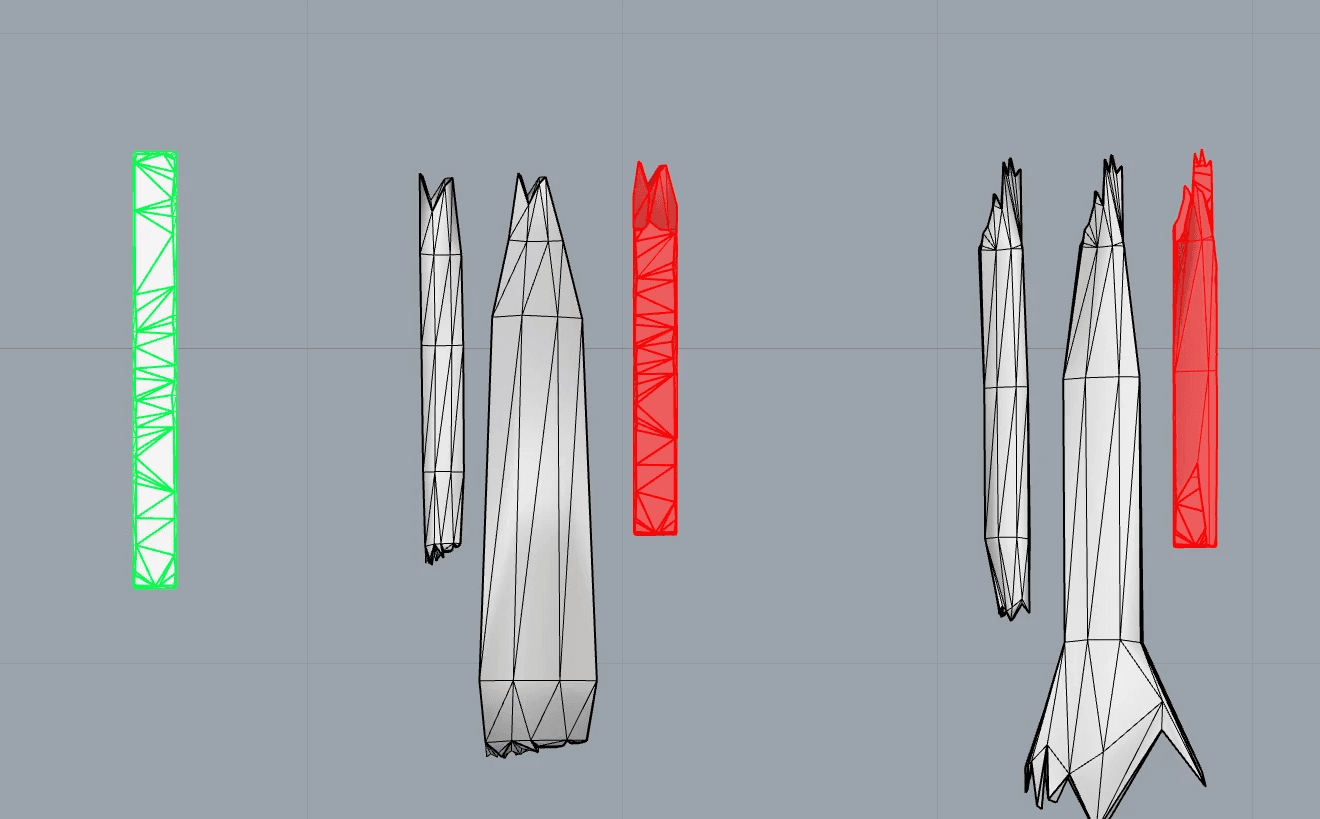
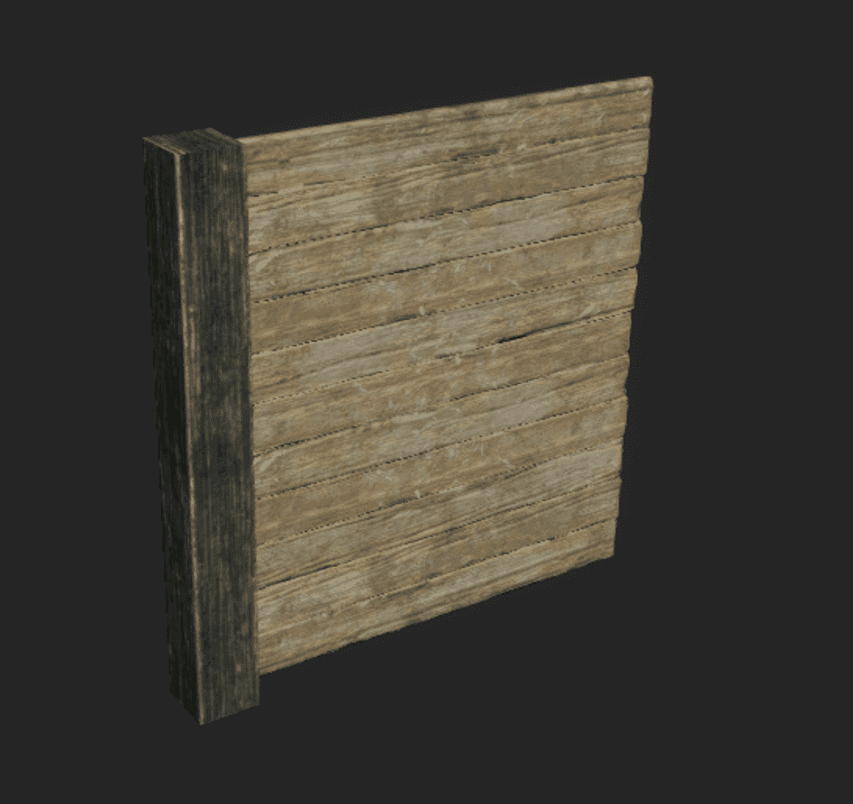
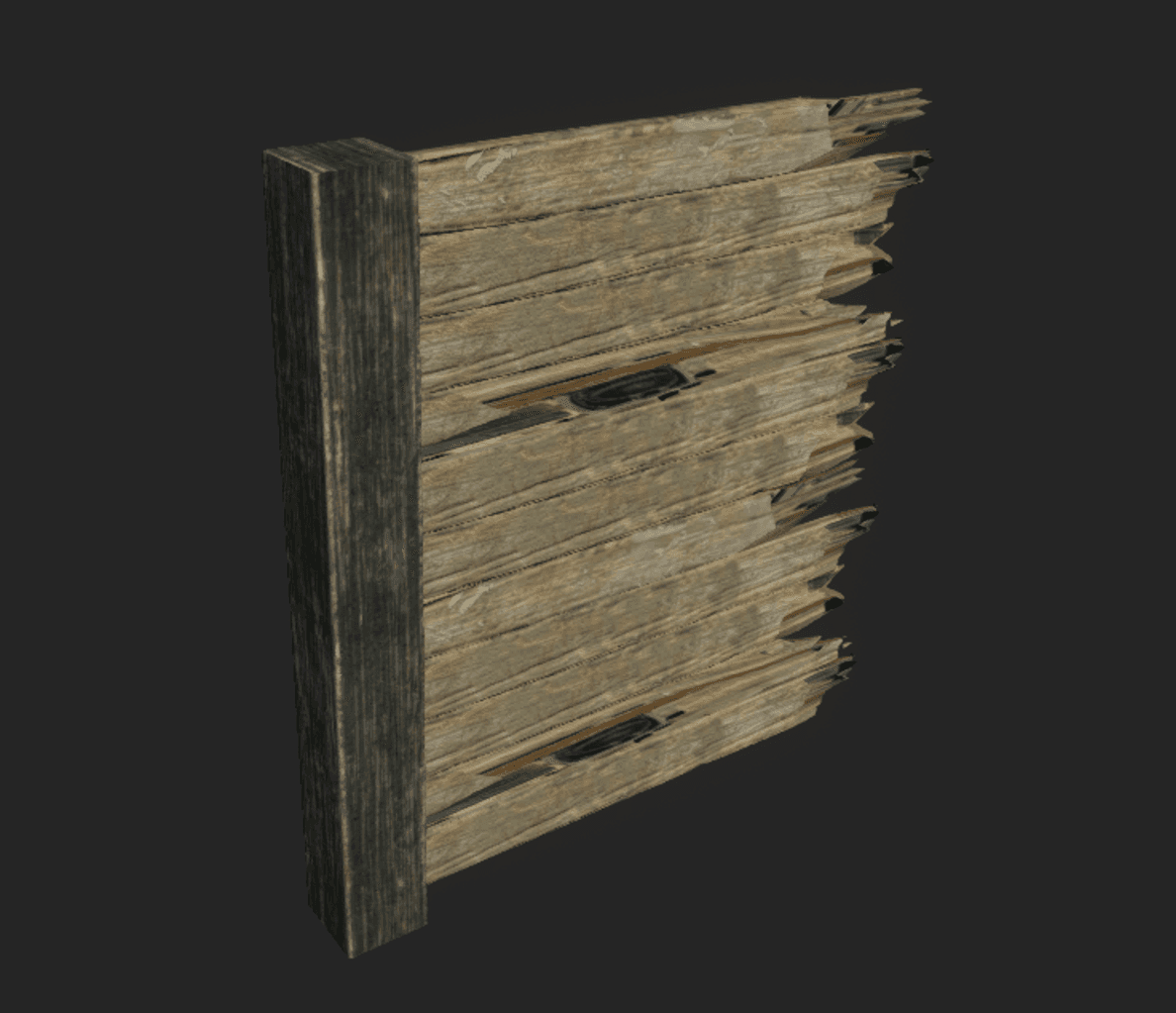
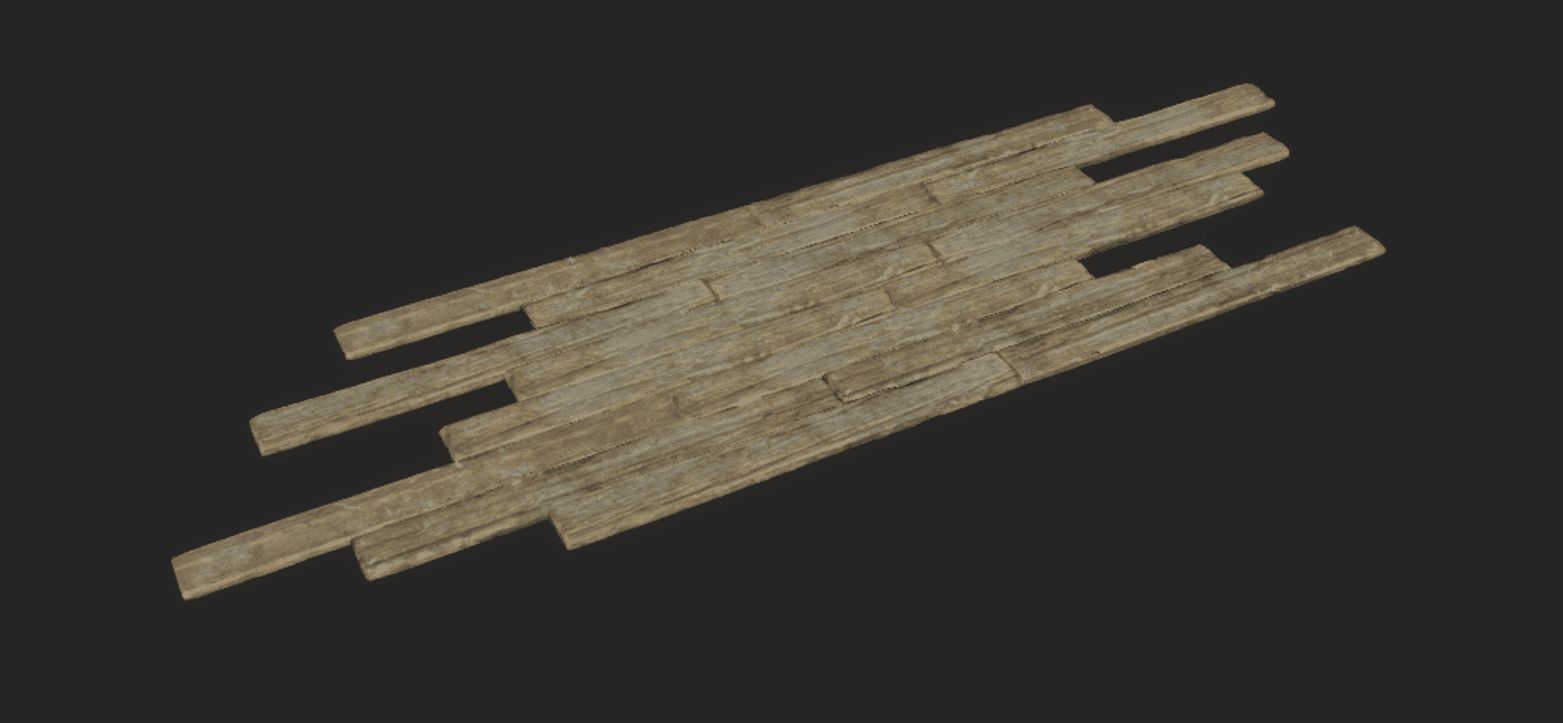
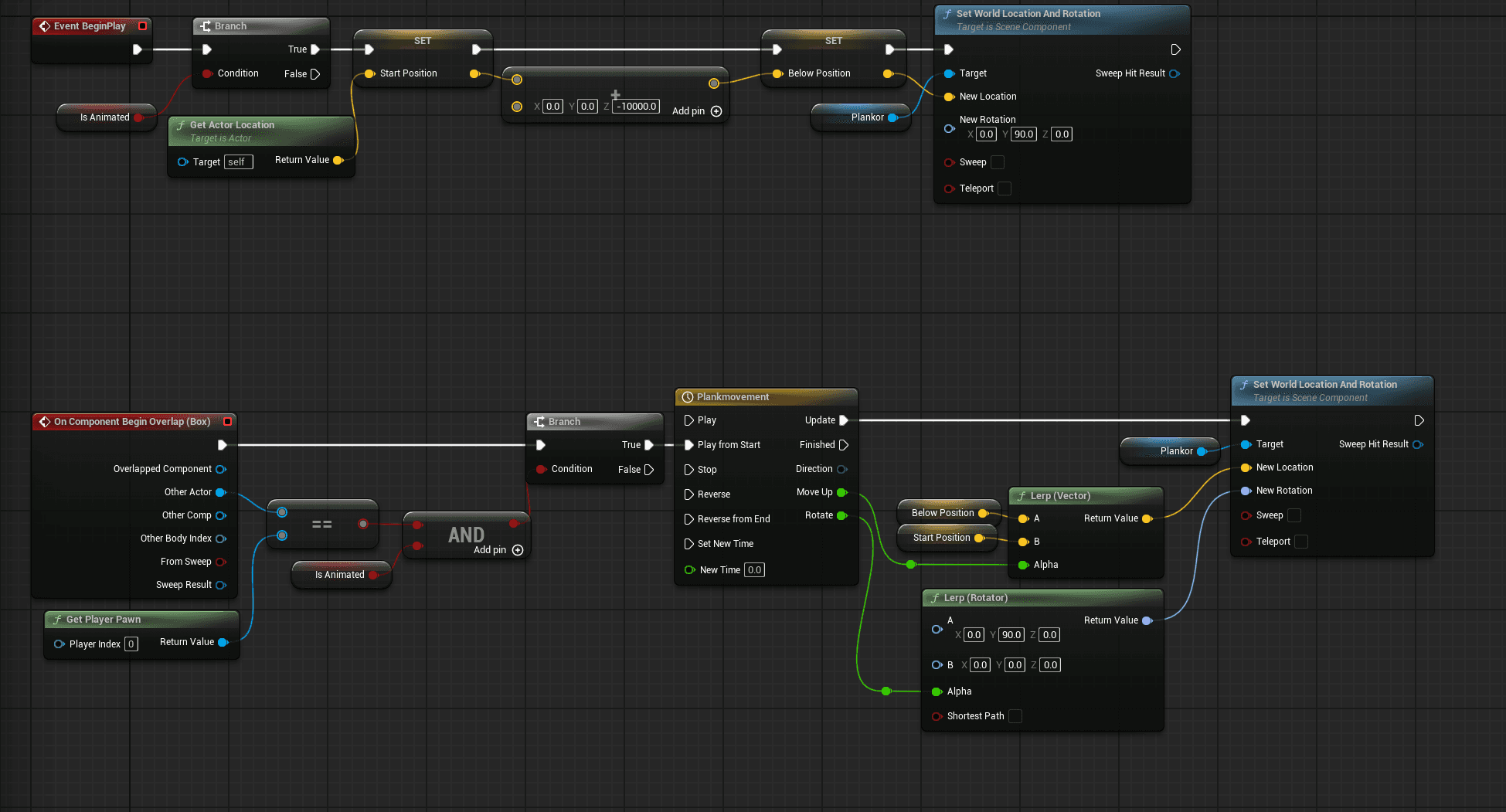
Because the Day Night Cycle adds a lot to the time mechanic I wanted the sky to be as visible as possible. To combine that with the attic atmosphere I imagined the level being an old attic with its roof blown of. I made Blueprint actors as building blocks with wood planks for the walls and the floor, instead of adding each plank one by one. This also allowed me to animate the walkway for "The Corridor", making the path reveal itself while the clock tower moves away from the player.
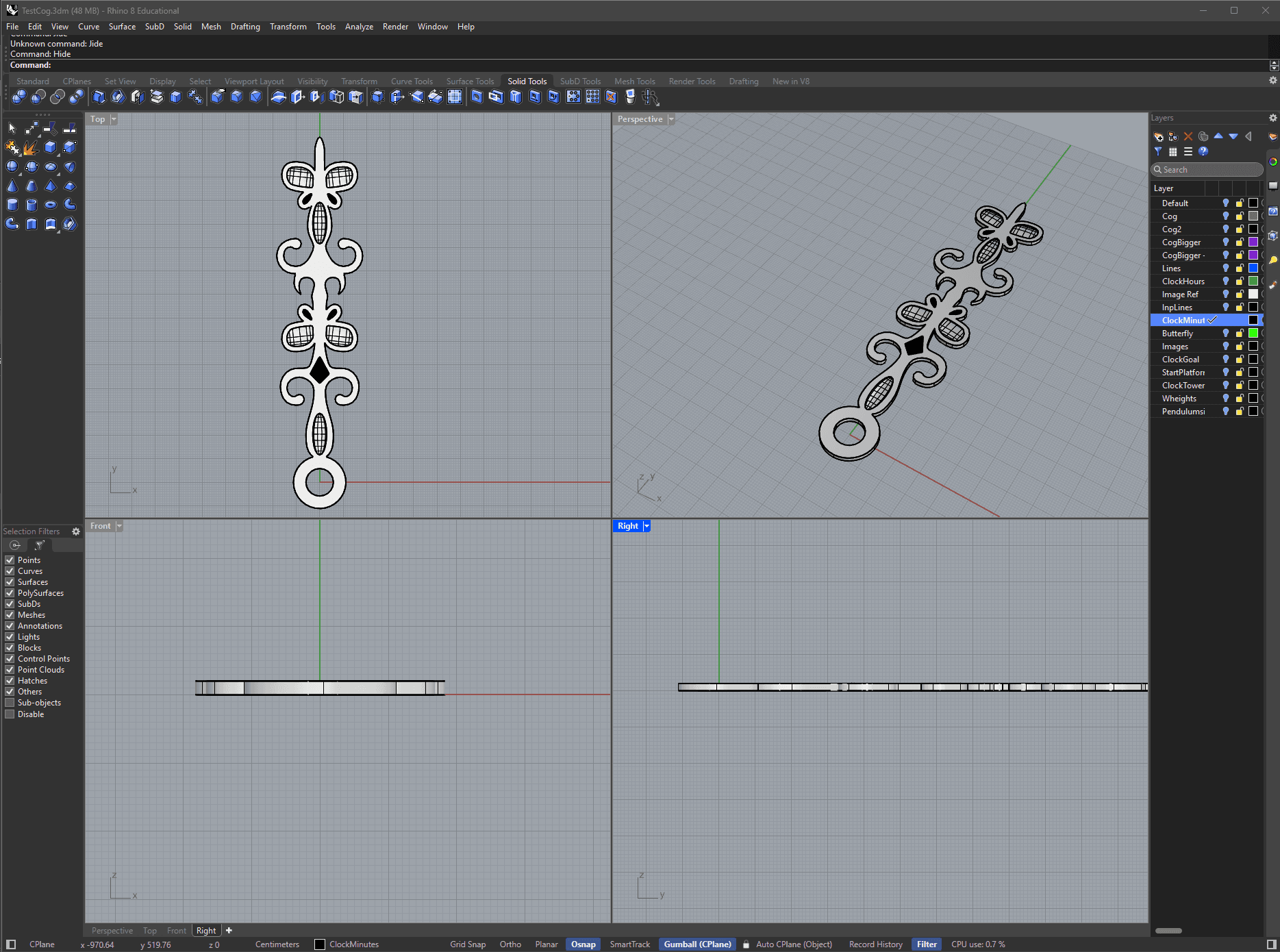
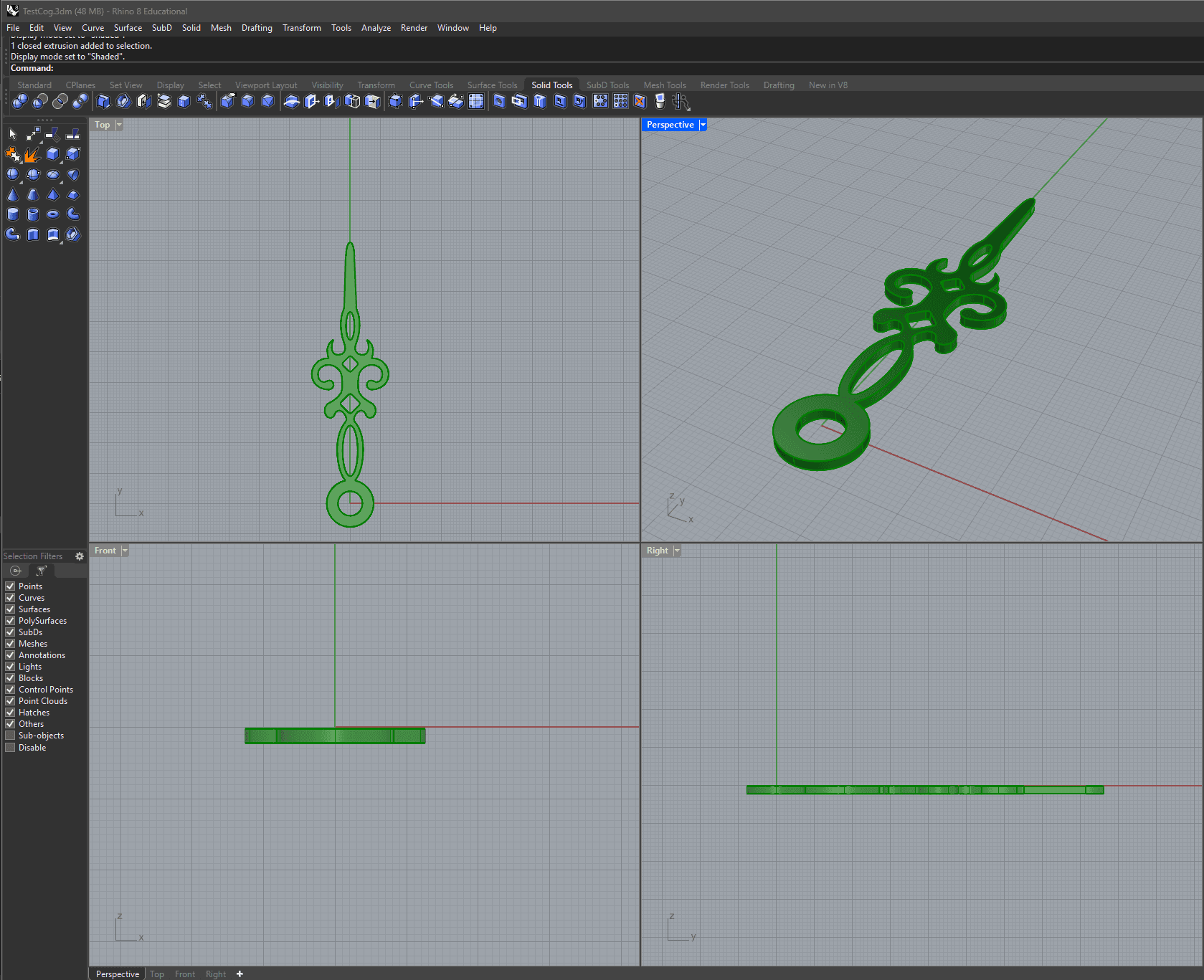
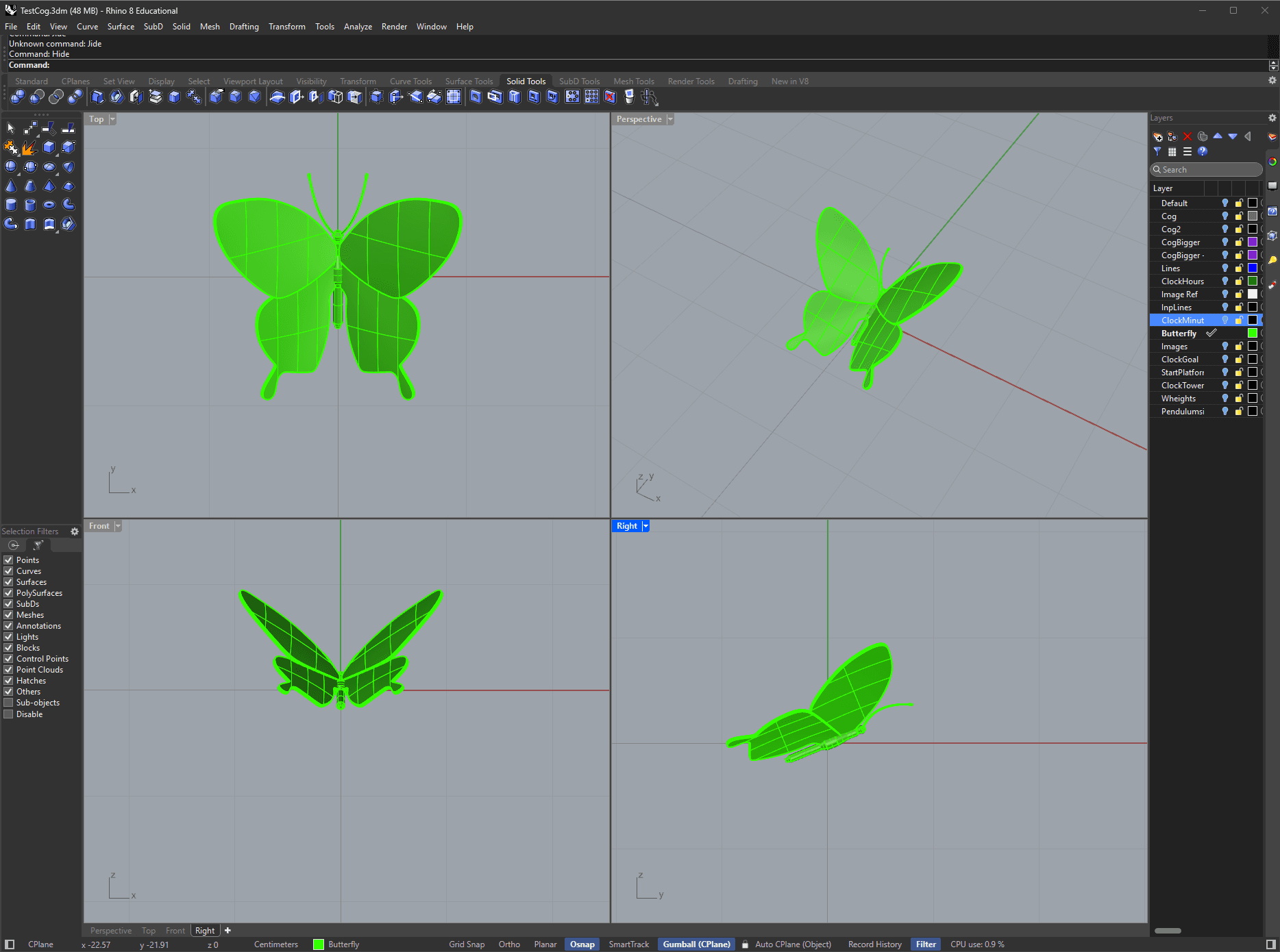
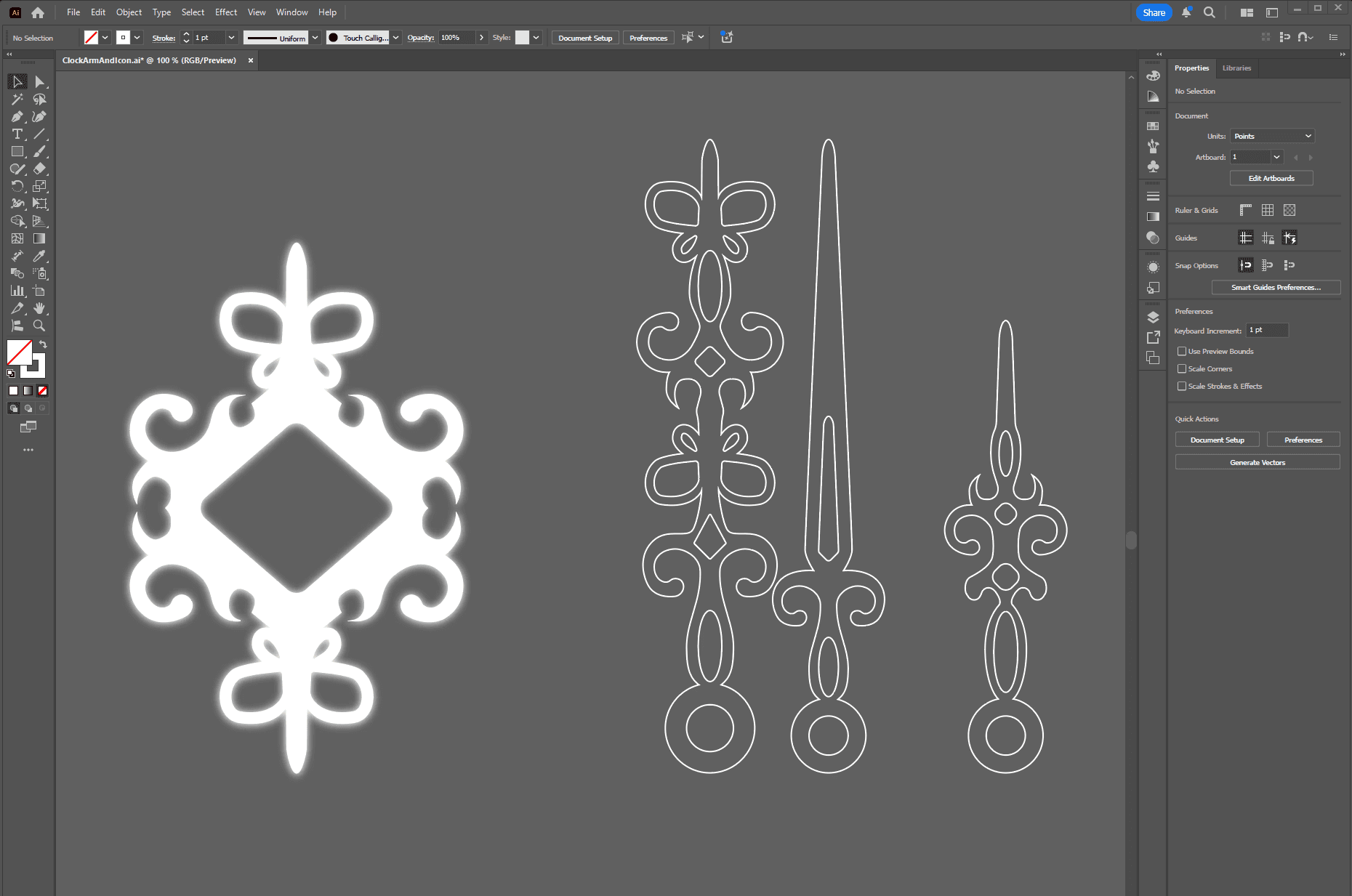
As Rhino uses SVG curves, I could create curves in Illustrator for more complex assets. Due to the clock arms being oversized and should allow the player to walk on them as platforms, I took inspiration from existing clock arm designs and dialed it up a notch. While creating the curves in Illustrator, something I've created UI assets in before, I realized that I could use the same curves to create 2D UI assets as well. I also traced the 3D butterfly to create UI assets for the pickups.
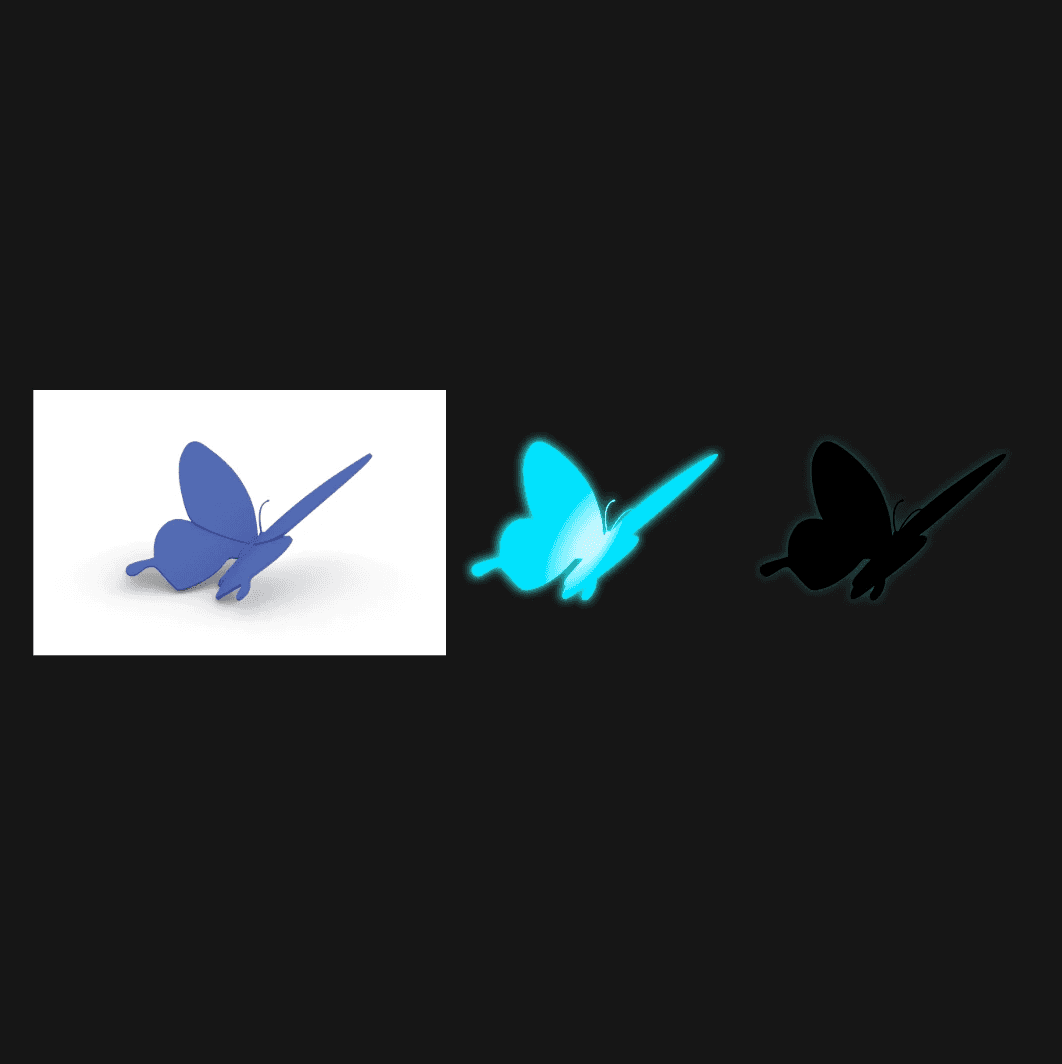
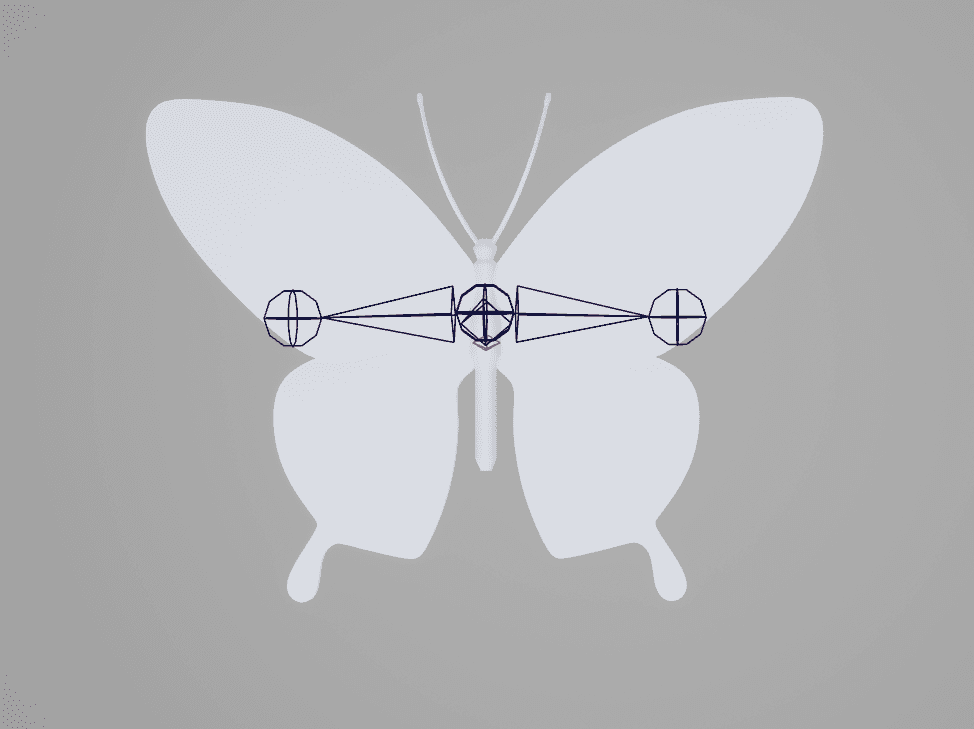
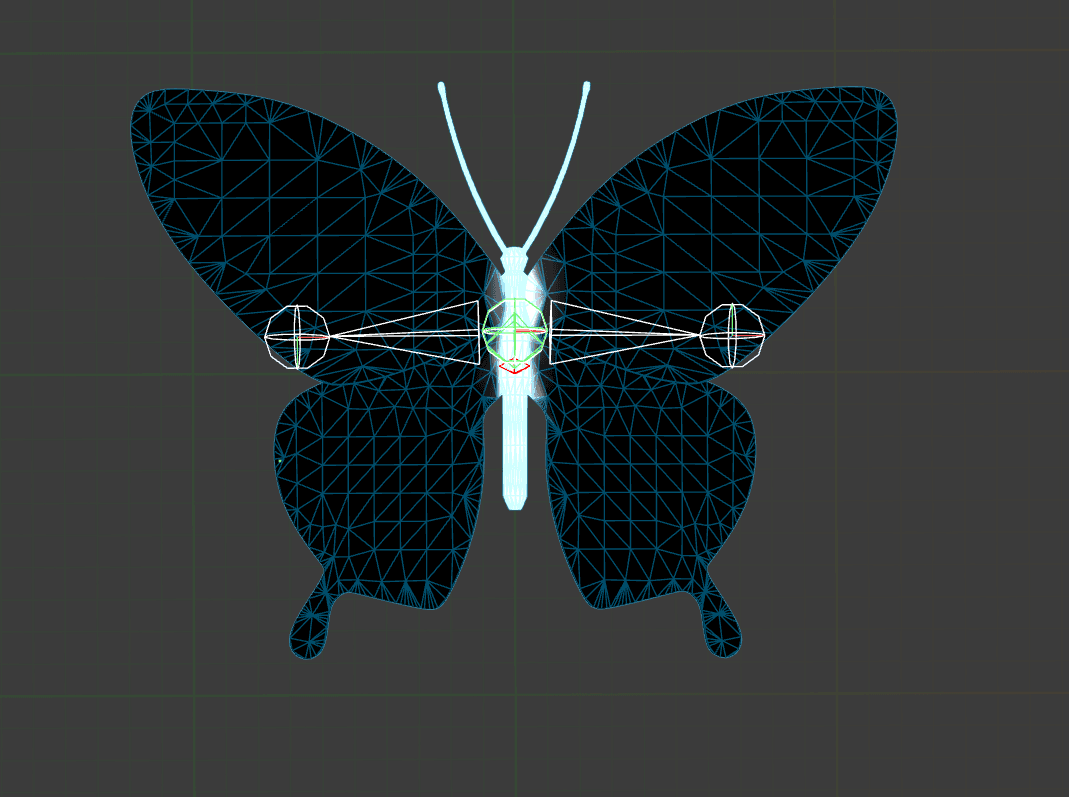
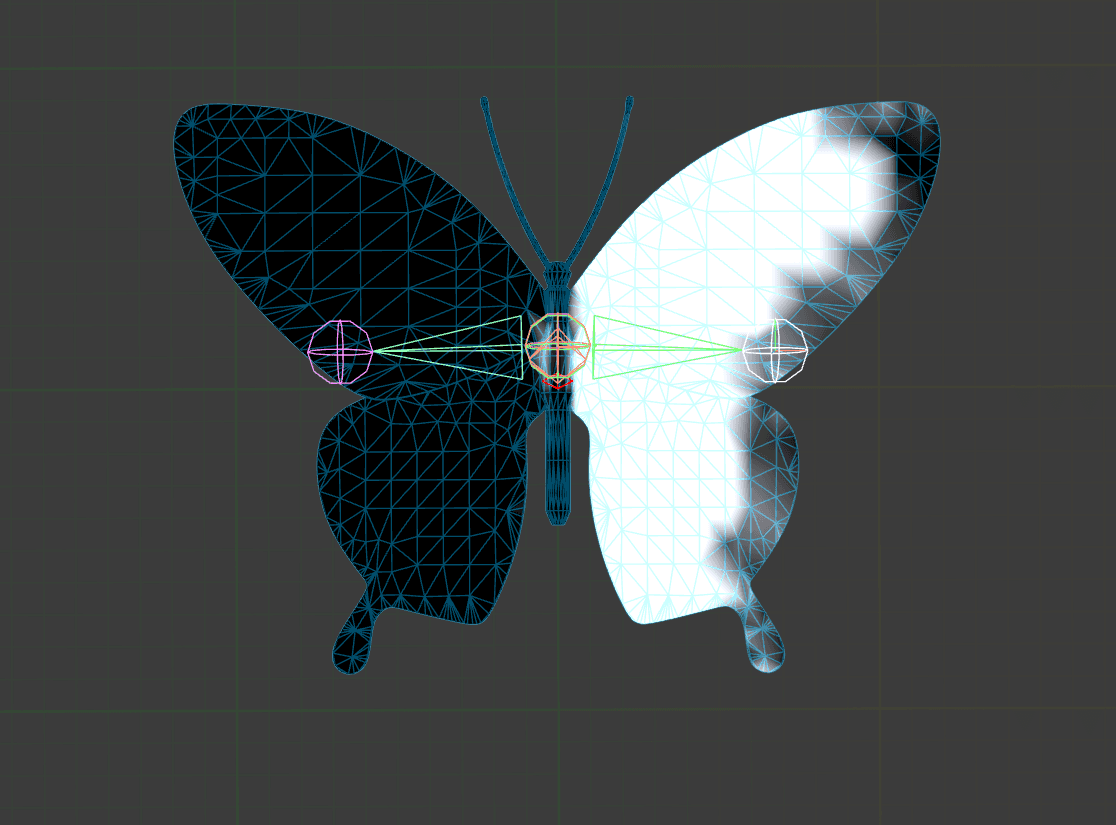
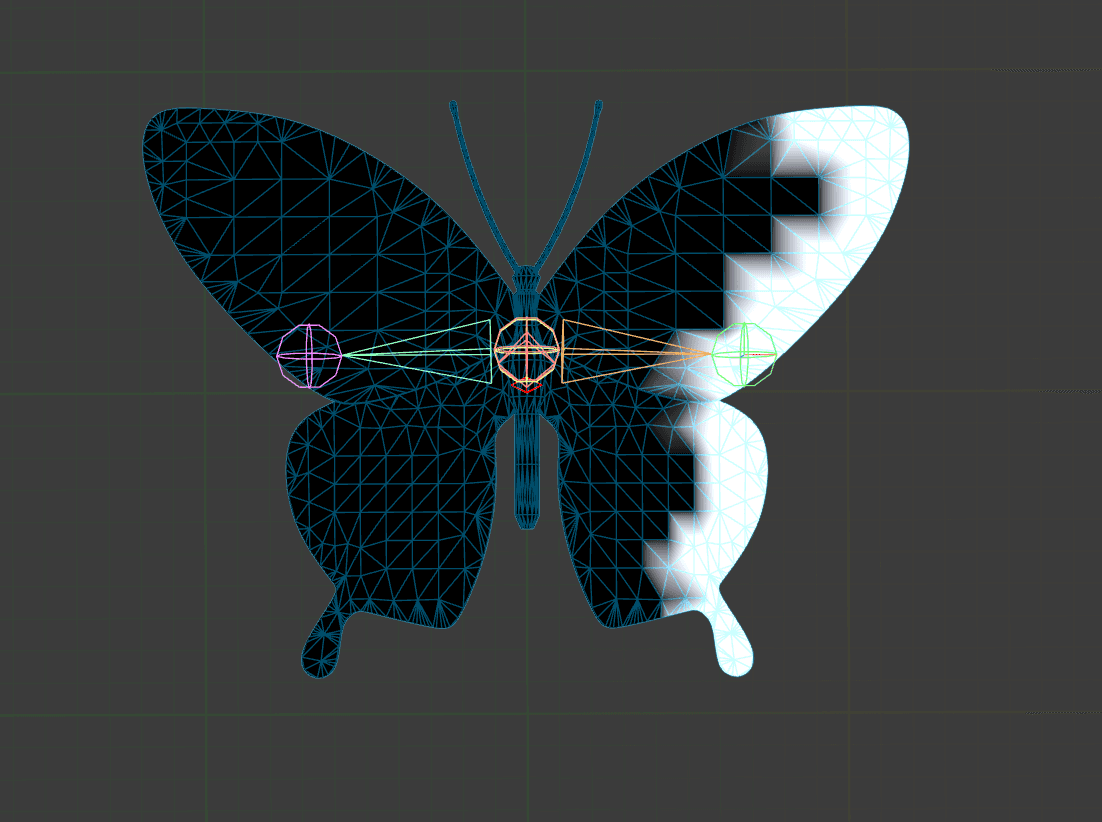
As I created the Butterfly Mesh myself, I also had to rig and animate it myself, something I hadn't done before. After some trial and error, I managed to make the butterfly flap its wings.
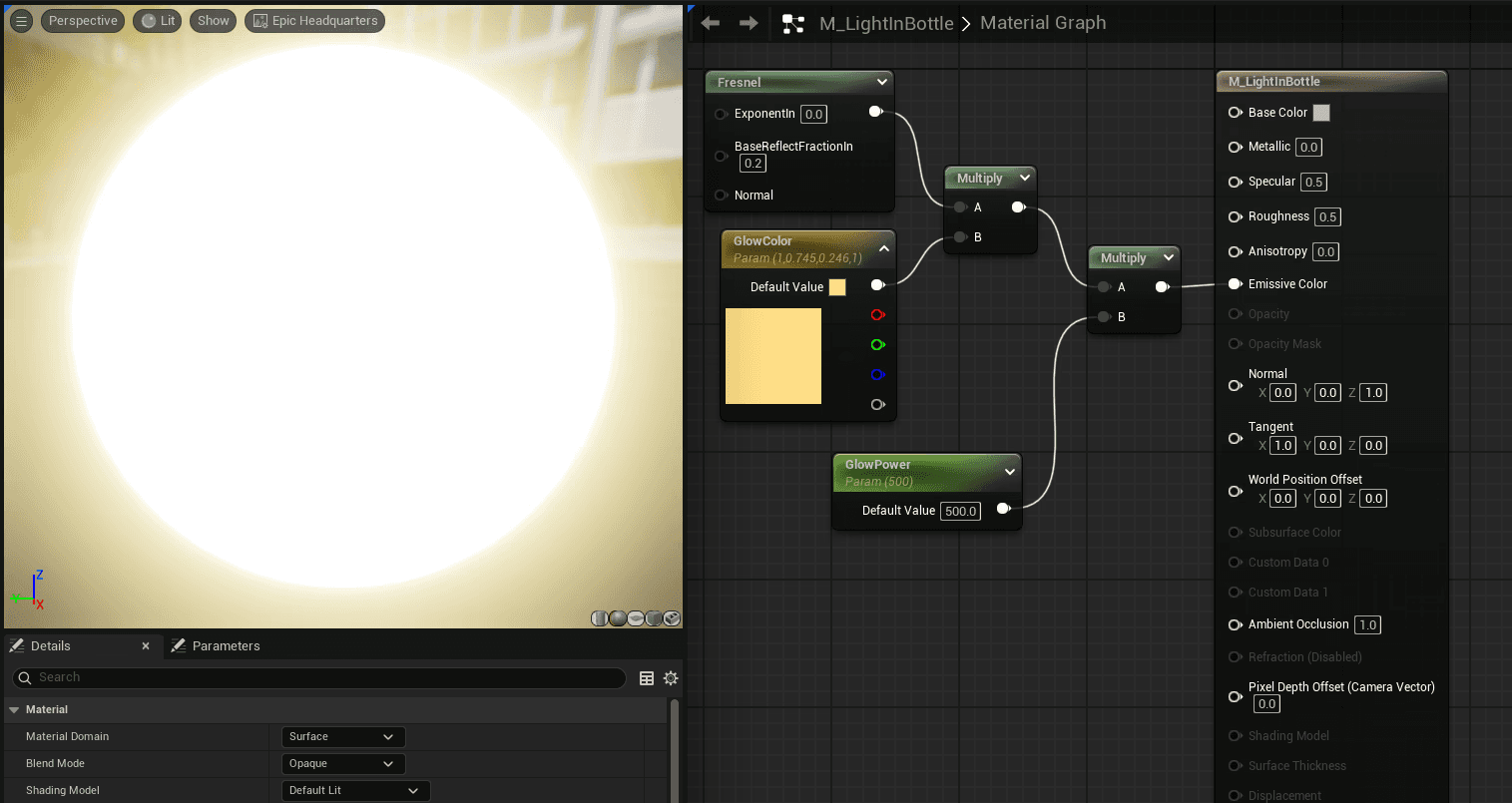
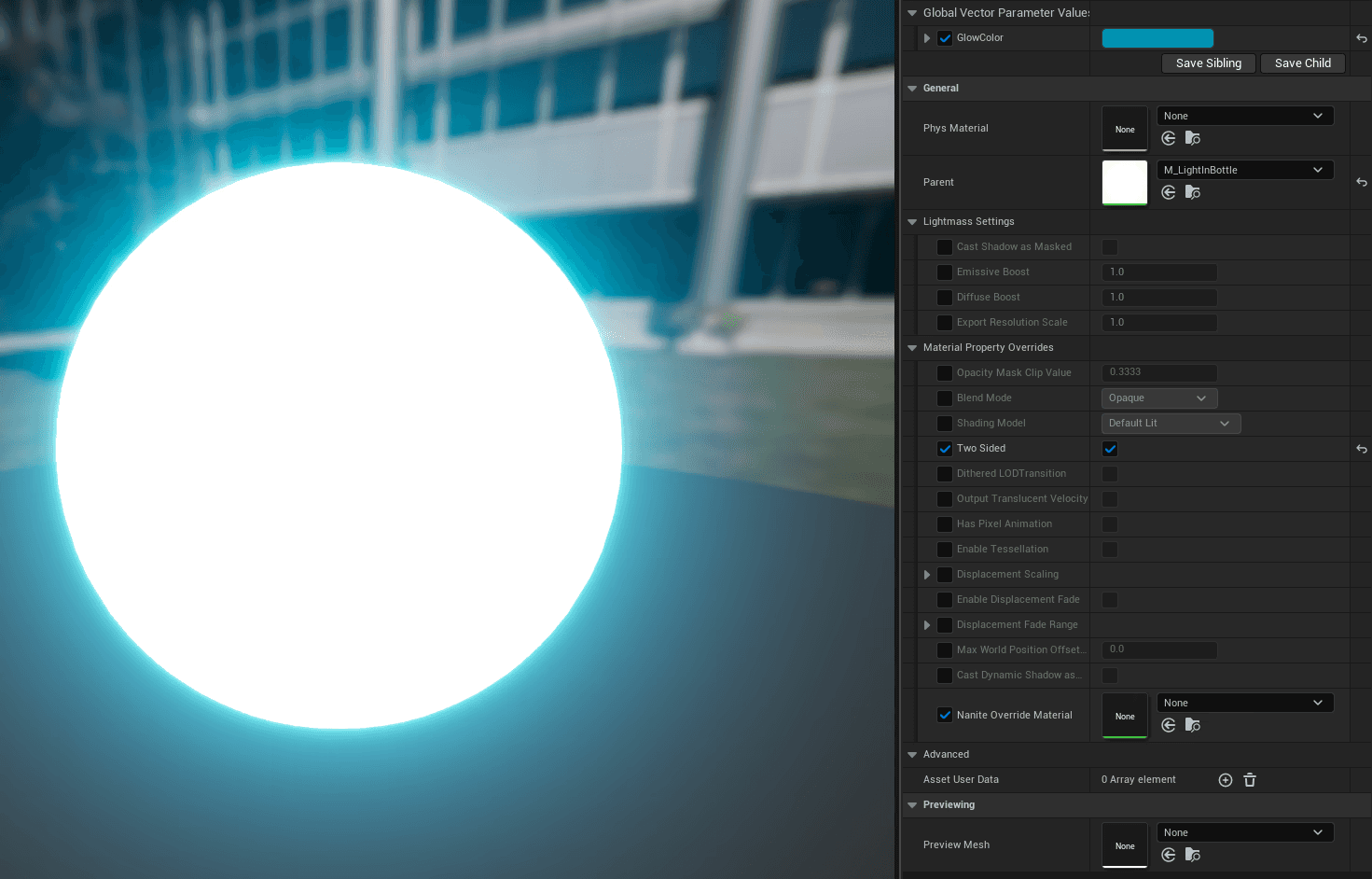
I created a luminating material to a visible a light source for the level, which I also made an instance of to make the butterflies glow blue. To give the butterflies a more magical feeling I added a spline VFX from DR.Game's Free Spline VFX.
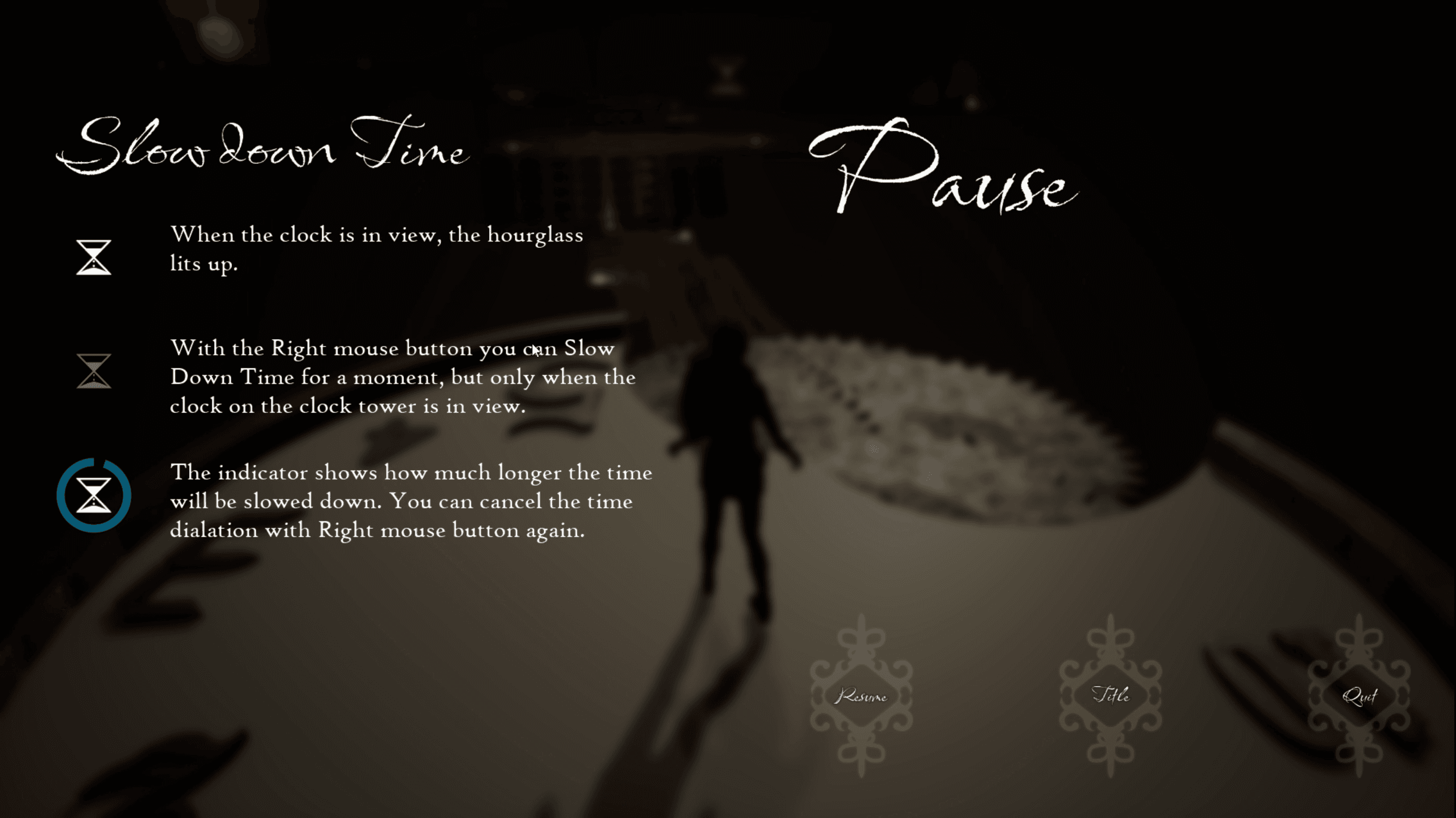
As the clock needs to be in view for the player to use the time manipulation mechanic, an indicator signaling when they can use the time mechanic or not where needed. To further help the player the indicator also shows how long the time manipulation will stay active, as it turns off after a little time. I also created a pause menu with instructions for the time manipulation mechanic.
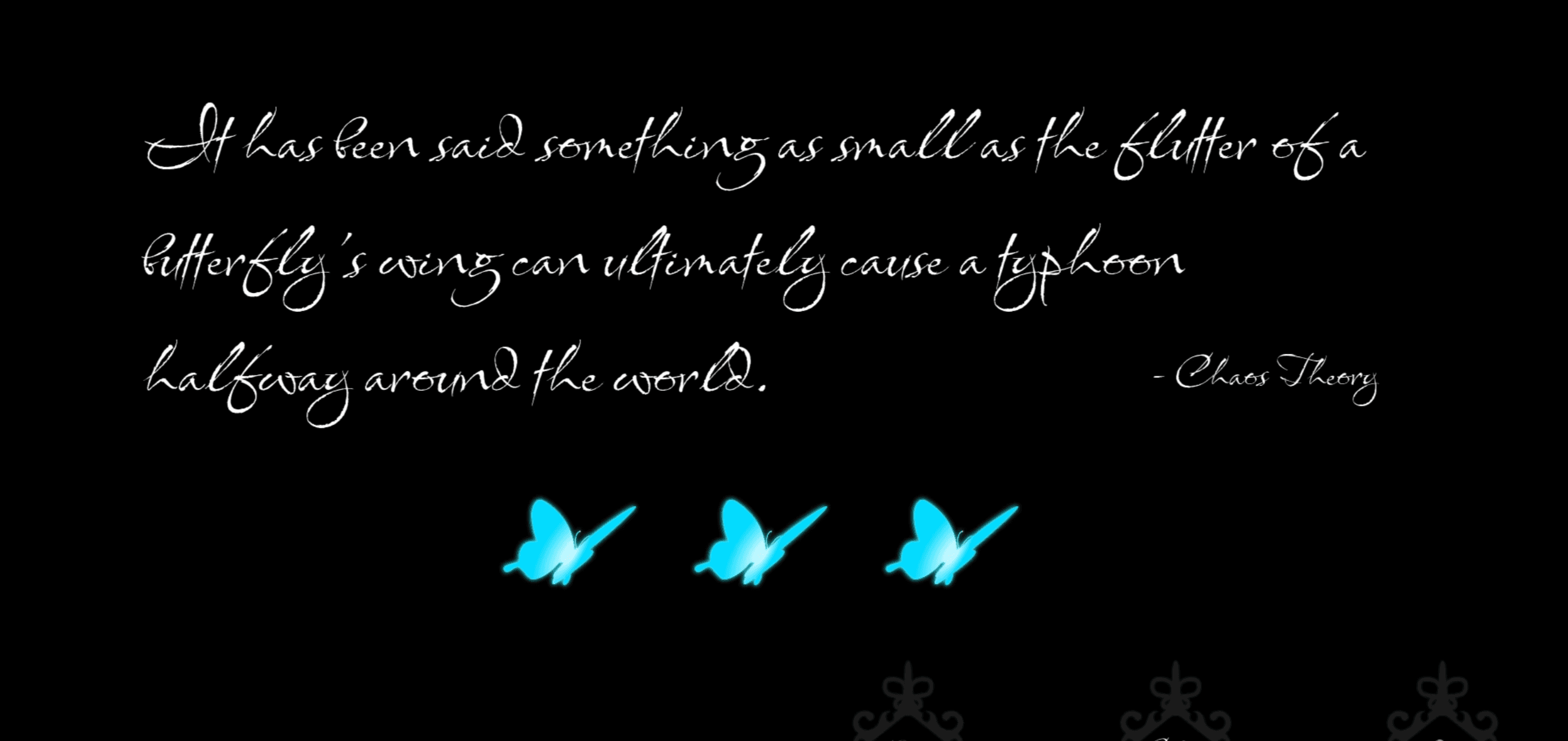
Depending on which butterfly the player picked up the corresponding butterfly widget changes in the end screen menu, this is to helpfully hint the player of where the butterflies they didn't pick up might be in the level, depending on which they actually picked up.
If the player collects all of the butterflies, they get an alternative end screen.
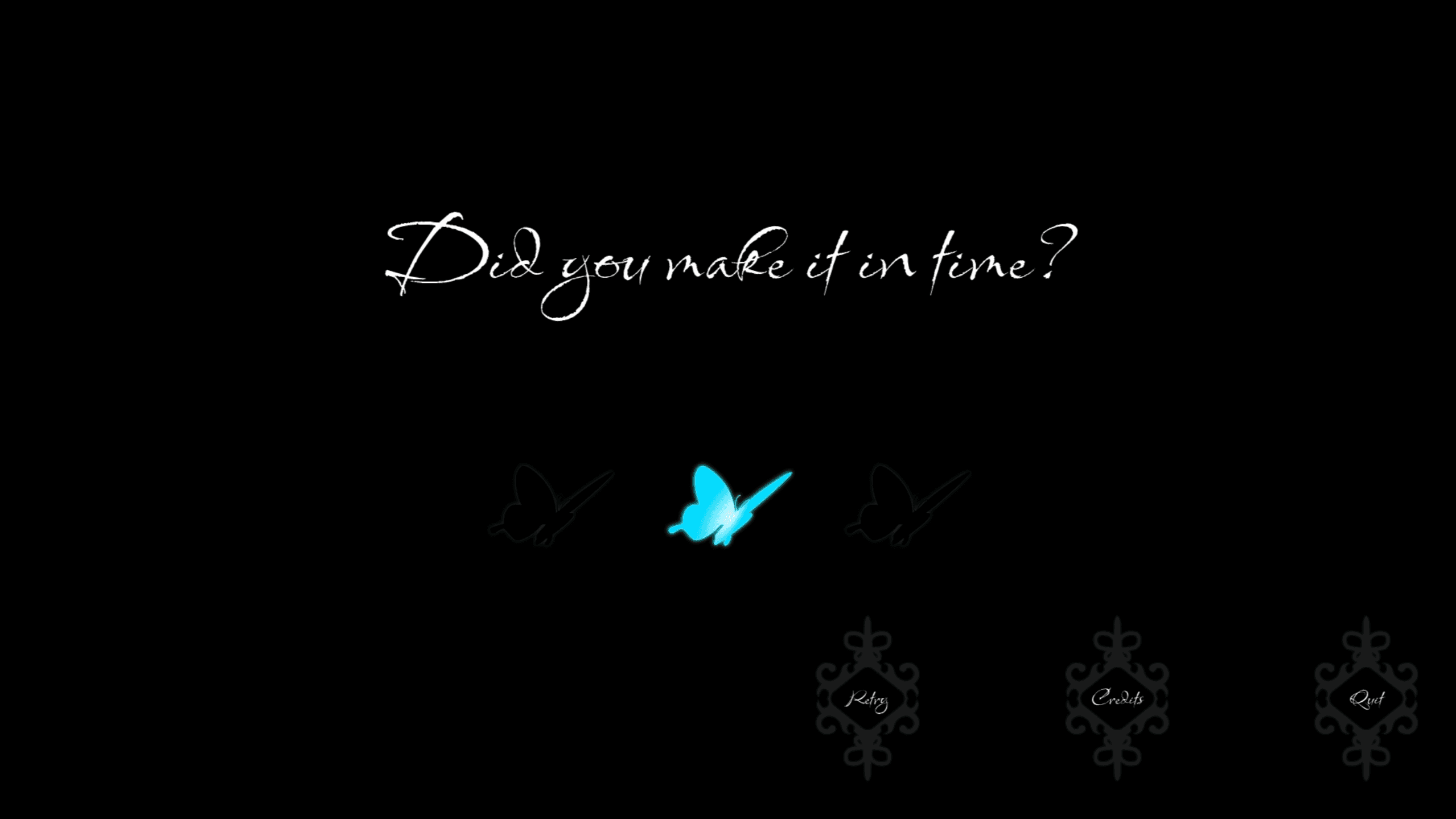
The Main Menu has the clocktower in focus, both to directly show the theme and to signal that the clock is important in the game. To not just make a jump cut to the player when pressing play, I tried my hands on Level Sequencer for the very first time. I wanted both a smooth transition from the menu to the player, as well as a overview of the level for the player.
Chronophobia is a 5 minute game experience designed to instill the feeling of fear of time passing for their players.
Even thought it was done mainly during a Level Design course I got to try my hands on a lot of different aspects of Unreal, as this where my second Unreal game ever created. I also got the opportunity to try creating 3D assets, as 3D modeling in CAD is something that I love and where unsure if it was a skill I could translate into game development.
As this is a project I've been tinkering with after the course and is something I'd like to continue working on in the future, I've already learned a lot more about the engine and how to develop different aspects of games since I first started this project. I can sometimes stumble upon blueprints or widget layouts in this project and think about how I could make it in better ways with the new knowledge I've gathered since making it.

Back to home page ->